













Reward double opt-in with a discount
Compliant two-step opt-ins that deliver an instant discount and lift confirmation rates.
Capture anonymous visitors just before they leave and convert them into qualified email subscribers using exit-intent pop-ups and automated consent handling.
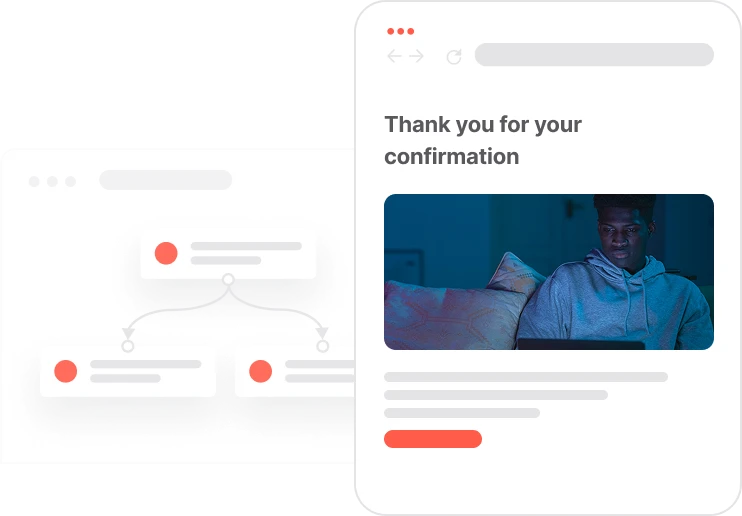
Most anonymous visitors leave without a trace. This use case catches them at the last moment. When a visitor moves their cursor toward the browser bar, an exit intent signal fires and a lead magnet pop-up appears. The offer is relevant, the form is short, and the delivery is immediate. If the visitor already has email consent, the resource goes straight to their inbox. If not, a quick double opt-in flow confirms permission before sending. Once confirmed, the lead magnet arrives and the contact is added to the newsletter segment. A 7-day display window ensures the pop-up only appears to fresh visitors and is not shown repeatedly to the same person. Clean, compliant, and conversion-focused.

An anonymous visitor browses the website. They start moving toward the exit. The cursor reaches the top of the viewport, and the exit intent event fires. The system checks two things: has this visitor seen a pop-up in the last 7 days? And do they have an email address yet? If both answers are no, the pop-up appears. They see the offer, enter their name and email, and submit. Now the system checks consent. If they already have it, the lead magnet email lands in their inbox immediately. If not, a double opt-in confirmation email goes first. They click the link. Consent is set to TRUE, the lead magnet is delivered, and a newsletter subscription event is logged. The visitor has become a subscriber. The pop-up will not show again for another 7 days.
Exit intent detection and eligibility check: When the contact moves their cursor outside the viewport, the Exit intent event fires. The system verifies that the visitor has not seen a pop-up in the last 7 days and is still anonymous with no email attribute stored in their profile.
Pop-up display and visitor capture: The exit-intent pop-up appears, offering the lead magnet. When shown, the system creates the Capping pop-up event and adds the contact to the 7-day display segment. When the contact submits the form, a Pop-up submit event is created with the name and email attributes.
Consent check and direct delivery: If the contact already has Consent email set to TRUE, the system immediately sends the lead magnet email and logs the Lead magnet sent event. No further steps are needed.
Double opt-in flow for contacts without consent: If email consent is not yet confirmed, the system sets Unsubscribed from emails to FALSE and sends a double opt-in email with a confirmation link containing the parameter opt-in-magnet-exit-intent=true.
Confirmation and final delivery: When the contact clicks the confirmation link, the system checks consent again. If still FALSE, it updates Consent email to TRUE, delivers the lead magnet email, and creates both the Lead magnet sent event and the Newsletter subscription event to complete the subscriber journey.
Implementing use case automation involves several key steps and tools. Here's a comprehensive ressources to get you started:
This use case requires 2 automations: Automation 1 triggers on exit intent and displays the lead magnet pop-up. Automation 2 handles consent verification and lead magnet delivery.
Collect information from your visitors and navigate them on the website.
Send personalized emails that resonate with your users at the perfect moment.
Design and customize landing pages that convert visitors into leads.
A contact attribute is a data field stored on the contact's profile, used for segmentation, personalization, reporting, and automation.
An event is a custom piece of information about something your contact does.
Segments are dynamic groups that update in real time based on contact behavior and events.
Set up your own domain for landing pages
If you don't want to use Google Tag Manager, you can implement the Exit intent event with Positive User Data Collector
Trusted by fast-growing teamsStart from a proven use case designed to help you engage faster, with relevance and impact.
More ways to engage your audienceCompliant two-step opt-ins that deliver an instant discount and lift confirmation rates.
In-app messages that surface new features the moment mobile users open the app.
Automated deal and task creation that puts sales on every expired subscription within days.