













Reward double opt-in with a discount
Compliant two-step opt-ins that deliver an instant discount and lift confirmation rates.
Collect phone numbers from existing newsletter subscribers with a GDPR-compliant pop-up to enable SMS communication and a true omnichannel experience.
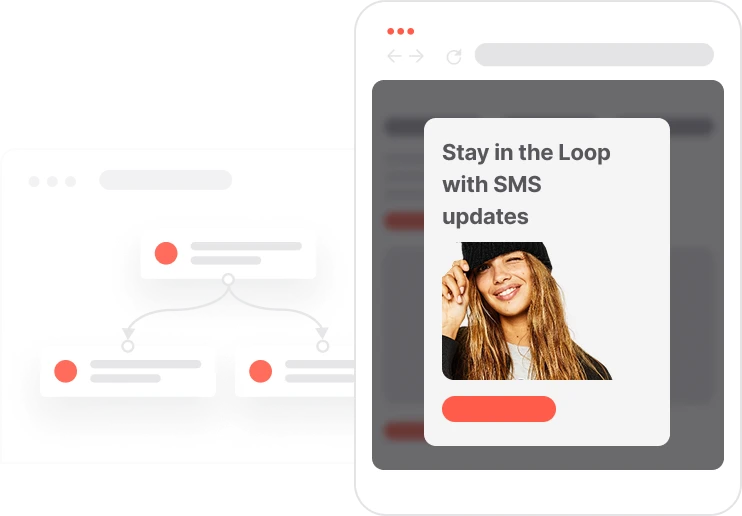
Your email subscribers already trust you. They opened the sign-up form, confirmed their address, and decided to hear from you. That relationship is worth more than a single channel. This use case converts email-only subscribers into omnichannel contacts by surfacing a gentle pop-up that asks for a phone number during their next website visit. The pop-up only targets contacts who are already on the newsletter list and have not yet provided a phone number. A single compliant checkbox captures SMS consent. Once submitted, the system stores the number, records the consent, and fires a welcome text immediately. The contact now has a full profile. A three-day display window prevents the pop-up from appearing again too soon for contacts who did not submit.

A newsletter subscriber visits the website. Five seconds pass. The system runs three checks: is this contact already on the newsletter list? Do they have a phone number on file? Have they seen this pop-up in the last three days? If all three answers confirm they are a subscriber without a number who has not seen the pop-up recently, it appears. The offer is simple: share a phone number and get exclusive text updates. The contact fills in their number, checks the SMS consent box, and submits. The system updates their profile instantly, saves the phone number, records the SMS consent, and fires a welcome text. If they close the pop-up without submitting, it will not reappear for three days. If they submit but already have a number on file from a previous session, the system skips the assignment and no duplicate is created.
Eligibility check: After a 5-second delay, the system checks three conditions: the contact is already on the newsletter list with Consent email = TRUE, they have no phone number on file, and they are not in the Capping pop-up SMS consent segment. All three must be true for the pop-up to appear.
Pop-up display: If all conditions are met, a pop-up appears inviting the contact to share their phone number to receive exclusive offers or updates by text. The pop-up includes a mandatory consent checkbox that must be ticked before submission is allowed.
Form submission and welcome SMS: Once the form is submitted, the system saves the phone number and SMS consent to the contact profile, sends a welcome SMS immediately, and logs a Pop-up submit event with the phone number attribute for tracking.
Display frequency control: When the pop-up is shown, the system creates the Capping pop-up SMS consent event and adds the contact to the corresponding 3-day segment. This prevents the pop-up from reappearing for contacts who saw it but did not submit, maintaining a respectful browsing experience.
Implementing use case automation involves several key steps and tools. Here's comprehensive ressources to get you started:
Marketing on a new level with a beautiful visual, drag & drop creator.
Collect information from your visitors and navigate them on the website.
Automate SMS delivery based on user actions or specific conditions.
A contact attribute is a data field stored on the contact's profile, used for segmentation, personalization, reporting, and automation.
An event tracks a specific action performed by a contact.
Segments are dynamic groups that update in real time based on contact behavior and events.
Trusted by fast-growing teamsStart from a proven use case designed to help you engage faster, with relevance and impact.
More ways to engage your audienceCompliant two-step opt-ins that deliver an instant discount and lift confirmation rates.
In-app messages that surface new features the moment mobile users open the app.
Automated deal and task creation that puts sales on every expired subscription within days.