













Reward double opt-in with a discount
Compliant two-step opt-ins that deliver an instant discount and lift confirmation rates.
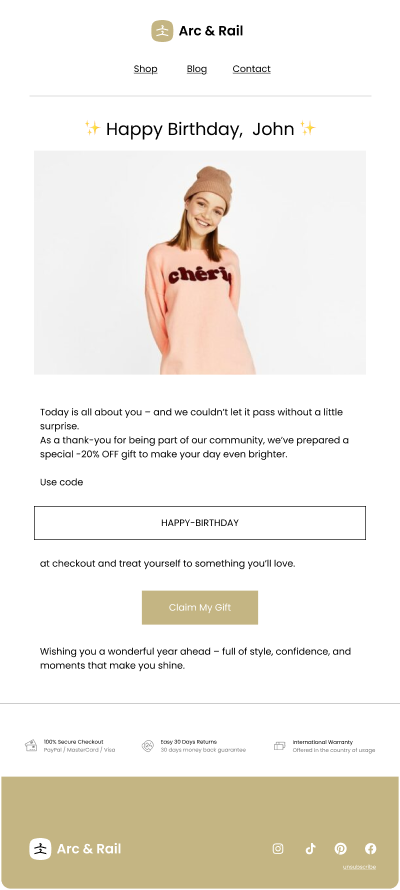
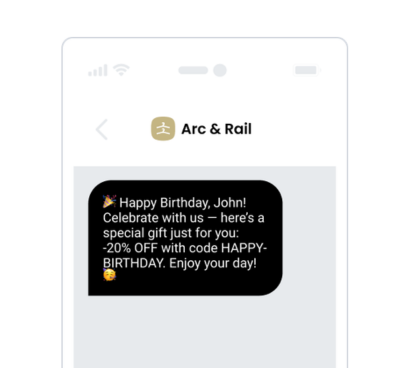
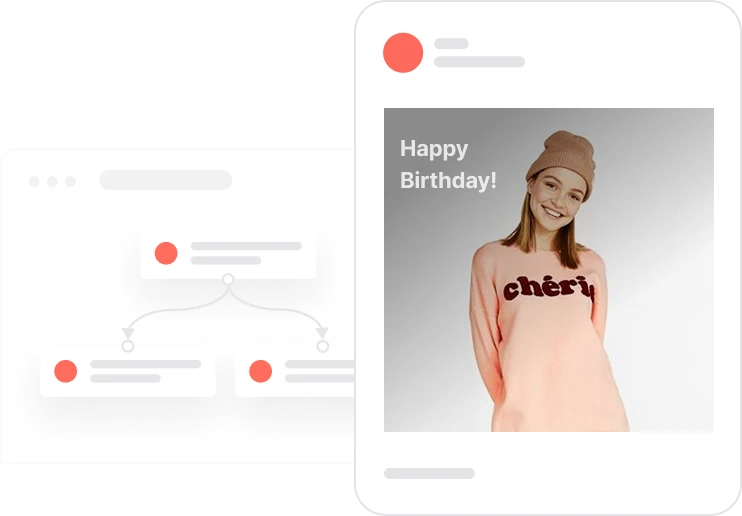
Celebrate your customers with a personal touch: automated birthday messages and unique discount codes, every single year.
Invite anonymous visitors to join your newsletter with a compelling discount incentive. After a brief delay, an onsite pop-up targets contacts without an email on file and, upon submission, launches a double opt-in flow that assigns and sends a unique code. A capping tag prevents overexposure, ensuring a clean experience and better deliverability for your email program.

After five seconds on the site, a pop-up appears for visitors who don’t have an email recorded and aren’t in the Capping pop-up segment. When they submit the form, the system triggers the Double opt-in with discount code automation and records the interaction. A capping event temporarily hides the pop-up for three days, balancing visibility and contact experience while boosting conversions.
When a contact enters the webpage, the system waits 5 seconds and checks whether the contact is anonymous (email unknown) and not in the “Capping pop-up” segment. If both conditions are true, the system displays the pop-up with the discount incentive
When the pop-up is shown, the system logs the “Capping pop-up” event and assigns the contact to the segment to suppress further pop-ups for 3 days
After the form is submitted, the system logs “Send opt-in with discount,” triggers the double opt-in automation with the discount code, and logs the “Pop-up submit” event
In the double opt-in flow, the automation sends the confirmation email and assigns a unique coupon code
In the double opt-in flow, the automation sends the confirmation email and assigns a unique coupon code
Implementing use case automation involves several key steps and tools. Here's a comprehensive ressources to get you started:
Marketing on a new level with a beautiful visual, drag & drop creator.
Collect information from your visitors and navigate them on the website.
Contact attribute is a named data field that describes a specific property of a contact stored on its profile and used for segmentation, personalization, reporting, and automation.
An event is a custom piece of information about something your contact does.
Segments are dynamic groups generated based on predefined criteria, which update in real-time as contact behaviors and attributes change.
Collect information from your visitors and navigate them on the website.
Collect information from your visitors and navigate them on the website.
Trusted by fast-growing teamsStart from a proven use case designed to help you engage faster, with relevance and impact.

More ways to engage your audienceCompliant two-step opt-ins that deliver an instant discount and lift confirmation rates.

In-app messages that surface new features the moment mobile users open the app.
Automated deal and task creation that puts sales on every expired subscription within days.