











Build forms that capture leads and drive real results
With Positive User Forms, create lead capture forms in minutes. Design signup forms, surveys, or event registration forms using a drag-and-drop editor. Every submission updates your CRM automatically, helping you collect data and keep your contacts accurate.

Trusted by +15,000 marketing teams




update contacts, and collect feedback
Forms are one of the most effective ways to connect with your visitors. Part of Positive User’s Website Experience toolkit, they let you collect new subscribers, qualify existing contacts, and launch surveys. Every answer feeds into your contact profiles, ready to power your next automation or campaign.

Collect new leads with signup forms
Turn website visitors into subscribers. Add signup forms to your pages or pop-up forms and connect them to your email and SMS campaigns. Lead generation runs on autopilot. Newsletter forms and download forms grow your list around the clock.
Keep your contact data fresh
Let customers update their own information. With custom fields and data validation, every submission keeps your CRM clean and reliable. Client information capture stays accurate without manual work.

Ask questions and get answers
Need feedback? Create questionnaires or satisfaction surveys that send responses straight to your contact records. Follow up with precision. Data collection feeds every insight into your contact profiles.

Simplify event registration
Launch event registration forms for webinars, workshops, or demos. Send confirmation and reminder messages automatically once someone signs up. Form conversion improves when the process is fast and frictionless.
Forms in action

Grow your contact list
Embed a responsive form or pop-up form on your homepage to collect subscribers in seconds. Online forms that adapt to any device. Every new contact flows into your CRM.

Qualify leads automatically
Add conditional forms to gather more information from your best prospects. Use responses to segment your audience. Lead automation connects form answers to the right workflow.

Surface relevant products after submission
Connect form data to product recommendations. A visitor fills out a preference form, and your site adapts with personalized suggestions. Interactive forms drive engagement beyond the submission.

Enhance your on-site experience with widgets
Combine forms with custom widgets to collect feedback, run polls, or display targeted questions. Dynamic forms that appear at the right moment on the right page.

Track performance and optimize
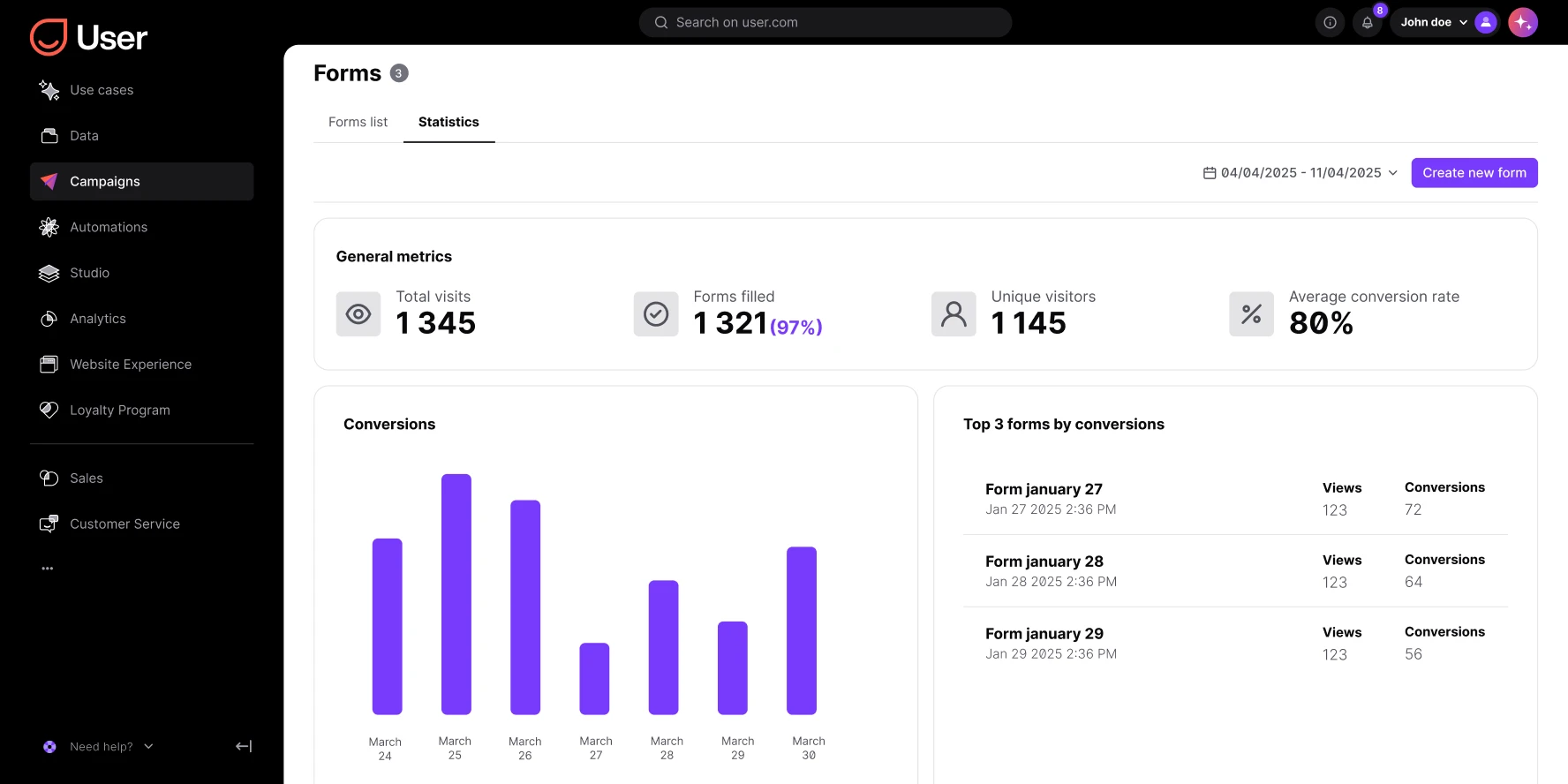
Monitor form tracking metrics: conversion rates, submissions, and drop-offs. UX form optimization and built-in analytics show what works. Conversion optimization starts with better data.
Launch proven workflows in minutes

Reactivate quiet leads

Celebrate first purchase anniversaries
.webp)
Celebrate usage milestones

Send birthday discounts

Recover abandoned carts
Automate repeat purchases

Build trust with customer reviews
Trusted by fast-growing teams
Create forms your visitors want to fill out
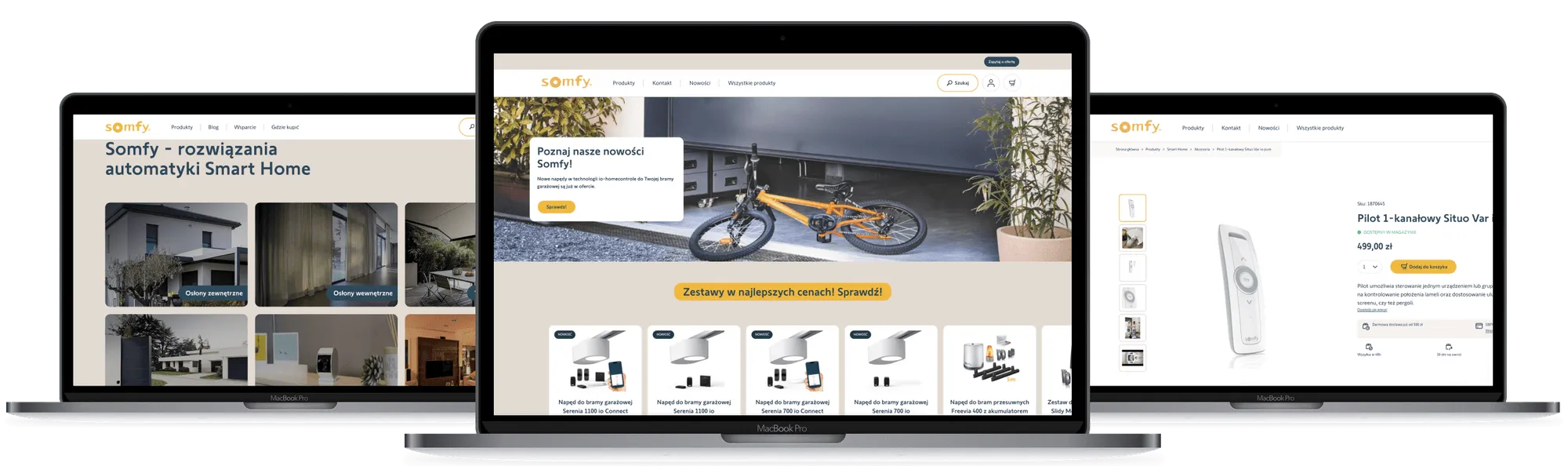
Design fast, mobile-friendly marketing forms that work anywhere: as pop-up forms, embedded modules, or standalone pages. Every submission updates your contact records and triggers the next step. With CRM integration and lead automation, spend less time managing data and more time engaging people.

Frequently Asked Questions
What kind of forms can I create?
Signup forms, surveys, event registration, download forms, contact forms, and data update forms. All from the same visual form design editor. Custom forms for any use case.
Do I need coding skills?
No. Drag and drop the fields you need, choose your layout, and publish. Marketing forms launch in minutes without code.
Can I connect forms to my CRM?
Yes. Every submission updates your contact profiles and can trigger automated workflows. CRM integration and web-to-lead form automation keep everything in sync.
How do I make my forms responsive?
All forms in Positive User are mobile-friendly and adjust to any device. Responsive forms work on desktop, tablet, and phone.
Can I use forms for lead generation?
Yes. Create newsletter forms or download forms and sync new leads with your campaigns. Lead capture connects every subscriber to your automation engine.
Can I validate data automatically?
Yes. Add data validation and double opt-in to ensure high-quality, GDPR-compliant contacts. Clean data from the first submission.
How do I embed a form on my website?
Publish forms as pop-up forms, standalone pages, or embedded modules using a script. API integration is also available for custom implementations.
Can I personalize form fields?
Yes. Use conditional forms to display different questions based on visitor input. Dynamic forms adapt to each respondent for a better experience.
Can I track form performance?
Yes. Form tracking shows conversion rates, submissions, and drop-offs. Built-in analytics help you optimize. Form conversion data drives better decisions.
Is my data safe?
Yes. All data is encrypted, stored securely, and fully GDPR and CCPA compliant. B2B forms and consumer forms both meet the same security standards.