











Turn WhatsApp into your most personal marketing channel
Reach your customers where they already are. Positive User’s native WhatsApp integration lets you send personalized WhatsApp messages and automate follow-ups. Launch campaigns faster, measure performance instantly, and turn WhatsApp into a reliable outbound channel.

Trusted by +15,000 marketing teams




Run WhatsApp campaigns that feel personal
Most messaging tools bolt WhatsApp on as an afterthought. Positive User treats it as a first-class channel. Same builder, same automation engine, same tracking you use for email and SMS.
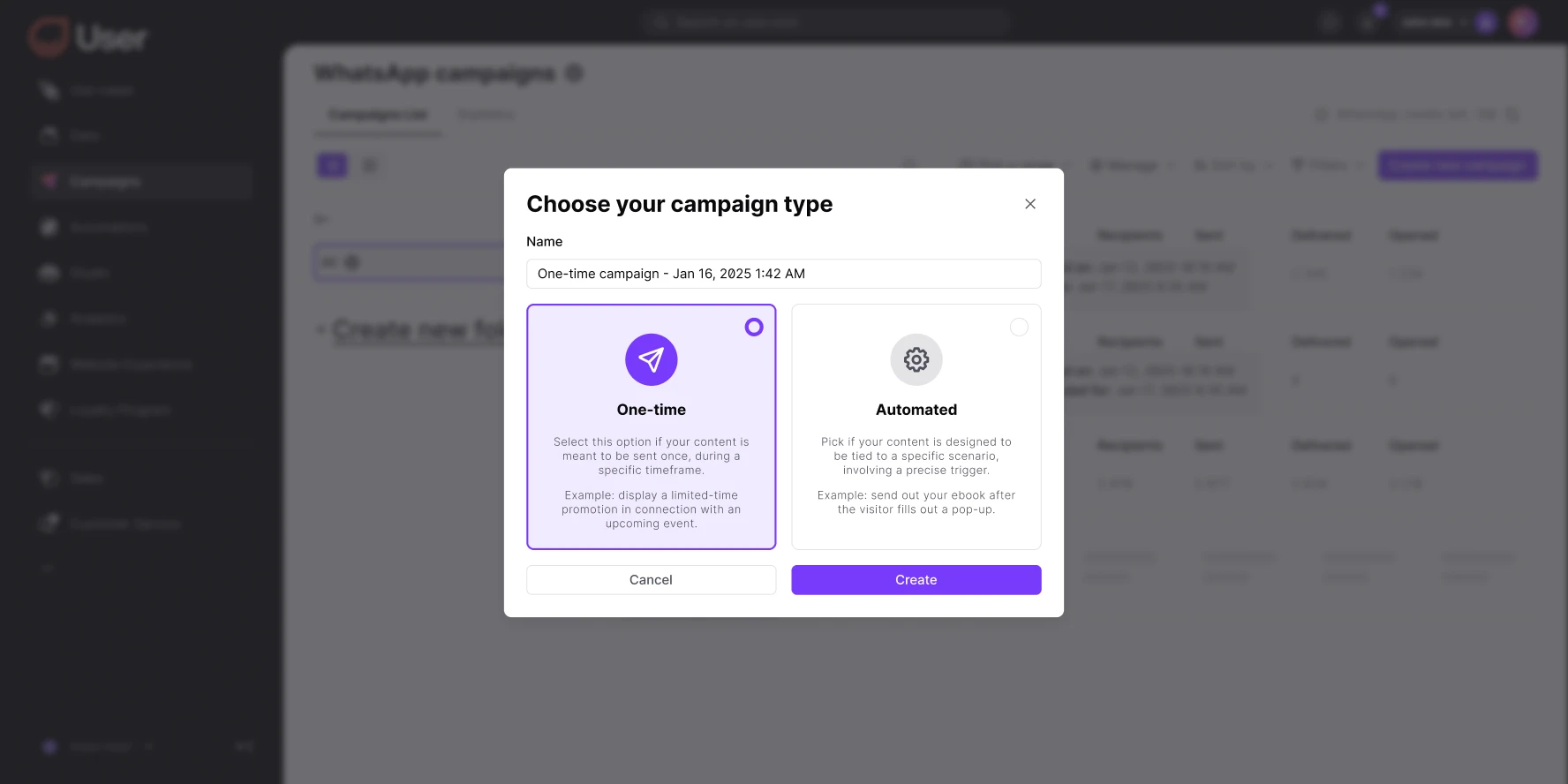
Automated and personalized campaigns
Send one-time notifications or behavior-triggered WhatsApp messages with Positive User’s automation builder. Nurture leads, share updates, or re-engage customers automatically. Choose between single campaigns for promos and launches, or automated sequences based on contact behavior.
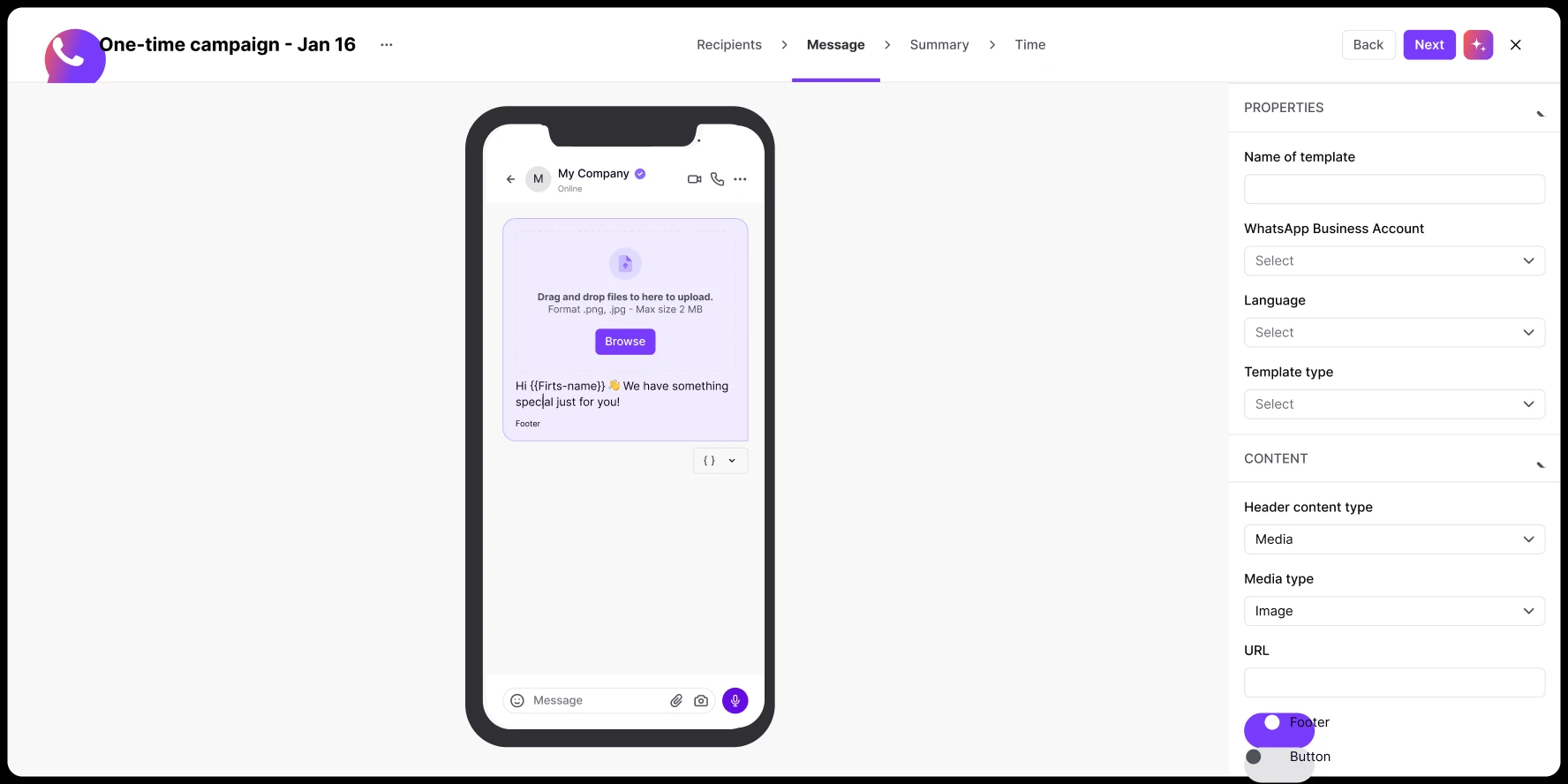
Dynamic personalization
Use real-time customer data, snippet tags, and product details to craft messages that resonate at scale. Pull names, order IDs, loyalty points, or any custom attribute into every message. Each WhatsApp feels one-to-one, even when sent to thousands.
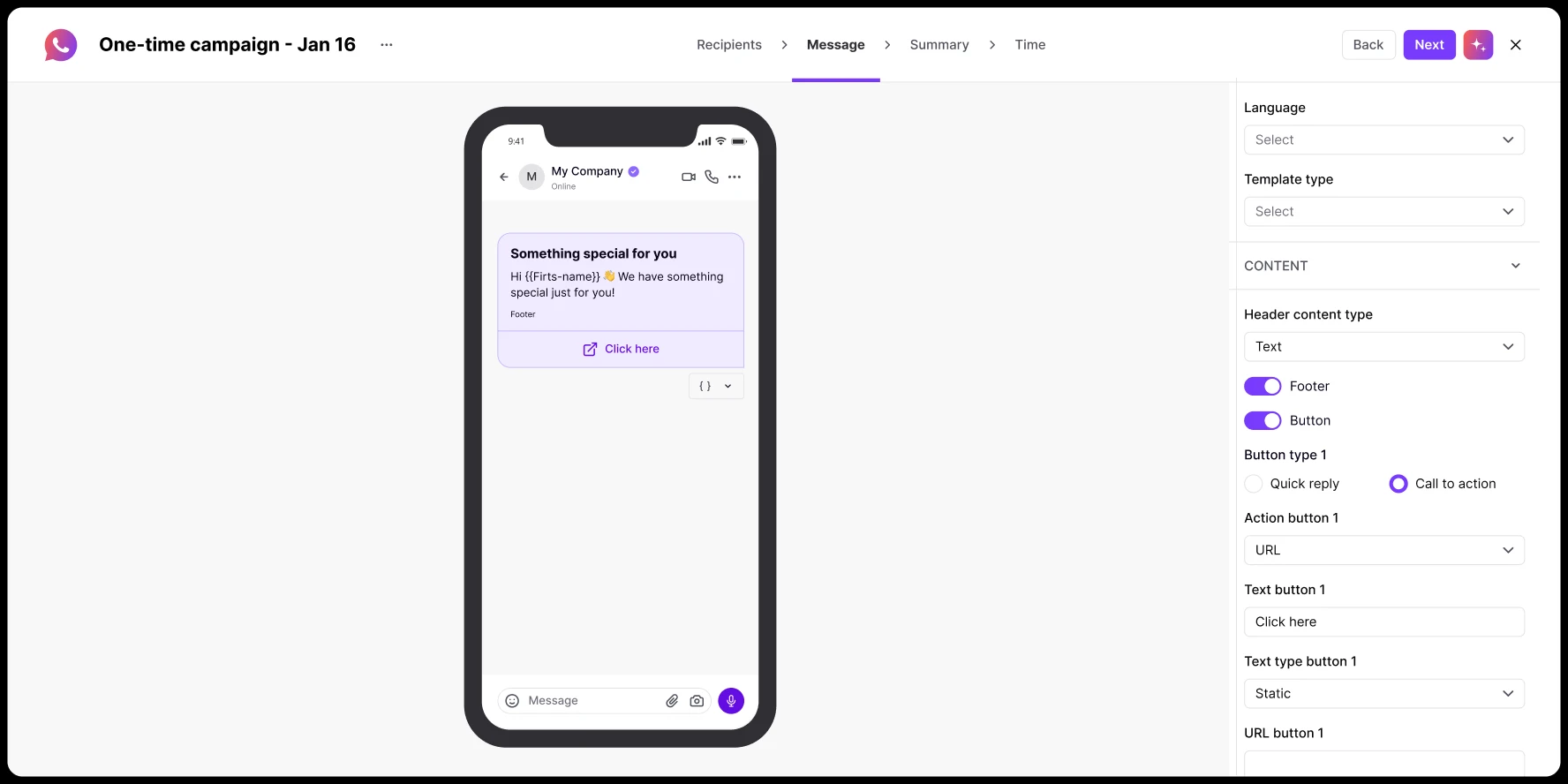
Rich message content and template management
Enhance your messages with images, videos, and documents. Build message templates with interactive buttons: quick replies, URL links, and call-to-action. Create templates in Positive User or sync from Meta’s Template Manager.
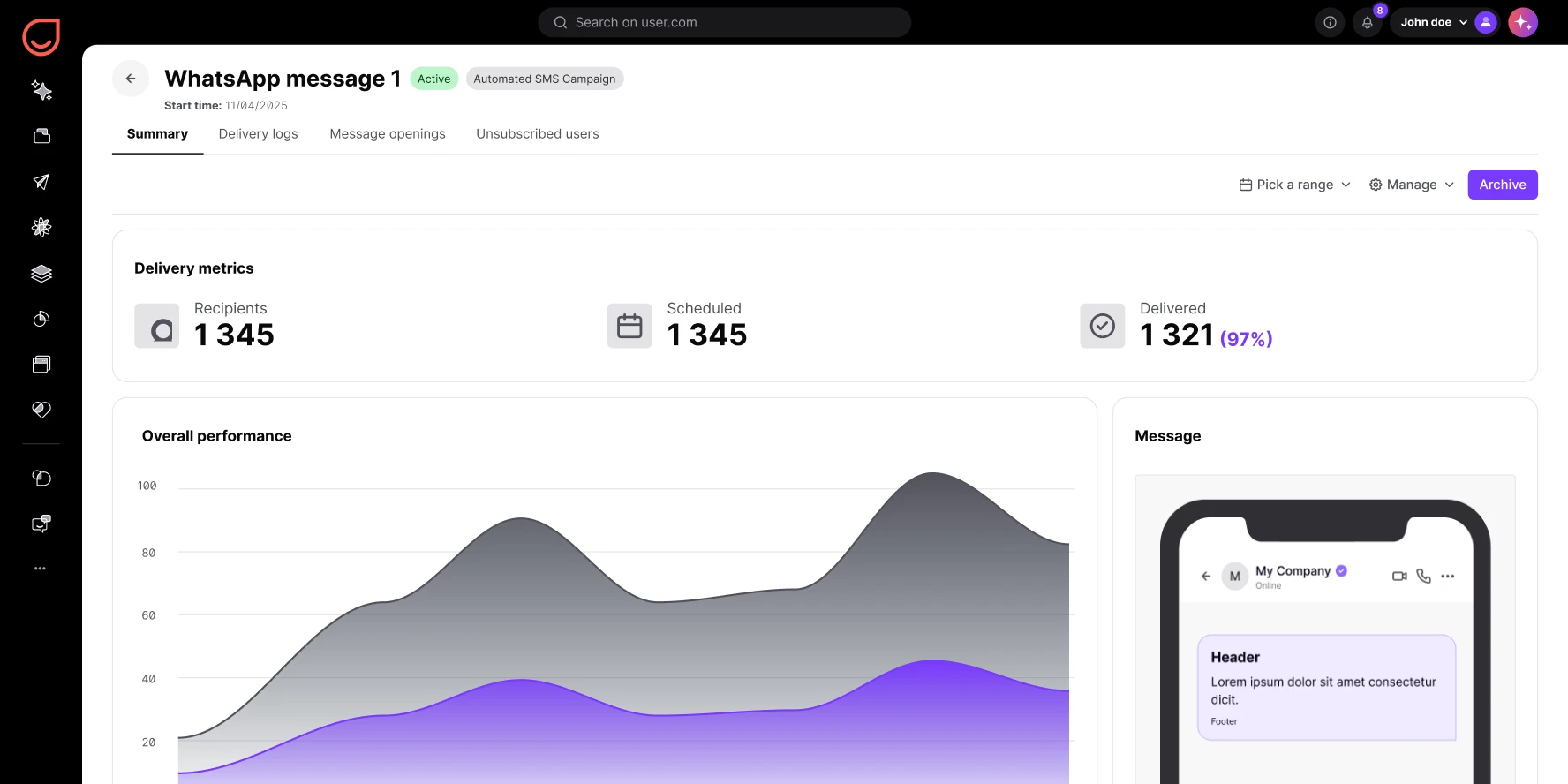
Performance tracking and contact insights
Monitor delivery rates, open rates, and click events from your dashboard. Every WhatsApp interaction (sent, opened, clicked, unsubscribed) appears in each contact’s unified timeline. See it alongside email, SMS, and push activity.
into conversions
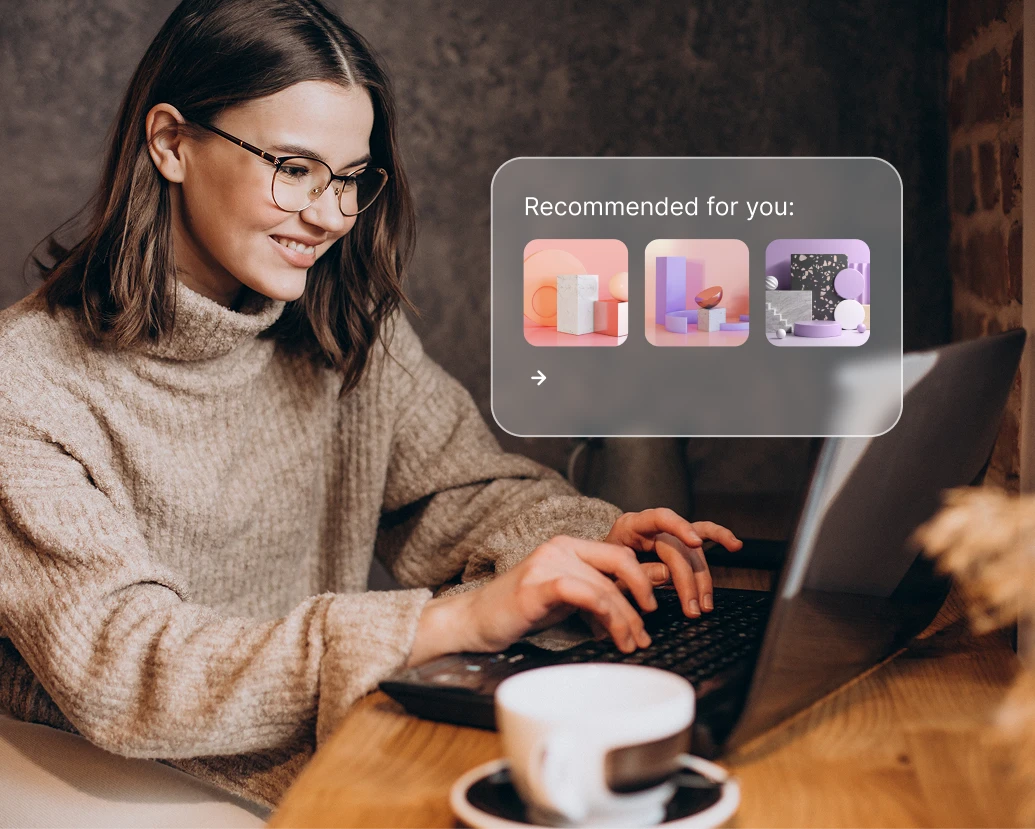
Automate conversations at scale
Trigger instant WhatsApp replies for order confirmations, shipping updates, and feedback requests. Build automated flows that respond to customer actions in real time. No manual follow-ups needed.
Convert with personalized offers
Send real-time promotions or product updates through WhatsApp to drive engagement and conversion. Use dynamic personalization to match each offer to the contact’s browsing history and preferences.

Build loyalty through dialogue
Re-engage customers with loyalty updates, back-in-stock alerts, or exclusive WhatsApp deals. Combine reward notifications with personalized product suggestions to keep your brand top of mind.
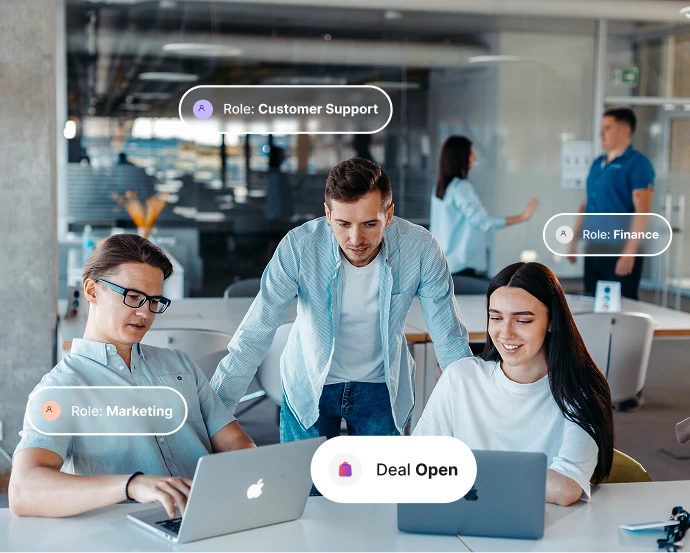
Integrate WhatsApp with your contact data
Combine WhatsApp CRM integration with your contact database for unified communication and better targeting. Every WhatsApp event feeds into 360° profiles your team can act on.
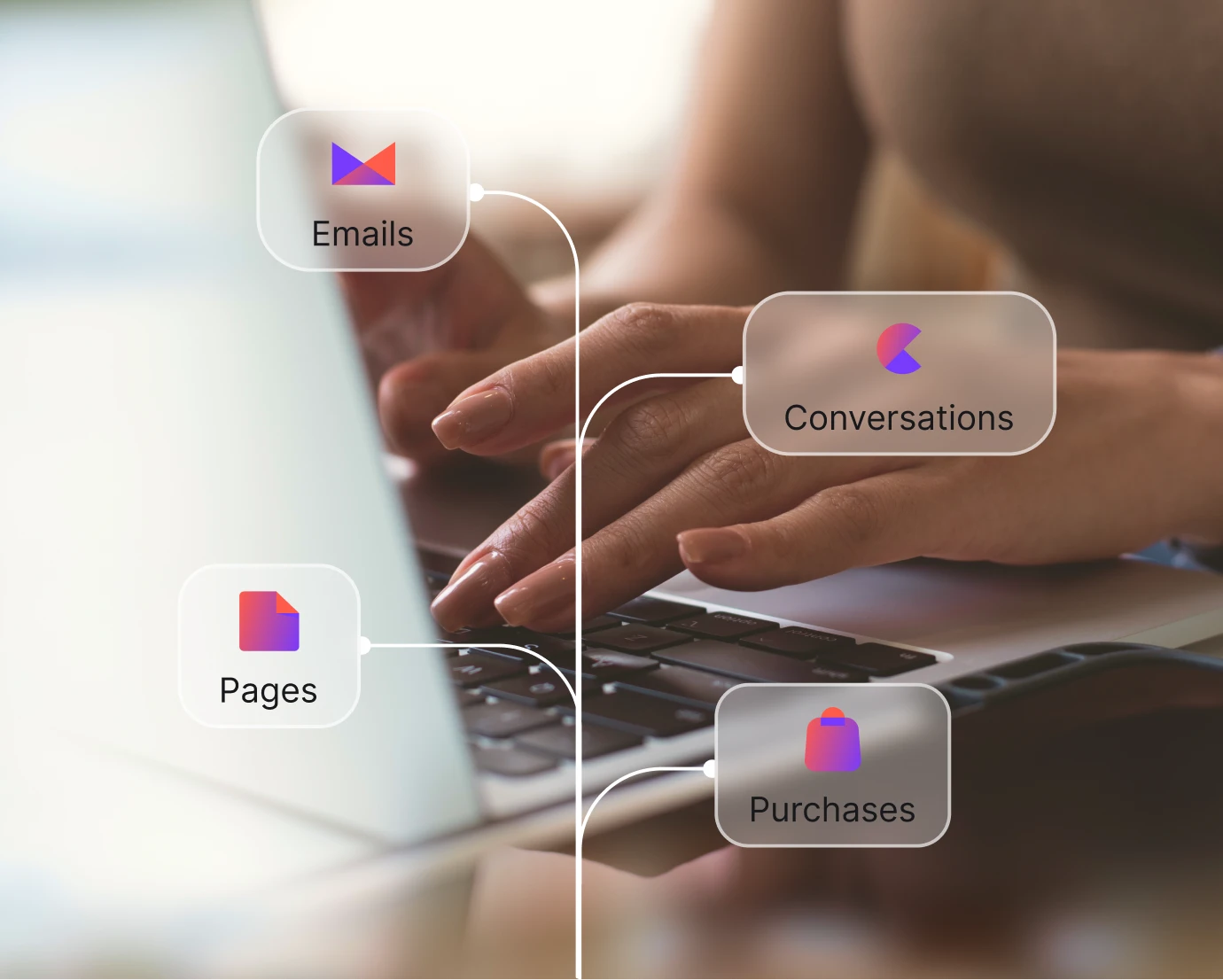
Analyze and optimize every campaign
Track conversation history, delivery metrics, and opt-out trends to refine your WhatsApp marketing strategy. Use real-time analytics to spot what works and iterate faster.
Launch proven workflows in minutes
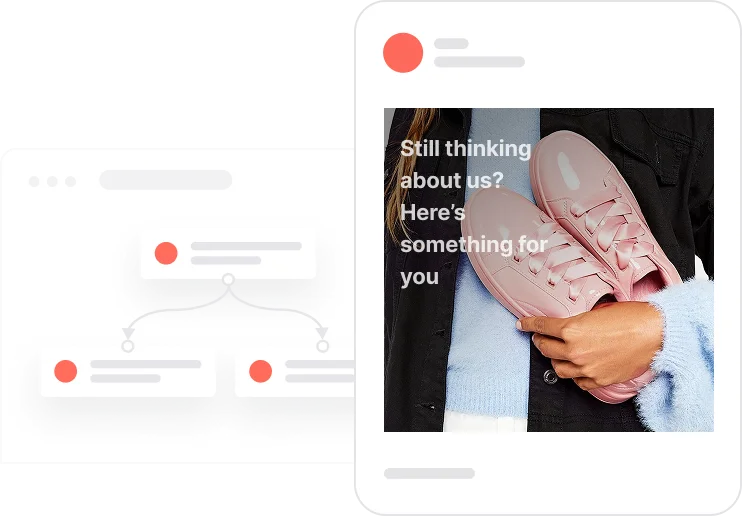
Reactivate quiet leads

Celebrate first purchase anniversaries
.webp)
Celebrate usage milestones

Send birthday discounts

Recover abandoned carts
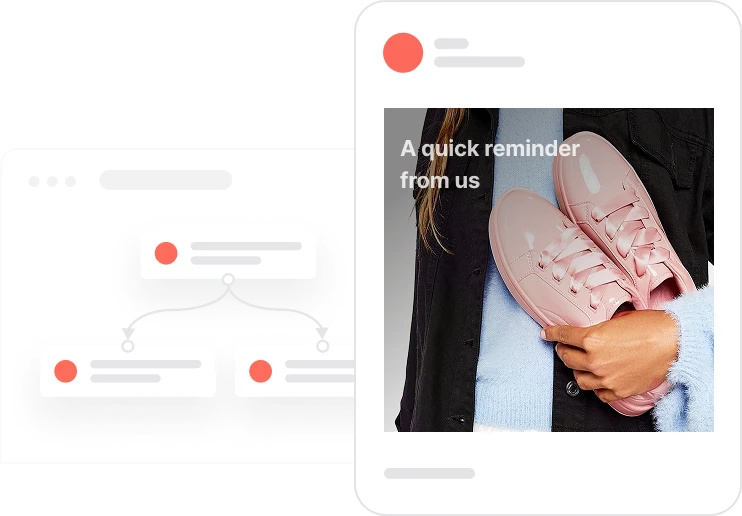
Automate repeat purchases
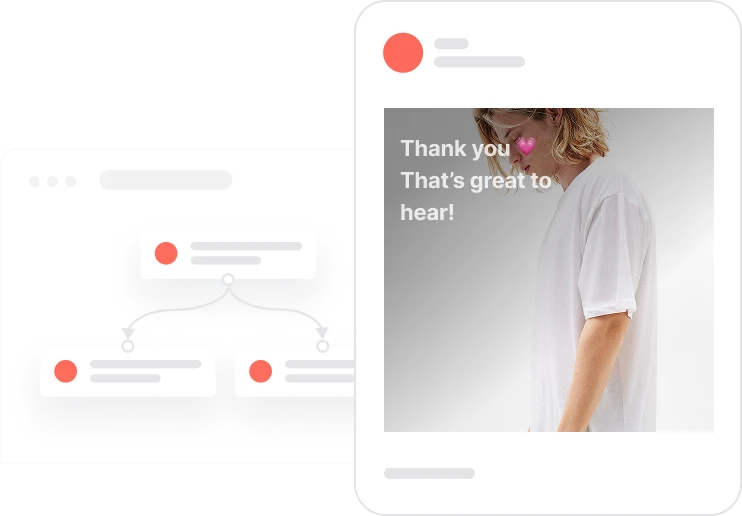
Build trust with customer reviews
Trusted by fast-growing teams
Make WhatsApp your highest-performing channel
Connect your WhatsApp Business account and build your first campaign. See what happens when you reach customers where they already are.

Frequently Asked Questions
What is WhatsApp Marketing in Positive User?
It’s a fully integrated WhatsApp Business solution inside Positive User. Send automated messages and run marketing campaigns from one platform. Native Meta integration, no third-party plugins.
Can I automate WhatsApp messages?
Yes. Create behavior-triggered automations for purchases, reminders, or feedback requests using Positive User’s workflow builder. One-time sends and automated sequences from the same tool.
How does WhatsApp fit into an omnichannel strategy?
WhatsApp integrates with email, SMS, push, and in-app campaigns inside Positive User. Every channel shares the same customer data for consistent cross-channel engagement.
Can I personalize WhatsApp messages?
Yes. Use dynamic content and real-time customer data to personalize text, media, and interactive buttons in every message. Snippet tags pull names, products, or any custom attribute.
Does Positive User support WhatsApp templates?
Yes. Create and manage Meta-approved message templates directly from Positive User. Track approval status and sync with Meta’s Template Manager.
How do I track WhatsApp performance?
Use the built-in WhatsApp analytics dashboard to monitor delivery rates, opens, clicks, and responses in real time. Every interaction appears in the contact’s unified timeline.
Can I combine WhatsApp with automation workflows?
Yes. Drop WhatsApp messages into any marketing automation sequence alongside email, SMS, and push. Built-in branching reacts to delivery, opens, and clicks.
Is WhatsApp integration useful for B2B?
Yes. Use WhatsApp for lead nurturing, onboarding sequences, and high-touch account management through personalized messaging at scale.
How does consent management work for WhatsApp?
Positive User manages opt-in and opt-out preferences automatically. When a contact taps “Unsubscribe,” their status updates in real time and they’re excluded from future sends.
How do I start using WhatsApp with Positive User?
Connect your WhatsApp Business Account through Meta’s secure authentication inside Positive User. No plugins or third-party tools needed. You can send your first campaign in minutes.