











Your contact lists for all your marketing actions
A proper strategy is essential to ensure the performance of your campaigns. With Positive User, add as many contacts as you want, manage your marketing contact lists and target your audiences using tags, lists, and segments. One place to store, organize, and understand every customer’s interaction history.


Trusted by +15,000 marketing teams




Manage your contact lists efficiently
Import, organize, and synchronize your data to create a centralized customer database that goes beyond simple lists.

Import and centralize contacts
Upload your database via CSV contact import directly into contact lists or apply tags instantly. Migrate easily, map custom fields, and consolidate sources for seamless audience creation.
Segment your recipients
Move beyond simple grouping. Positive User offers Tags, Contact Lists, and Segments for powerful marketing segmentation and audience creation.
Target and personalize your campaigns
Leverage behavior-based segmentation and advanced filtering to ensure your messages are personalized and perfectly timed for maximum conversion.
Increase the performance of your actions
Maintain data quality and compliance with list cleaning, double opt-in, and automatic unsubscribe management to focus your efforts on a qualified list.
Save your contacts and manage your sendings
Import an unlimited number of contacts
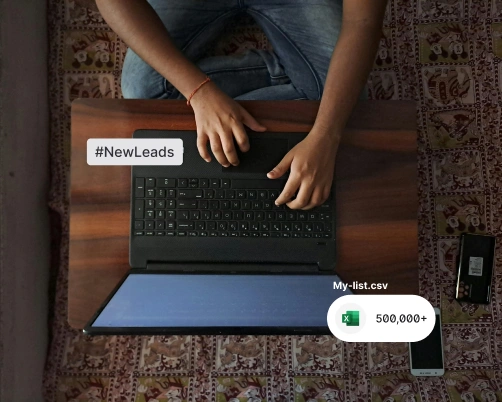
Add as many contacts as you want. Import an Excel file (CSV contact import), add them via manual entry, or use automations. You can apply a specific contact list or tag upon upload.
Synchronize your contacts from your tools
Automate the addition and update of recipients. You can integrate platforms via contact API and contact webhooks for efficient CRM sync and real-time synchronization of data (e.g., Salesforce, Shopify).

Edit your contacts once
Create, complete, and edit your contacts in one place. Modifications made to a contact profile are automatically synchronized on all the contact lists and segments they belong to.

Smart tools to qualify your databases
Automatic deletion of duplicates
Positive User detects and deletes the duplicate email addresses of your contacts in your database. Save time and money with clean data.
Qualify with tags and lead scoring
Use Tags for flexible labeling (e.g., “VIP”, “Cold Lead”) and lead scoring to assess user value. These tools enrich your contact database, allowing you to identify a qualified list instantly.

Public & private lists
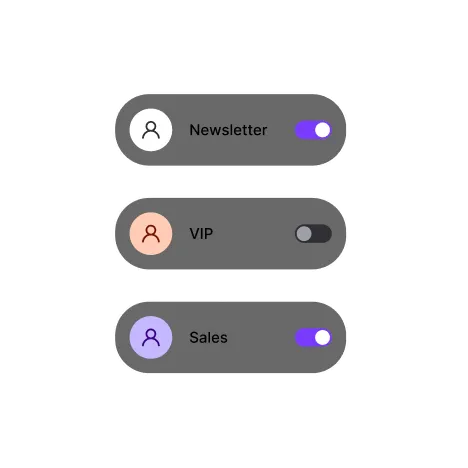
Use Public lists for subscriptions and Private lists for internal needs. Simplify GDPR compliance, double opt-in, and consent management by letting users control their preferences.
Target your contacts to improve the performance of your campaigns
Advanced behavioral segmentation
Use segments that update automatically using behavior-based segmentation. Leverage RFM segmentation and geographic segmentation to target users based on actions, not just static data.

Precise subscription management
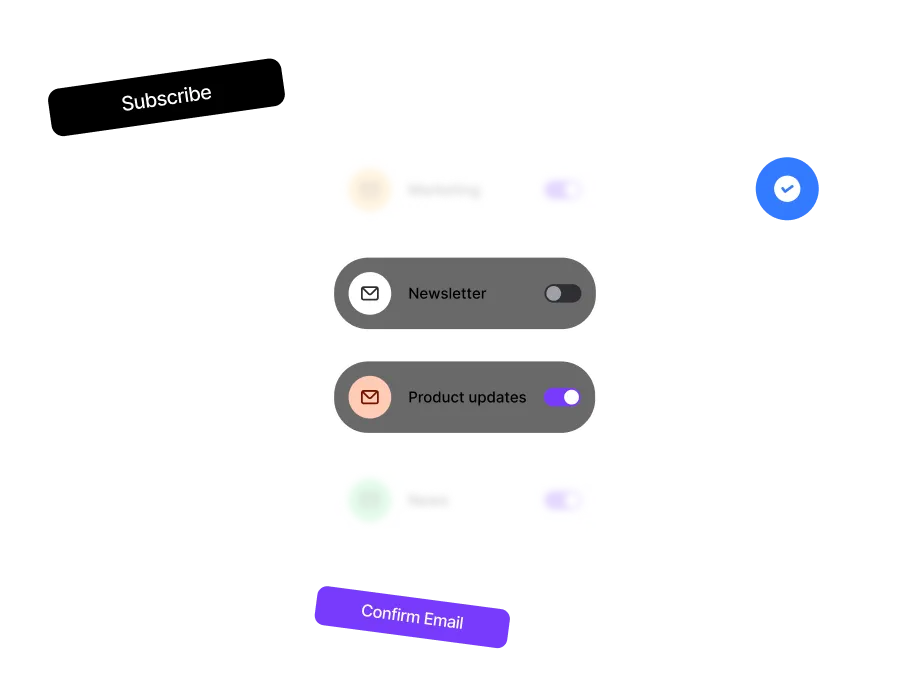
Use Contact Lists specifically for marketing targeting and opt-in management. Each list has a unique unsubscribe link, allowing users to manage preferences without opting out of your entire contact database.
Trusted by fast-growing teams
You may be interested by these features
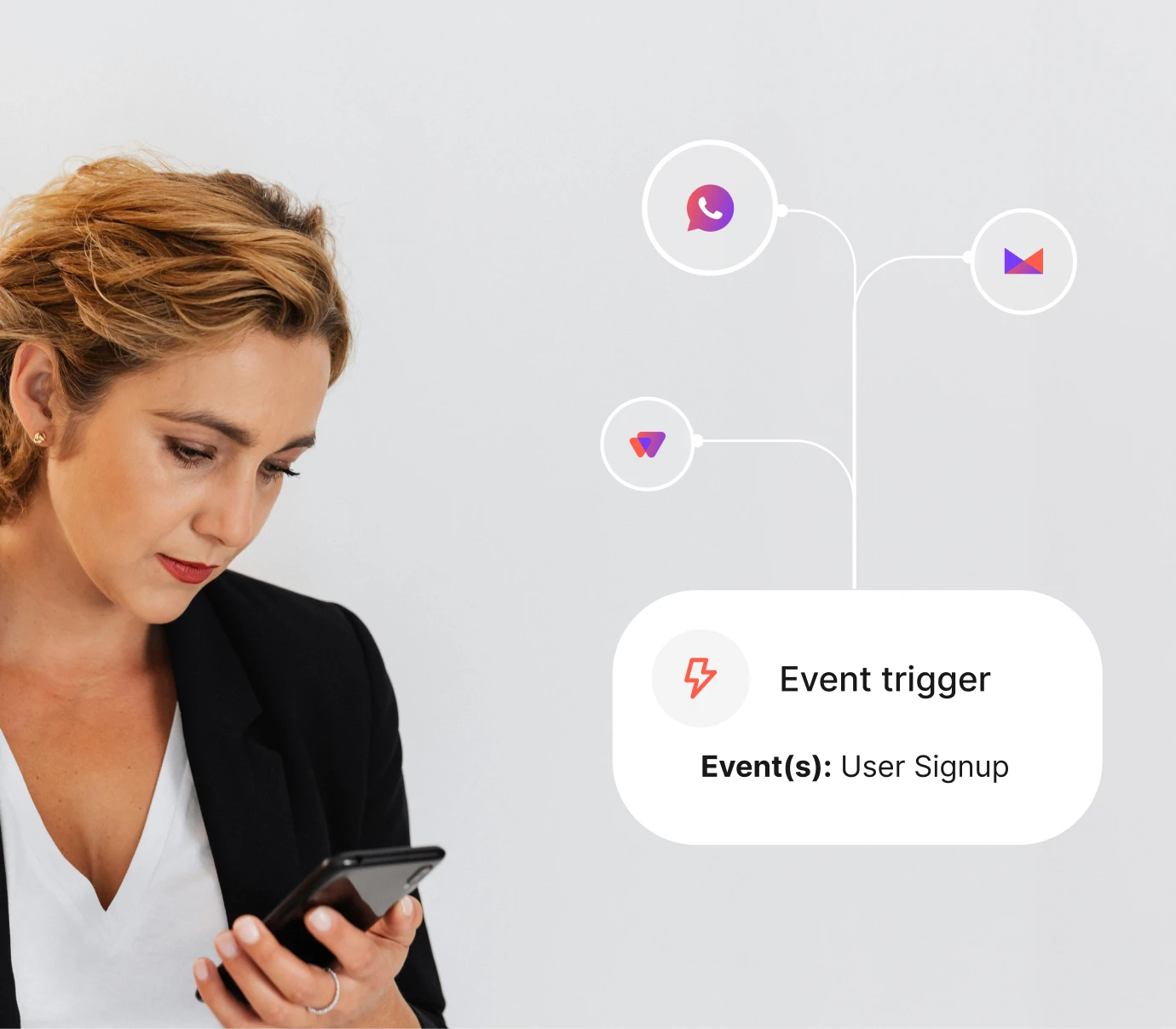
Automation
Turn repetitive tasks into efficient workflows

Campaigns
Reach your audience everywhere with multichannel campaigns

Studio
Personalize your messages on every channel
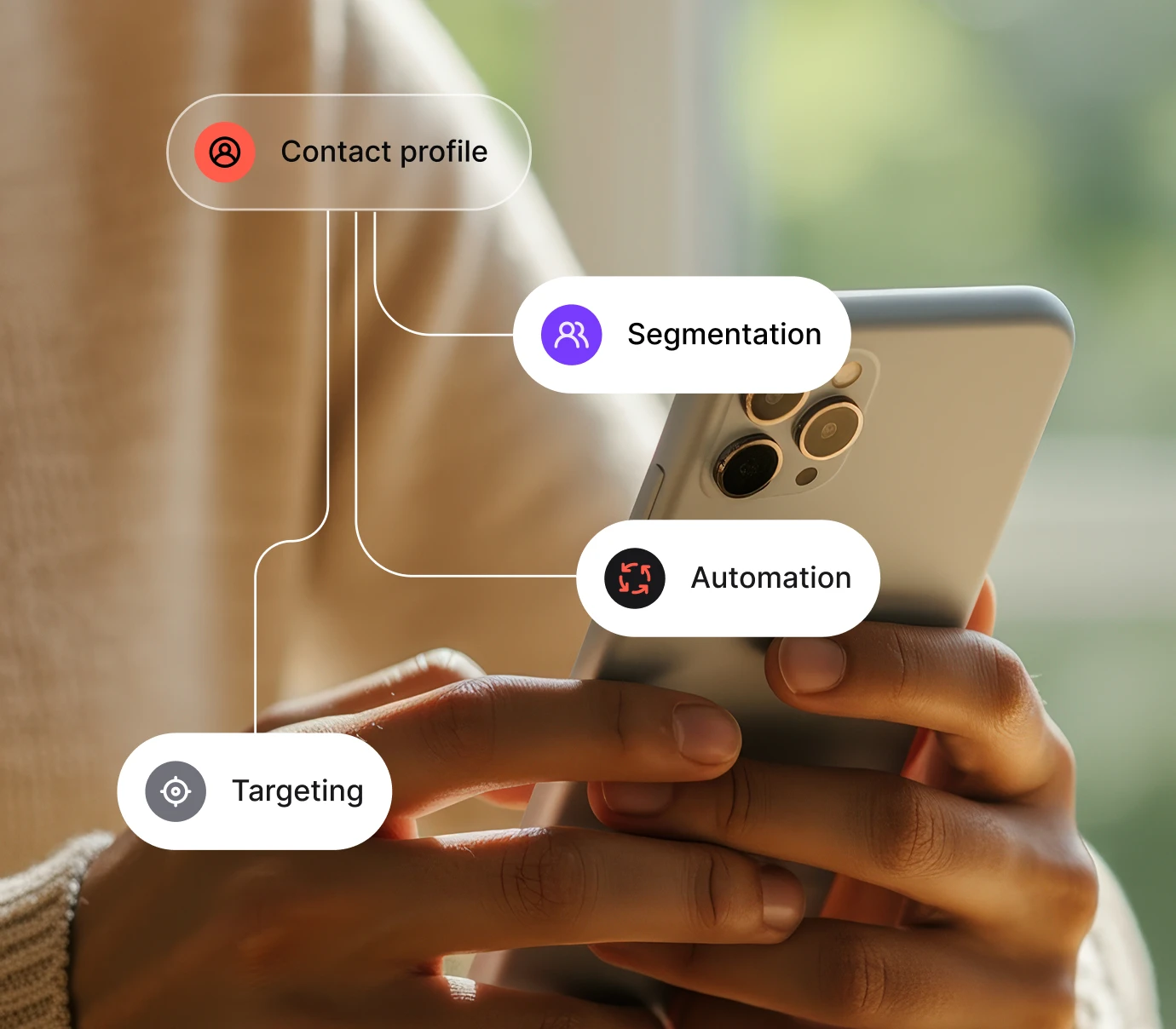
Data
Make informed decisions based on reliable data
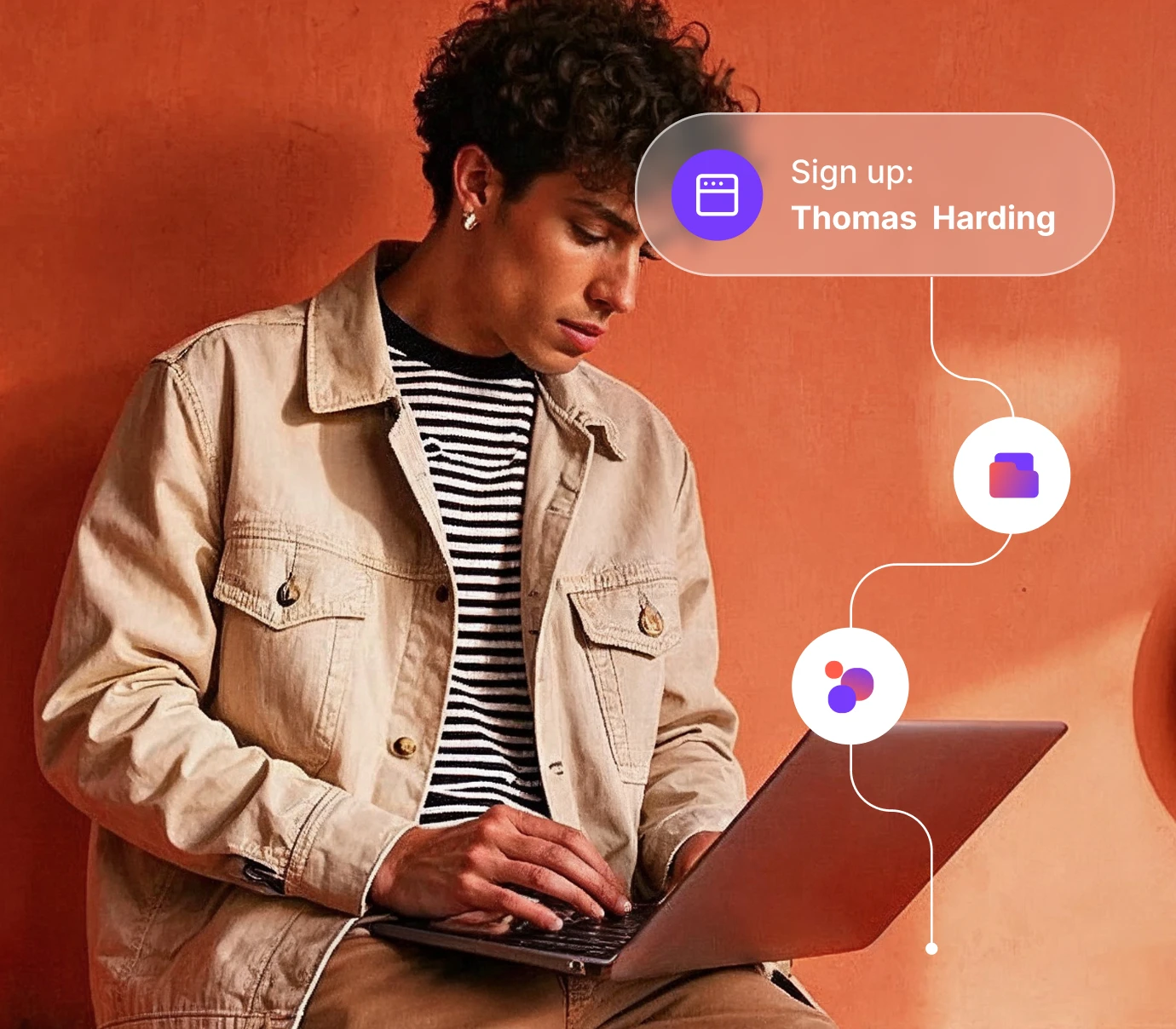
Website experience
Turn every visit into engagement with personalized journeys

Analytics
Analyze and optimize each step from action to revenue

Loyalty
Build lasting relationships with your customers
Sales
Turn strangers into loyal customers

Customer service
Deliver fast, reliable and human-first support
User AI
Make informed decisions based on reliable data
Try a smarter way to manage and grow your contact lists
Join the 100,000 professionals who already trust User.com to power their growth.

Frequently Asked Questions
What is a contact list in marketing?
A contact list is a collection of customer or prospect information, such as email addresses and phone numbers, used to send targeted campaigns.
What is the difference between Tags, Segments, and Lists?
Tags are labels for categorization. Segments are dynamic groups based on behavioral segmentation. Contact lists are static groups used primarily for audience creation and subscriptions.
How do I create a contact list?
You can create a contact list by importing data from a file, syncing with Positive User, or adding contacts manually into the platform.
Can I import my contacts from Excel or CSV?
Yes. Positive User allows you to import contacts from Excel, CSV, TXT, and other common file formats, so your lists are always up to date.
How do I remove duplicate contacts?
Duplicate contacts can be automatically detected and deleted within Positive User to keep your database clean and reliable.
How do I manage unsubscribes?
Positive User uses Contact Lists to handle opt-in and unsubscribes granularly. A user can leave a specific newsletter list without being removed from your entire contact database.
Can I sync my CRM contacts?
Yes. Use CRM sync, contact API, or contact webhooks to ensure your centralized customer database reflects real-time synchronization of all user data.
How do I personalize campaigns with contacts?
By using fields such as name, location, or purchase history, you can personalize messages to increase engagement and conversions.