












Reward double opt-in with a discount
Compliant two-step opt-ins that deliver an instant discount and lift confirmation rates.
Convert anonymous visitors into subscribers with a timed pop-up that triggers double opt-in and delivers a discount code.
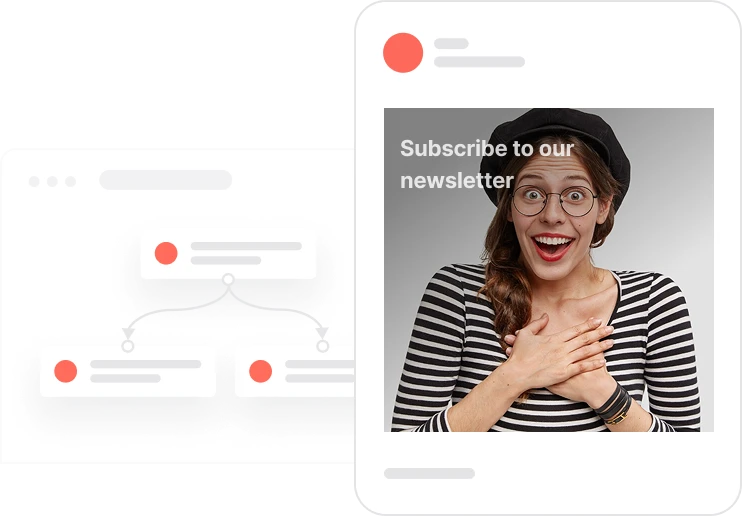
An anonymous visitor has no email on file. Without a reason to subscribe, they will leave the same way they arrived. A timed discount offer changes that. After five seconds on the page, a pop-up appears for visitors with no email recorded who have not seen this pop-up recently. The offer is a discount code in exchange for joining the newsletter. When they submit, the double opt-in flow kicks in: a confirmation email goes out, and once they confirm, a unique code from the promotion pool is assigned and delivered. A three-day display window prevents the same visitor from being shown the pop-up again too soon. Everything is tracked for reporting and the entire flow connects directly to the Email Subscription Management use case to keep consent data clean.
A new visitor lands on the site. Five seconds pass. The system checks: is this person anonymous with no email on file? Have they seen this pop-up in the last three days? If both answers are no, the pop-up appears offering a discount in exchange for joining the newsletter. The visitor enters their email, ticks the consent checkbox, and submits. The system logs the interaction, fires the Send opt-in with discount event, and marks the visitor as having seen the pop-up. The pop-up will not appear again for three days. In the background, the double opt-in flow kicks off: a confirmation email arrives, the visitor clicks to confirm, a unique discount code is assigned from the promotion pool and sent in the confirmation email, and the visitor is added to the Newsletter list. If the promotion pool runs empty at the moment of assignment, an alert goes to an agent. The visitor is now a subscriber with a code to use at checkout.
Eligibility check and pop-up display: After a 5-second delay on any page, the system checks whether the contact is anonymous with no email recorded and whether they have not seen the pop-up in the last 3 days. If both conditions are true, the discount newsletter pop-up is displayed.
Display frequency control activation: When the pop-up is shown, the system logs the Capping pop-up event and adds the contact to the 3-day display segment. This prevents the same visitor from seeing the pop-up again too soon and maintains a clean browsing experience.
Form submission and event logging: When the visitor submits the pop-up form, the system logs the Pop-up submit event with the contact's email and name, fires the Send opt-in with discount event to trigger the double opt-in automation, and records the email address on the contact's profile.
Double opt-in flow with discount code assignment: The double opt-in automation handles the rest. A confirmation email is sent to the contact. When they click to confirm, the system checks whether a coupon has already been assigned. If not, a unique code is pulled from the newsletter_discount promotion pool and included in the confirmation email. If the promotion pool is empty, an alert is sent to an agent to prevent a broken subscriber experience.
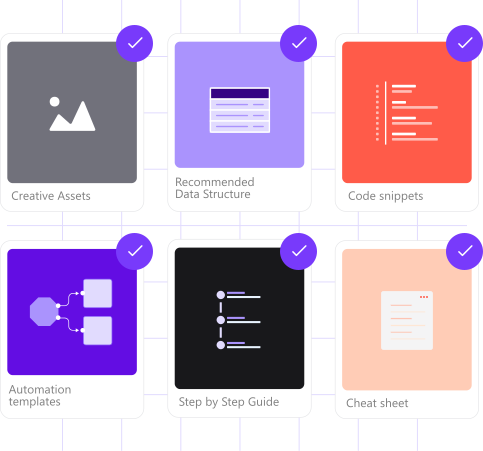
Implementing use case automation involves several key steps and tools. Here's comprehensive ressources to get you started:
Marketing on a new level with a beautiful visual, drag & drop creator.
Collect information from your visitors and navigate them on the website
A contact attribute is a data field stored on the contact's profile, used for segmentation, personalization, reporting, and automation.
An event tracks a specific action performed by a contact.
Segments are dynamic groups that update in real time based on contact behavior and events.
Trusted by fast-growing teamsStart from a proven use case designed to help you engage faster, with relevance and impact.
More ways to engage your audienceCompliant two-step opt-ins that deliver an instant discount and lift confirmation rates.
In-app messages that surface new features the moment mobile users open the app.
Automated deal and task creation that puts sales on every expired subscription within days.