Christmas Spirit
Christmas
Lifestyle
Events
An event is only as good as its attendance. And attendance starts with the invitation. A poorly designed invite doesn't communicate "this event isn't worth your time." But that's what the subscriber feels. These templates help you promote webinars, conferences, and workshops with designs that earn trust and registrations. Build the full sequence with Positive User's drag-and-drop editor.
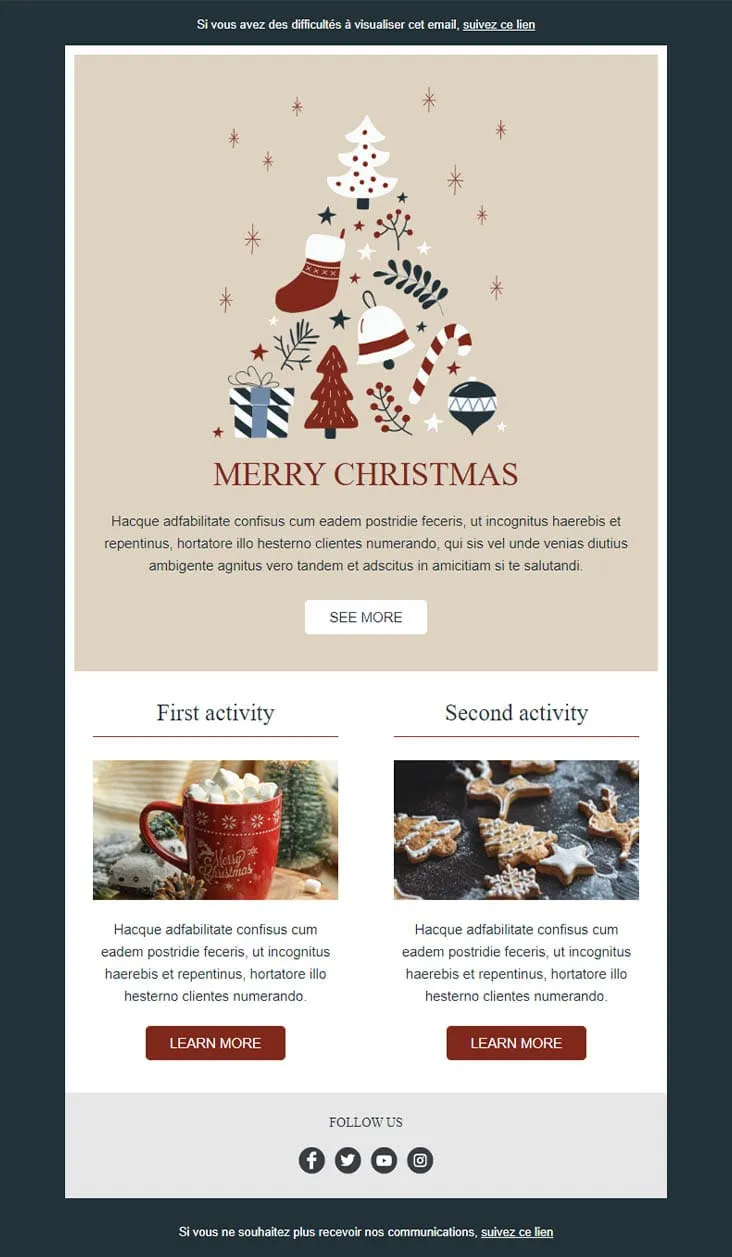
templates galleryComing SoonIllustration beats photography when the brand is cozy. Christmas Spirit opens on a hand-drawn ornament cluster — tree, stocking, candy cane, baubles — sitting on warm beige, then splits into two side-by-side 'activity' cards (hot chocolate, gingerbread cookies) each with its own Learn More. Less sales pitch, more advent calendar.

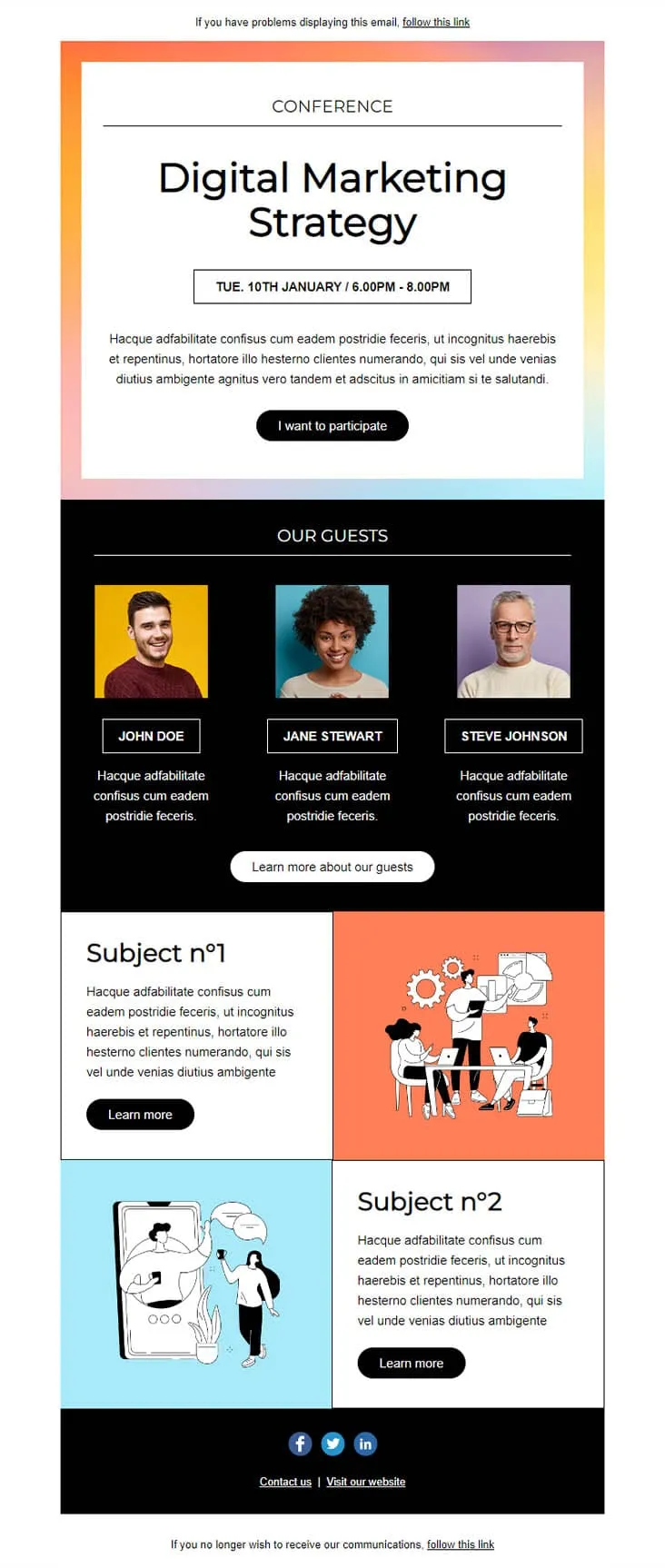
Coming SoonConference invites compete with three other invites in the same week. This template wins by putting the agenda in the email: a pastel-gradient hero with 'CONFERENCE — Digital Marketing Strategy' and a date/time strip ('TUE. 10TH JANUARY / 6.00PM - 8.00PM'), an 'I want to participate' CTA, a black 'OUR GUESTS' block with three speaker portraits on coloured backgrounds, then two Subject blocks with illustrations (Subject n°1 + Subject n°2) — each with its own Learn More.
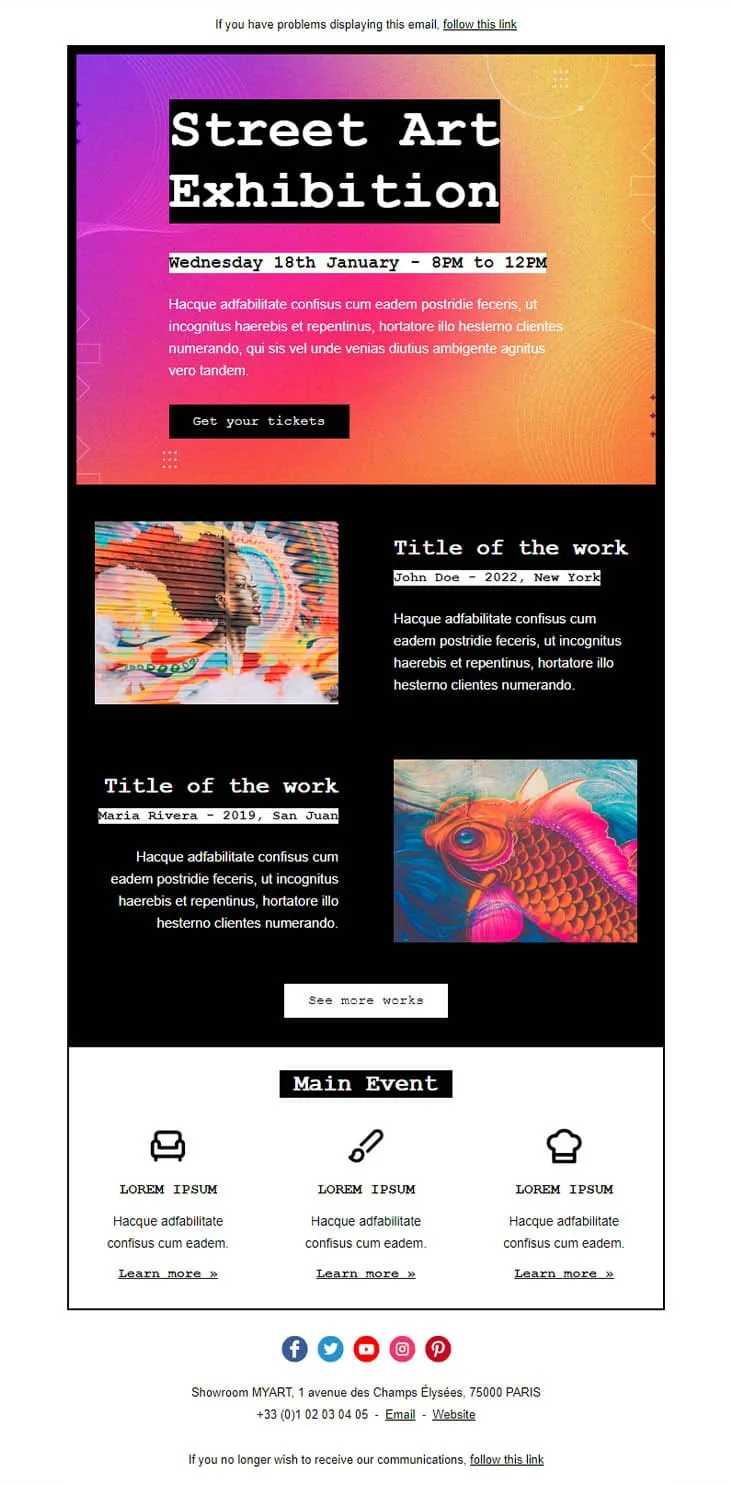
Coming SoonGallery openings are the easiest events to sell — show the art, name the artist, set the time. Exhibition lays out a 'Street Art Exhibition' black-on-gradient hero with the date stamped beneath ('Wednesday 18th January - 8PM to 12PM') and a 'Get your tickets' button, then drops two artwork blocks (John Doe / 2022 New York and Maria Rivera / 2019 San Juan) with image and artist credit, a 'See more works' CTA, and a white 'Main Event' footer with three Lorem Ipsum icons (couch, brush, chef hat) and individual Learn more links.

Coming SoonKids events need a single CTA but parents need three colours of urgency. Family Event splits each Activity into its own coloured block — pink, blue, orange, pink-with-bee-and-flower — each carrying a Book Now button. A 'Parents & Kids Activities' royal-blue intro panel sets the tone, a yellow-framed family circle photo anchors the middle, and three teal/blue/turquoise contact blocks (CONTACT US / FOLLOW US / VISIT US) close out the page. For family centres, kids workshops, and parent-toddler clubs.
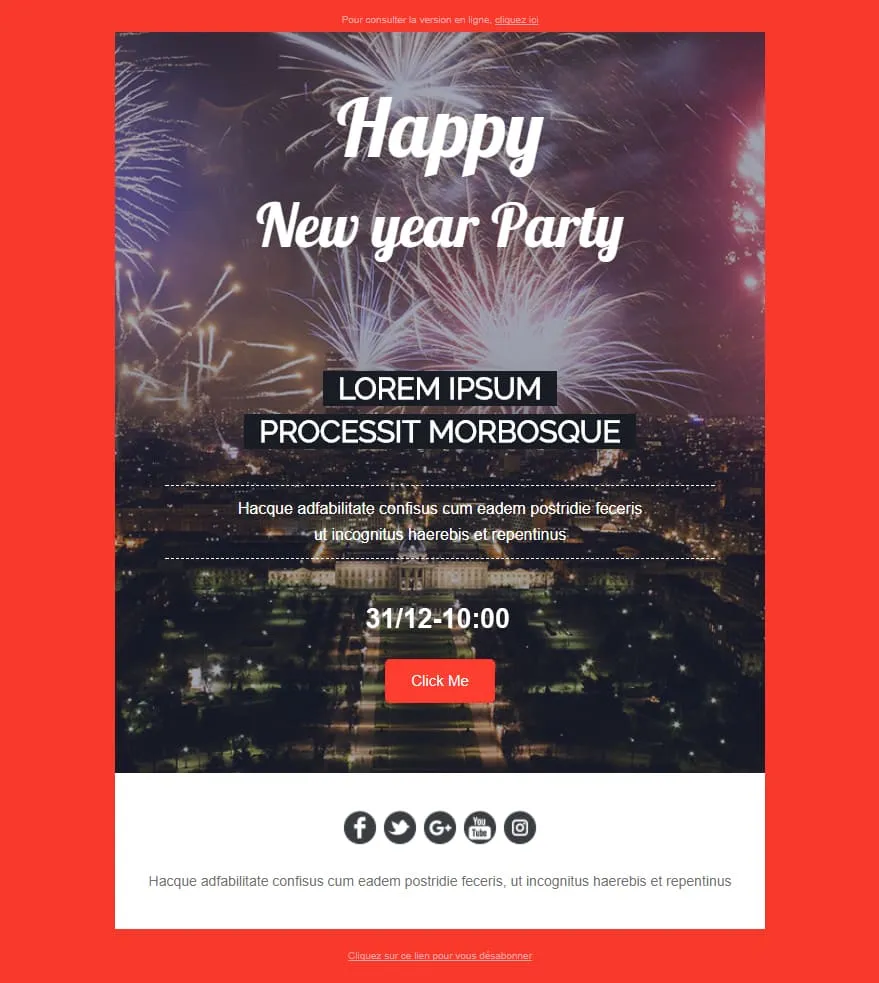
Coming SoonNew Year Party is the event sibling of Happy New Year. Where the corporate version stayed on company letters, this one runs a fireworks-over-Champs-Élysées night hero with 'Happy / New year Party' cursive overlay, dashed-bordered 'LOREM IPSUM / PROCESSIT MORBOSQUE' subtitles, a '31/12-10:00' time stamp, a red 'Click Me' button, and a white footer with 5 social icons (Facebook / Twitter / G+ / YouTube / Instagram). For NYE clubs, restaurants, hotels, and party organisers.
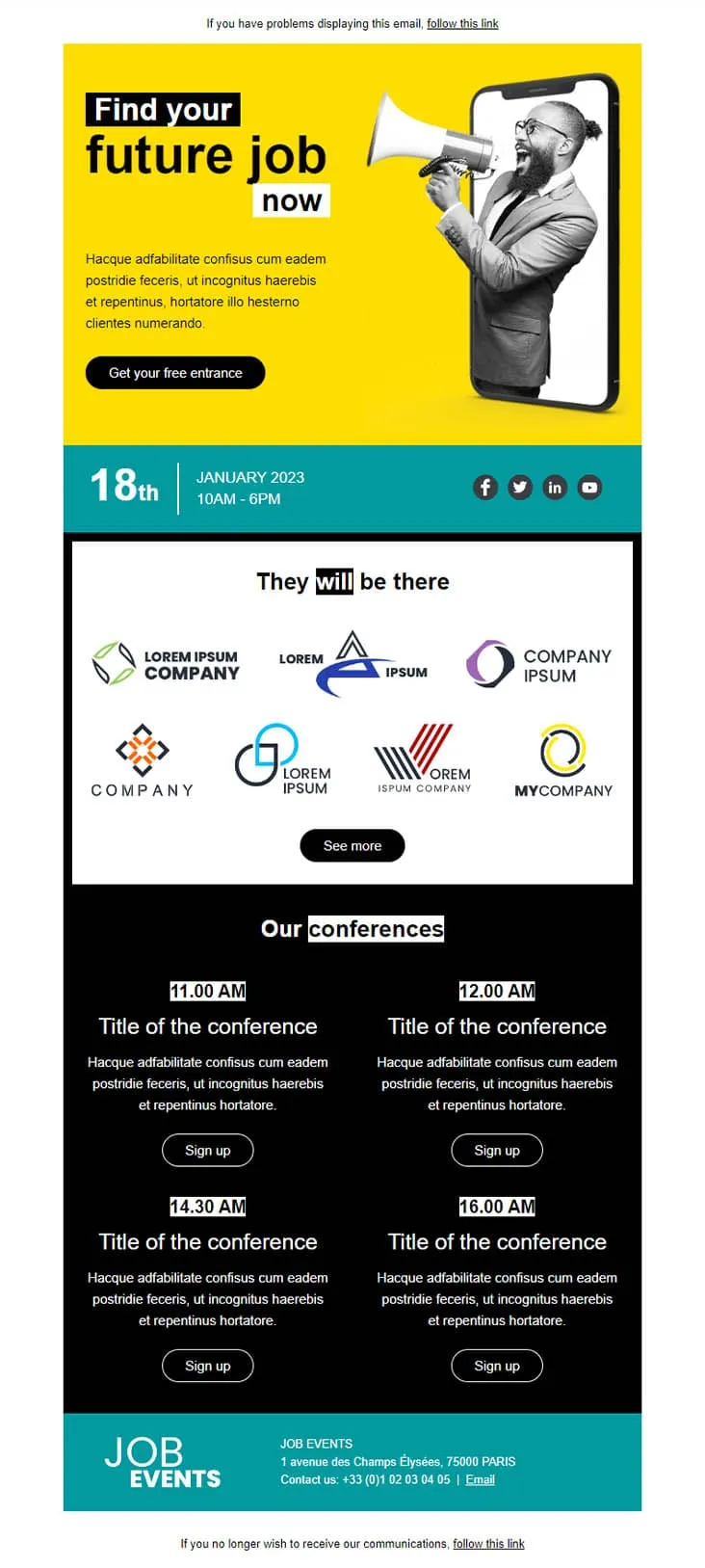
Coming SoonJob fair invitations have two audiences in one email — candidates scanning for opportunities and partner brands showing they're there. Job Fair anchors both with a yellow phone-megaphone illustration hero ('Find your future job now' + 'Get your free entrance'), a teal date strip (18th January 2023 / 10AM-6PM) with LinkedIn / Twitter / Facebook / YouTube icons, a 'They will be there' 7-logo company gallery with See more, a black 'Our conferences' 4-slot grid (11:00 / 12:00 / 14:30 / 16:00 AM each with Sign up), and a teal 'JOB EVENTS' footer with Champs-Élysées Paris address and phone.
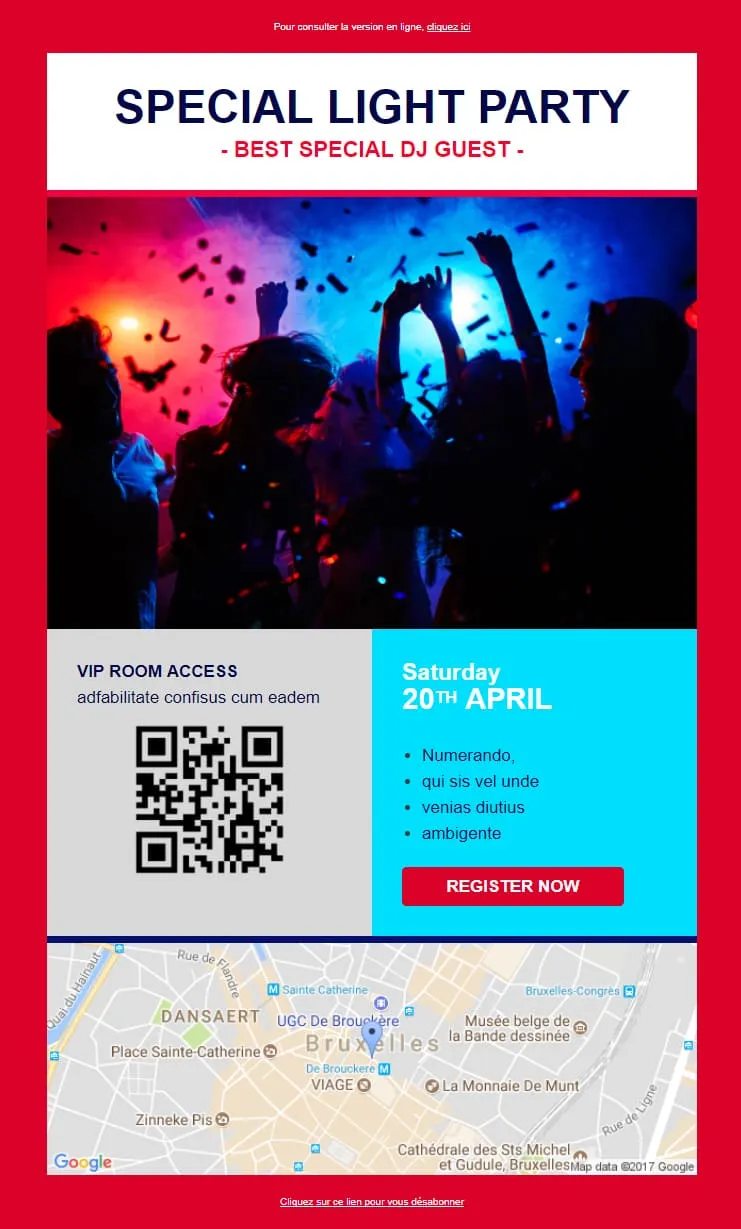
Light Party trades Light's SaaS pricing for a DJ night and a QR-code VIP pass. A 'SPECIAL LIGHT PARTY / - BEST SPECIAL DJ GUEST -' navy-and-red title panel sits above a hands-up confetti club photo, then a 2-column block: gray VIP ROOM ACCESS with a QR code on the left, cyan 'Saturday 20th APRIL' with 4 Lorem bullets and a red REGISTER NOW on the right, and a Brussels Google map (Sainte-Catherine / UGC De Brouckère). For nightclubs, DJ events, and ticketed parties.
event email templatesThat's a bigger ask than money. A polished, professional invitation builds the credibility your event needs to turn "maybe" into a confirmed seat.
Save-the-date. Official invite. Speaker spotlight. Last-call reminder. Post-event follow-up. Structured layouts keep the entire sequence professional and consistent.
Dedicated sections for bios, schedules, and location information. Attendees find what they need without digging through paragraphs.
On the commute. In a queue. Between Zoom calls. Registration links and calendar buttons need to work on every device, every time.
event email templateEvent email campaign best practicesSave-the-date. Main invite. Speaker highlights. 24-hour reminder. Each email adds a reason to register. Registration rates increase meaningfully with a multi-touch sequence.
One click to add your event to their schedule. It takes seconds to set up and measurably reduces no-shows. This is the simplest improvement with the highest impact.
Limited-time pricing or VIP spots give people a reason to act now. A countdown timer reinforces the deadline visually.
Answer that question in the first two sentences. Key takeaways. Networking value. Exclusive content. If the value isn't clear above the fold, you've lost them.

Address by name. Reference their industry. Mention past events they've attended. Dynamic tags turn a broadcast into something that feels directed at them.
email contentOptimize your event emailsDoes the template match the event's scale?
A casual meetup and a multi-day summit need different designs. The template sets audience expectations before they read the first line.
What happens when they open on mobile?
People check event details while commuting or walking to the venue. If registration breaks on mobile, they're gone.
Teasers build anticipation
Speaker video previews. Agenda highlights. Countdown timers. These elements turn a static invitation into something worth exploring.
Is the register button the most visible element?
It should be. High contrast. Above the fold. One click to the sign-up form. Everything else supports this single action.
Make every invitation feel personal
Name, city, past attendance. Positive User's data tools turn a mass send into something that feels exclusive.
What does the subject line promise?
"Free webinar: 3 strategies for Q2 growth" beats "You're invited!" Sell the value of attending, not the act of opening.
Don't bury the logistics
Who, what, when, where. If those details are hard to find, the design is getting in the way of the decision.
Professional invitations and automated sequences. Positive User's templates handle the design. You handle the content.