













Reward double opt-in with a discount
Compliant two-step opt-ins that deliver an instant discount and lift confirmation rates.
AI recommendations pop-up: promotions and bestsellers display
Dynamically promote the best products in a single attention-grabbing pop-up, prioritizing active promotions and then best-sellers.
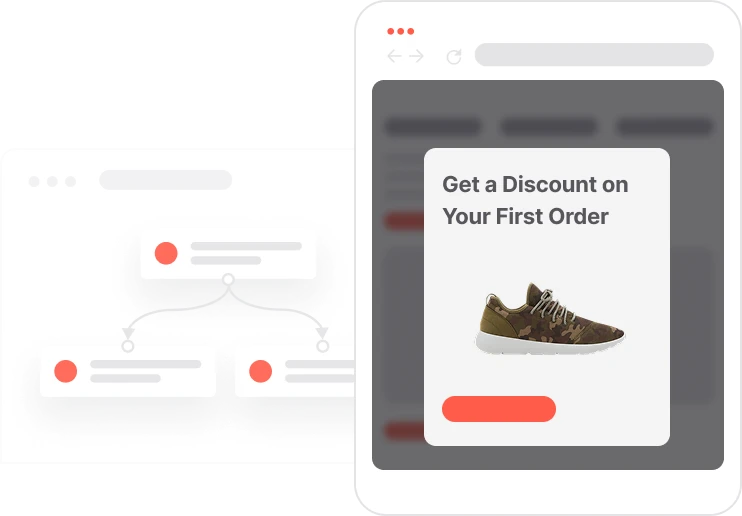
A shopper browsing category or product pages is already in buying mode. This use case catches that moment with a single, well-timed pop-up that surfaces the most relevant products automatically. The logic is simple but smart: promotions ending today go first, because urgency drives decisions. Then comes anything currently on sale. If neither fills the display, bestsellers step in as a reliable fallback. AI handles the selection and prioritization; the team only has to manage the product catalog and the promotion dates. Built-in display frequency control and pop-up orchestration prevent the experience from feeling cluttered, even when multiple flows are active for the same visitor. Every product click is tracked as an event, making campaign performance easy to measure.

A visitor lands on a category page. The automation fires, checks whether a pop-up is already active for this visitor and whether the display frequency window has passed, then fetches products in order of priority. If any promotions end today, those fill the pop-up first: visible countdown pressure, clear sale price, direct product link. If there are not enough to fill it, products currently on sale step in. If those are also sparse, bestsellers complete the set. The pop-up renders with name, image, price, sale price, and a click-through link to the product page. When the visitor clicks a product tile, the click is logged as an event with the product ID and the source set to popup. A display frequency event is recorded simultaneously to prevent the same pop-up from reappearing too soon. For anonymous visitors, the system also checks whether a newsletter or SMS consent pop-up is already competing for attention and decides which one takes priority.
Trigger and orchestration check: On a pageview for a targeted context such as a category page, the automation verifies the display frequency control status and checks for active pop-up orchestration rules. For anonymous contacts, the system decides whether this recommendation pop-up should take priority over newsletter sign-up or SMS consent flows, since only one pop-up can run at a time.
Priority-based product retrieval: The system queries product segments in strict order: first Promotions ending today where the sale price end date equals today, then Promotions active now where the start date is past and the end date is future, and finally Bestsellers where custom_label_0 equals bestseller. If an earlier segment returns too few products, subsequent segments backfill to meet the required display count.
Pop-up rendering: The pop-up displays each product with its name, image, price, sale price, and a direct link to the product page. Expiring promotions are visually highlighted to create urgency, while ongoing deals and bestsellers are presented as value opportunities.
Click tracking and display frequency control: When a visitor clicks a product tile, the system creates a Recommendation click event with the product ID and the source attribute set to popup. A Capping pop-up event is also recorded to manage how often the pop-up can appear for that contact, keeping the experience relevant and non-repetitive.
Implementing use case automation involves several key steps and tools. Here's a comprehensive ressources to get you started:
Marketing on a new level with a beautiful visual, drag & drop creator.
Collect information from your visitors and navigate them on the website.
A product attribute is a data field describing a property of a product stored on the product profile, used for segmentation, personalization, reporting, and automation.
An event tracks a specific action performed by a contact.
Segments are dynamic groups that update in real time. The four product segments below drive the recommendation priority logic; the contact segment controls display frequency.
This pop-up interacts with other active pop-up automations. Read the Pop-up Orchestration Manual before activating to understand how to manage conflicting flows.
For anonymous contacts, decide whether this recommendation pop-up should take precedence over newsletter sign-up or SMS consent pop-ups. Only one pop-up can be active at a time per visitor.
Trusted by fast-growing teamsStart from a proven use case designed to help you engage faster, with relevance and impact.
More ways to engage your audienceCompliant two-step opt-ins that deliver an instant discount and lift confirmation rates.
In-app messages that surface new features the moment mobile users open the app.
Automated deal and task creation that puts sales on every expired subscription within days.