













Reward double opt-in with a discount
Compliant two-step opt-ins that deliver an instant discount and lift confirmation rates.
Recover abandoned carts with a human-centric WhatsApp conversation, not a discount push.
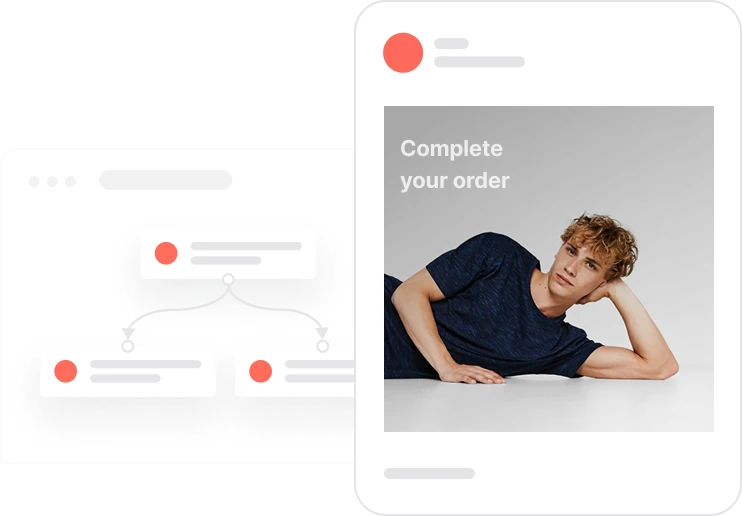
Most cart recovery strategies push discounts or create urgency. And most customers tune them out. This use case takes the opposite approach. When a cart is abandoned, WhatsApp delivers a message from a human advisor ready to help, not a promo code. The tone is supportive, the intent is useful, and the effect is immediate: the customer feels guided, not pressured. Built-in frequency rules and consent checks ensure compliant, respectful communication. The result is higher recovery rates built on trust, not pressure.

A contact adds products to their cart but leaves without buying. One hour later, the system checks whether they purchased in the meantime. If not, it verifies three things: no recent purchase, no active sending limit, and WhatsApp consent given. When all conditions are met, a conversational message goes out, not a hard sell, but an offer of real help. Interactive buttons let the contact view their cart or connect with a human advisor. Doubts get answered. Friction disappears. The sale comes back on the contact's terms.
Cart abandonment detection: After the Add to cart event occurs, the system waits one hour and checks whether a Purchase event has been recorded. If no purchase is detected, the cart recovery flow is initiated.
Eligibility and frequency check: The system checks whether the contact has made a purchase in the last 24 hours or already received a recovery message recently. If either condition is met, the flow stops to avoid over-messaging.
WhatsApp consent validation: For eligible contacts, the system verifies whether Consent WhatsApp is set to TRUE and a valid phone number and WhatsApp code are present. Only consented contacts proceed to messaging.
Advisor-first WhatsApp message delivery: A WhatsApp message is sent with a support-focused tone, offering assistance rather than a direct sales push. Interactive buttons such as View Cart or Chat with an Advisor allow the contact to choose their preferred next step.
Message tracking and sending limit: After the message is sent, a Capping WhatsApp cart recovery event is recorded. This ensures the contact is excluded from similar recovery flows for the next defined period, preserving a positive experience.
This workflow uses two modules working together: Automations and WhatsApp. Here's everything you need to get started.
Marketing on a new level with a beautiful visual, drag & drop creator.
Launch personalized, automated WhatsApp campaigns.
A contact attribute is a data field stored on the contact's profile, used for segmentation, personalization, reporting, and automation.
An event tracks a specific action performed by a contact.
A product event is information about a contact's interaction with a specific product, such as a view, cart addition, or purchase.
Segments are dynamic groups that update in real time based on contact behavior and attributes.
Adjust the copy and links in the WhatsApp campaign.
Trusted by fast-growing teamsStart from a proven use case designed to help you engage faster, with relevance and impact.
More ways to engage your audienceCompliant two-step opt-ins that deliver an instant discount and lift confirmation rates.
In-app messages that surface new features the moment mobile users open the app.
Automated deal and task creation that puts sales on every expired subscription within days.