
Black Friday
Black Friday
E-commerce & Offers
Sales & Promotions
On Black Friday, your subscribers get 100+ promotional emails in a single day. Most get deleted in under two seconds. So how does yours survive? Start with a template built for the chaos. Bold design, tested structure, and a layout that moves people from subject line to checkout. Pick one, drop in your deals, and launch with Positive User's drag-and-drop editor.
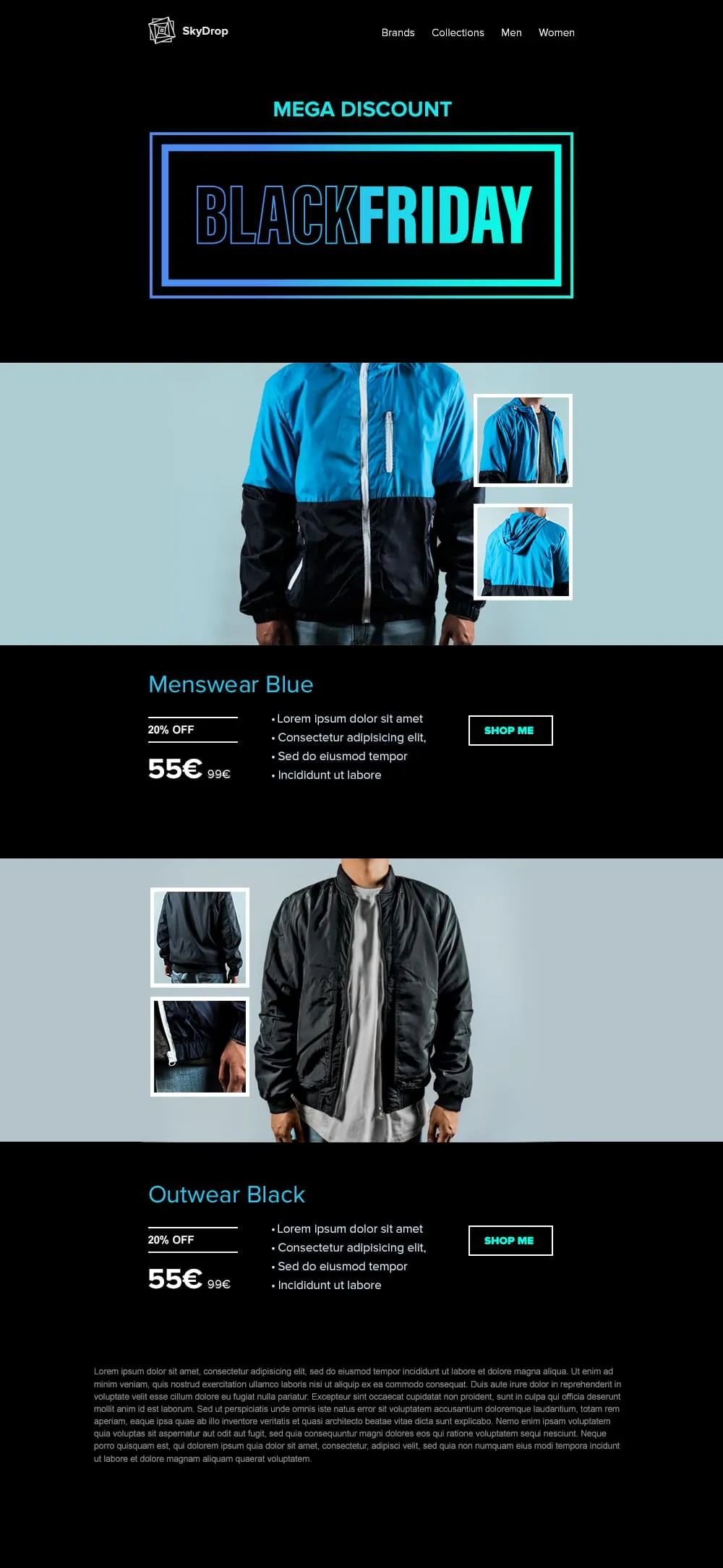
templates galleryAn apparel Black Friday template built around full-body product photography. A neon-framed hero opens the email, then two pairs of jacket showcases with front view and close-up sit on alternating cyan and black backgrounds, each carrying a discount tag, a crossed-out retail price and a direct shop button.

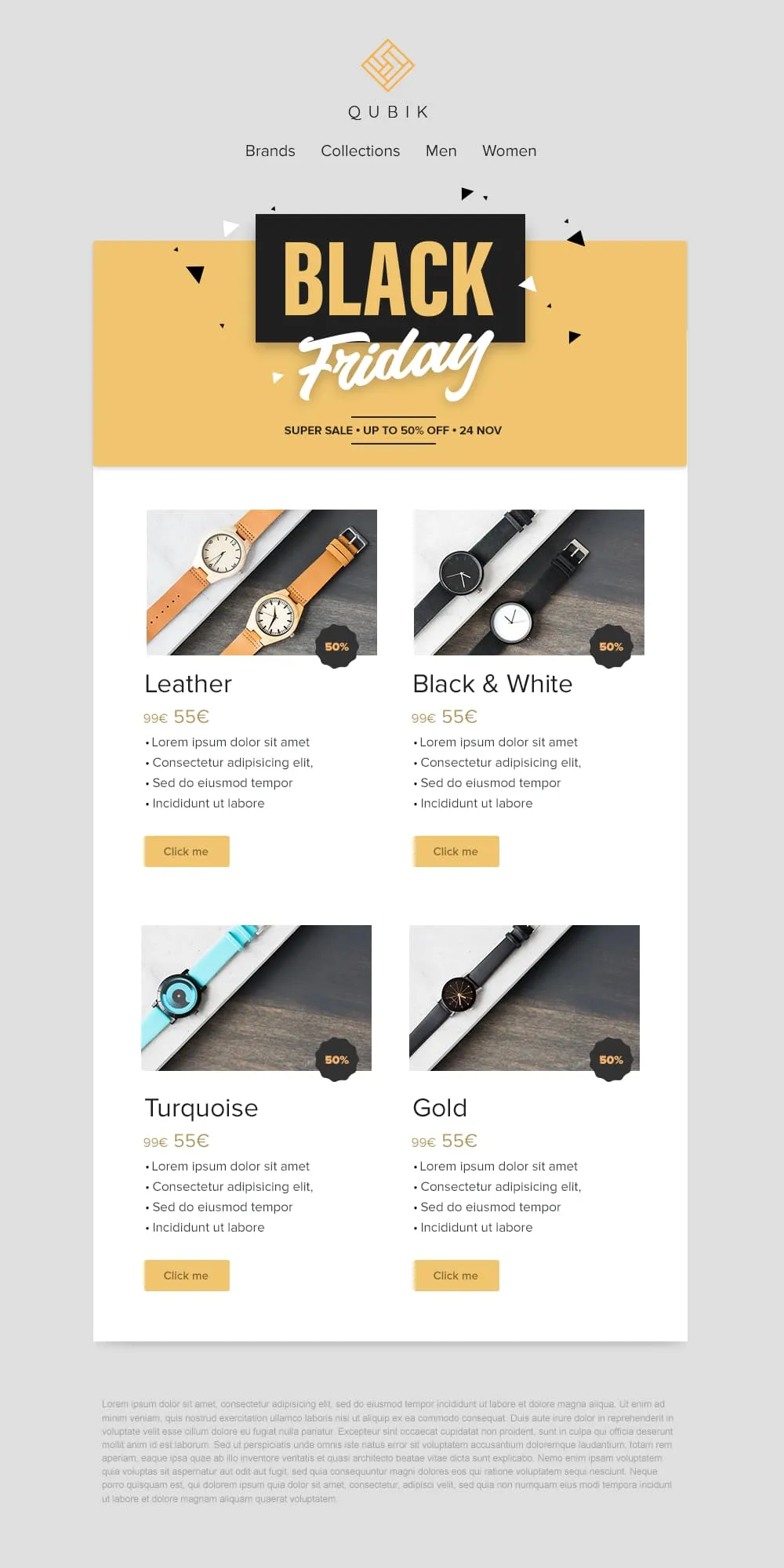
Four product variants, four prices and four buttons on a confetti yellow banner. A 2x2 grid drops Leather, Black and White, Turquoise and Gold colorways into matching cards, each with a 50% badge, a crossed-out anchor price and a soft yellow call to action. Quick to scan, quick to buy.
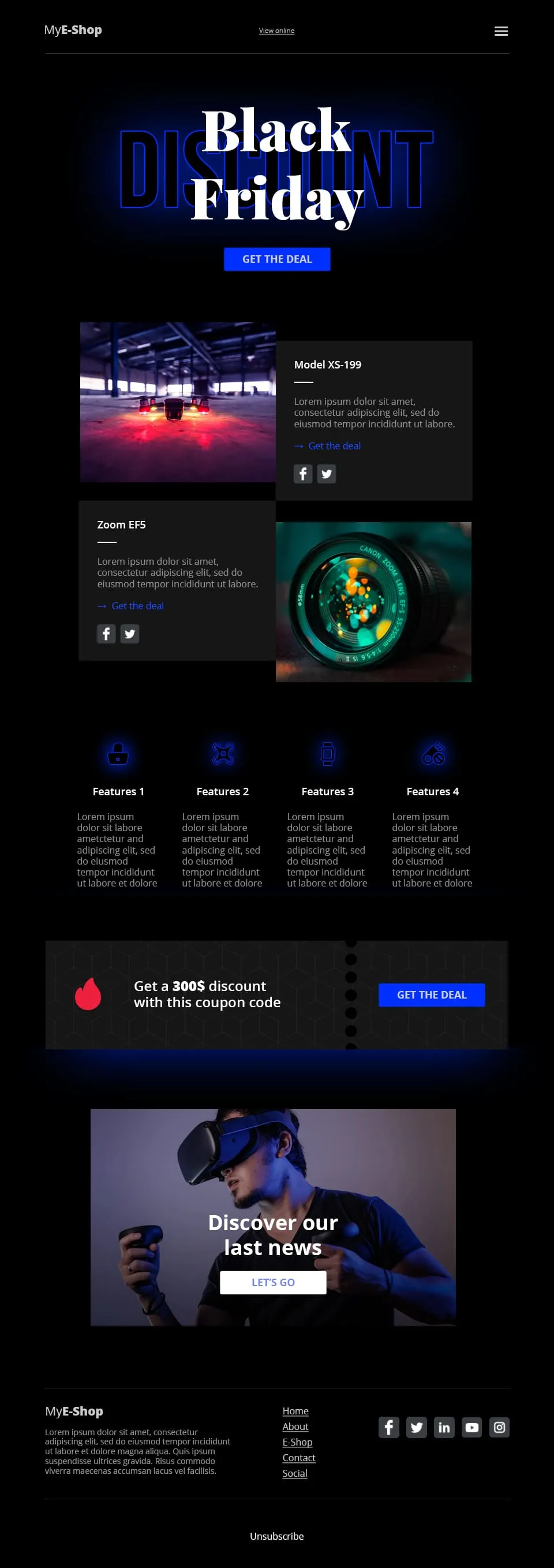
A tech-retail Black Friday template built for spec-driven audiences. Typographic lettering anchors the hero above a shop call to action, two spec product cards follow, a four-feature icon row adds credibility, a coupon code strip closes the deal and a VR product showcase ends the scroll.
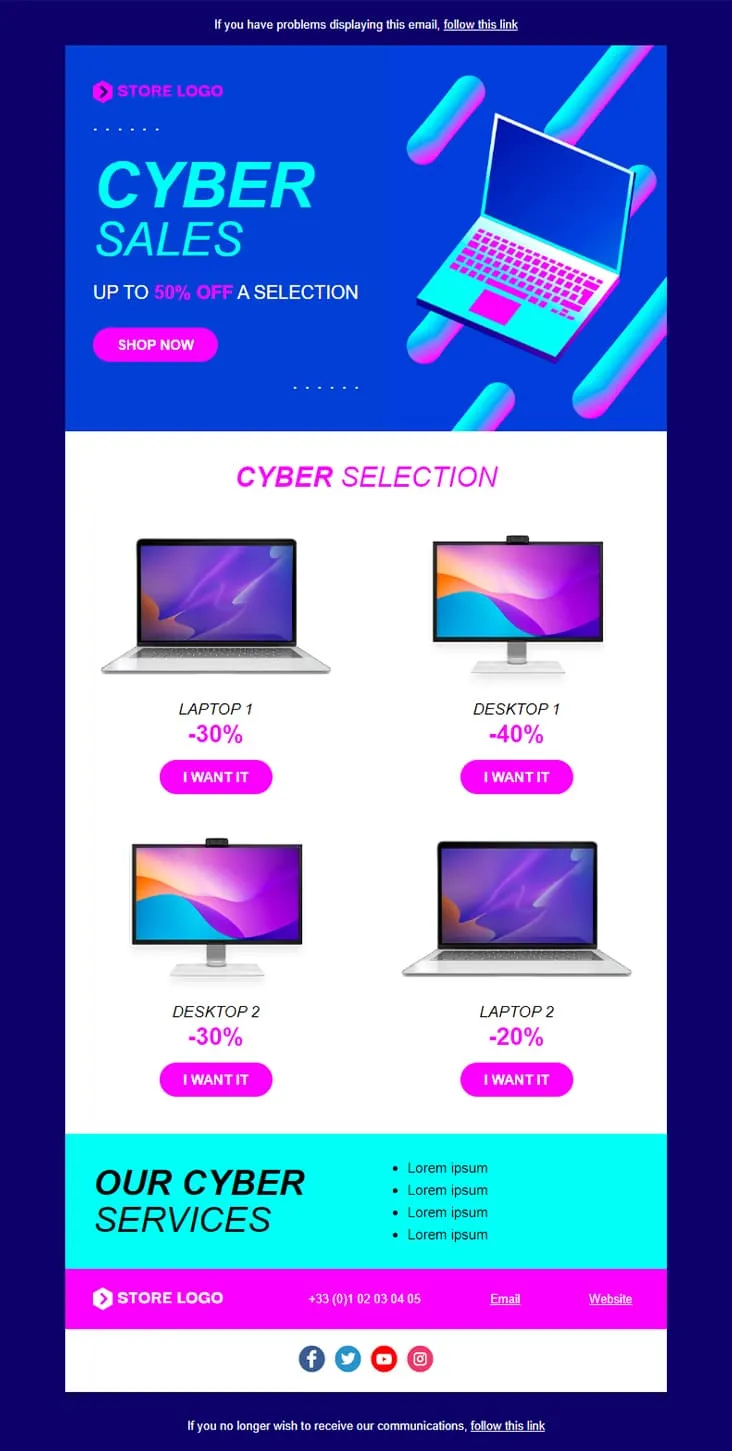
Coming SoonCyber Monday is what Black Friday wishes it could be — digital-first, screen-first. This template runs vaporwave neon (electric blue + magenta) with an isometric laptop hero, a 'CYBER SALES UP TO 50% OFF' headline, then drops a 2×2 product grid with individually-tuned discounts (Laptop 1 −30%, Desktop 1 −40%, Desktop 2 −30%, Laptop 2 −20%) and 'I want it' CTAs. A cyan 'Our Cyber Services' strip closes with four perks before the magenta footer.
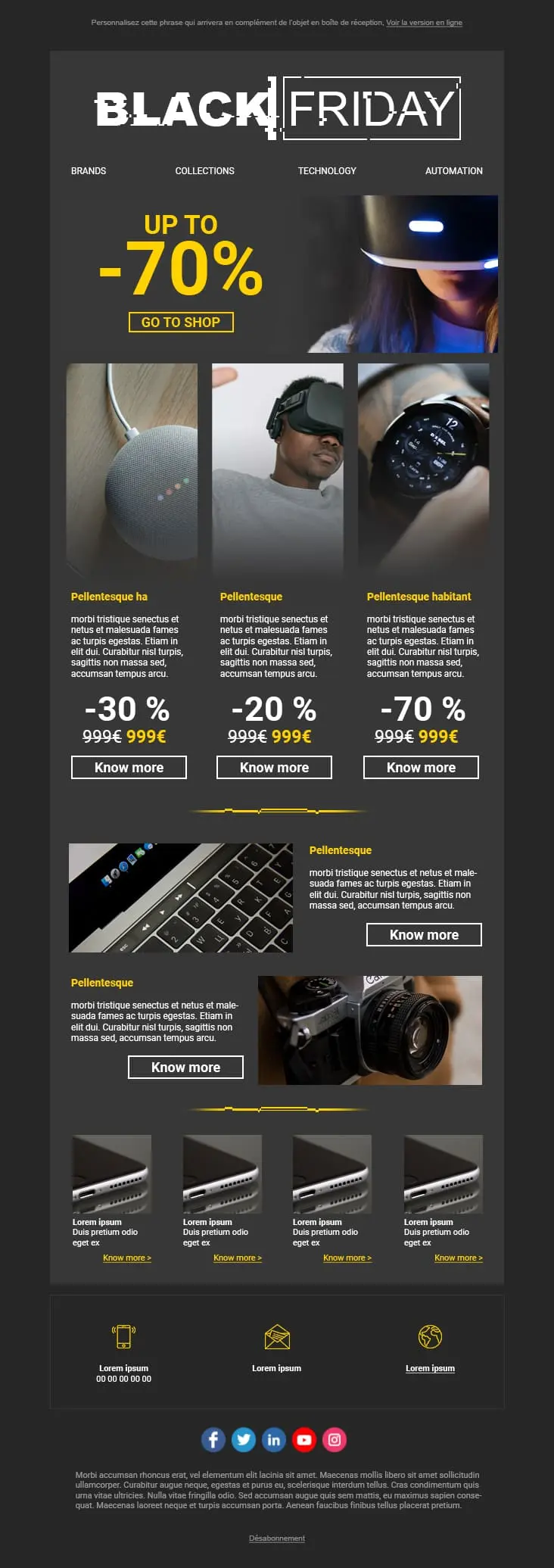
A dark-mode tech retail template with neon blue and orange accents built for high-impact promotional sends. A bold discount hero leads into a multi-product showcase grid with individual percentage badges, and a closing CTA strip pushes the urgency.
Black Friday email templates?On Black Friday, the average subscriber scrolls through dozens of promotions. High-contrast layouts and bold typography increase the odds that yours gets noticed. But design alone isn't enough. The offer needs to be visible before the scroll.
Inventory management. Logistics coordination. Support tickets stacking up. You don't have three hours to design an email from scratch. Pick a proven layout, swap your products in, get back to the work that needs you.
Hero image placement guides the eye. Button sizing affects tap rates on mobile. Content hierarchy determines whether subscribers read or bounce. These templates are structured around those patterns, not around what looks nice in a preview.
If your email doesn't render well on a 6-inch screen, the deal is irrelevant. Every template is mobile-first, tested across clients, and optimized for thumb-friendly interactions.
your Black Friday email templateEmail Campaign Best PracticeThe brands that win Black Friday don't send one email on Friday morning. They build a sequence. Teaser on Monday. VIP early access on Wednesday. Main event on Friday. Extended offers through the weekend. Each email warms up the audience and builds anticipation.
This is the tip that separates experienced email marketers from beginners. Sending to inactive or invalid addresses during a high-volume event damages your sender reputation. Remove bounced contacts, re-engage dormant subscribers two weeks early, and suppress anyone who hasn't opened in 90+ days.
A countdown timer tied to an actual shipping cutoff? That drives action. A fake "only 2 left" on a product with 500 units in stock? Subscribers notice. And they remember. Use urgency tools honestly.
Your top 10% of customers are responsible for a disproportionate share of your revenue. Give them a head start: exclusive discount, early access, or a higher percentage off. Targeted sends to high-value segments routinely outperform the generic blast by 3-5x on click-through rate.

High-contrast button. Specific copy like "Get 50% off." No competing links. No secondary offers fighting for attention. How few clicks can you put between the email and the checkout? That's your optimization target.
Black Friday email contentBlack Friday emailsDeliverability is your invisible bottleneck
You can design the best Black Friday email ever. If it lands in the Promotions tab or spam folder, nobody sees it. Start increasing your send volume 10-14 days before Black Friday. Maintain a healthy text-to-image ratio. Authenticate your domain with SPF, DKIM, and DMARC. This isn't glamorous advice, but it's the advice that moves the revenue number.
Test on real phones, not simulators
Millions of purchases are made on mobile phones. If your email looks dodgy on a mobile screen, you're going to lose sales. Both matter.
Subject line A/B testing should happen the week before
Don't A/B test your subject line on Black Friday itself. The stakes are too high and the window too short. Run your tests on your pre-Black Friday teasers. By Friday, you already know which angle wins: percentage-based ("40% off everything") vs. dollar-based ("Save $120 on your favorites") vs. scarcity-based ("Ends at midnight").
Where does the CTA link?
The product page. Not the homepage. Not a category. The specific product. Every additional click between "Shop Now" and the cart is a 20-30% drop-off. On Black Friday, with attention spans at their shortest, that cost multiplies.
What do you already know about this subscriber?
Browsing history. Past purchases. Category preferences. Use Positive User's data tools to recommend products each subscriber cares about. A personalized Black Friday offer converts at 2-3x the rate of a generic one.
Send time matters more than you think
The optimal send window depends on your audience. B2C fashion? Friday 6-8 AM so you're at the top of the inbox when they wake up. B2B SaaS deals? Wednesday afternoon when buyers are still at their desks. Don't default to "Friday at 9 AM" because a blog told you to. Look at your own analytics.
Post-Black Friday analysis is where next year's revenue starts
Which subject line had the highest open rate? Which product generated the most clicks? Where did the funnel leak? Document everything while the data is fresh. The brands that improve year over year treat Black Friday as a learning event. Not a one-off campaign.
Positive User's templates and built-in automation. Less time designing. More time selling.