













Reward double opt-in with a discount
Compliant two-step opt-ins that deliver an instant discount and lift confirmation rates.
Strengthen customer loyalty with a personalized thank-you moment one year after their first purchase.
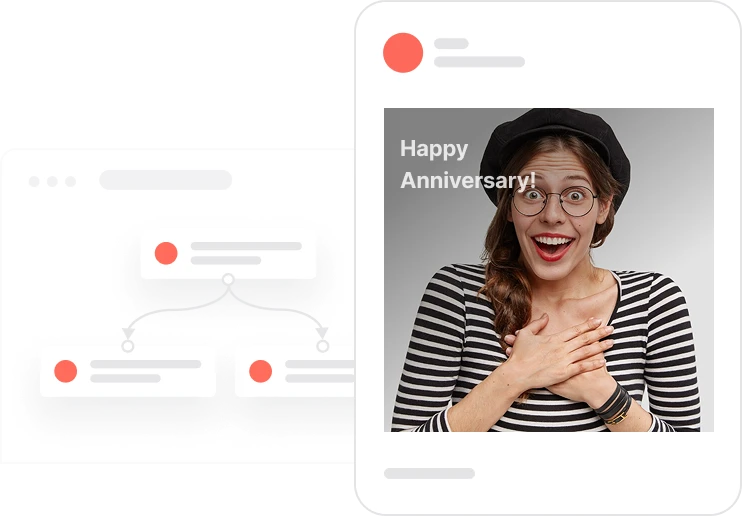
A year ago, someone placed their first order. Today, most brands do nothing with that date. This use case does something with it. Each day the automation looks for customers reaching their first-purchase anniversary and checks how many orders they placed in the past year. For customers who only ordered once or twice, it sends a discount code to bring them back. For customers who ordered three or more times, it sends a genuine thank-you, no incentive needed, just recognition. If a discount code is not available when needed, the system automatically alerts an agent rather than sending a broken experience. The result is an anniversary moment that feels considered and personal, built entirely on purchase behavior.

Every morning, the automation scans for customers whose first purchase was exactly 365 days ago. For each one, it checks email consent, then looks at how many orders they placed in the last year. A customer with one or two orders gets a discount code assigned from the anniversary promotion pool. If the code is available, the email goes out with the code included. If the pool is empty, an alert email goes to an agent so no customer receives a broken promise. A customer with three or more orders gets a different email: no coupon, just a warm thank-you that acknowledges they have been a loyal buyer. In both cases, the contact is tagged and the interaction is logged. The whole flow runs without anyone having to check who qualified today.
Daily eligibility check: Each day the automation identifies contacts whose first Purchase product event occurred exactly 365 days ago, who have a valid email address, and whose Consent email is TRUE. Contacts not meeting all three conditions are excluded from the flow.
Order frequency segmentation: Using the Total orders last year aggregator, the system routes contacts into two paths: those with 1 to 2 orders in the past year, who receive a coupon incentive, and those with 3 or more orders, who receive a loyalty thank-you message.
Coupon assignment for 1 to 2 orders: For contacts with 1 to 2 orders, the system attempts to assign a code from the 1year_anniversary_discount promotion pool. If successful, it creates the coupon assigned event, adds the coupon_1year_anniversary tag, and sends the anniversary email with the discount code included.
Agent alert when no coupon is available: If the promotion pool has no available code, the system sends an internal alert email to an agent for immediate review. This prevents any customer from receiving a broken or incomplete anniversary experience while maintaining full visibility into the exception.
Loyalty thank-you for 3 or more orders: For contacts with 3 or more orders in the past year, the system sends a thank-you email that acknowledges their loyalty without a coupon. This message reinforces emotional connection and encourages continued engagement without requiring a discount.
Implementing use case automation involves several key steps and tools. Here's a comprehensive ressources to get you started:
Marketing on a new level with a beautiful visual, drag & drop creator.
Send personalized emails that resonate with your users at the perfect moment.
Create promotions, import unique codes, and assign them automatically.
A contact attribute is a data field stored on the contact's profile, used for segmentation, personalization, reporting, and automation.
An aggregator calculates and stores a value based on contact events, updated continuously.
Tags are flexible labels for quick contact identification and segmentation.
A product event tracks a contact's interaction with a specific product. First occurrence is used for anniversary calculation.
An event tracks a specific action performed by a contact.
A promotion is a pool of unique coupon codes that can be assigned automatically to contacts.
Trusted by fast-growing teamsStart from a proven use case designed to help you engage faster, with relevance and impact.
More ways to engage your audienceCompliant two-step opt-ins that deliver an instant discount and lift confirmation rates.
In-app messages that surface new features the moment mobile users open the app.
Automated deal and task creation that puts sales on every expired subscription within days.