













Reward double opt-in with a discount
Compliant two-step opt-ins that deliver an instant discount and lift confirmation rates.
Re-engage contacts who viewed products but didn't convert using smart timing and multi-channel outreach.
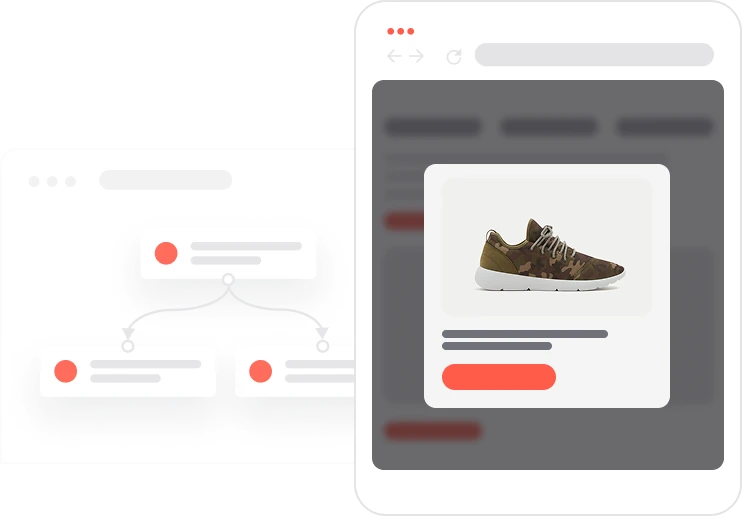
Someone browses your site, looks at a product, and leaves. It happens hundreds of times a day. Most brands do nothing about it. This one does. One hour after a product view, the automation picks the right channel (email first, then WhatsApp or web push if email is not available) and sends a message that actually fits: a live promotion banner, AI-picked product suggestions, the right timing. Three days later, if nothing has happened, it tries once more. Every message is capped and channel-matched. Nothing goes out to someone who already bought. Nothing repeats to someone who already received it. The result is a quiet, persistent recovery flow that brings back revenue you would otherwise never see.

A contact views a product and moves on without buying. An hour later, the system quietly checks: have they bought recently? Are they already in the email send window? If not, it picks the right channel and sends. Email goes out first with the current promo banner and a few AI-recommended products that match what they were browsing. Three days of silence later, if the cart is still empty, a second nudge goes out: WhatsApp if they have consented, web push if not. Two touchpoints, no repetition, no manual effort. And when marketing updates the promo banner once, it updates automatically across every email in the flow.
Product view trigger and initial delay: When a contact views a product from the Products With Assets segment, the automation waits one hour to allow natural browsing without interruption.
Eligibility and send frequency check: The system checks whether the contact is already in the Capping email segment. If not, it verifies that the contact did not add the product to their cart and did not make a purchase in the last 14 days.
Primary outreach via email or alternative channels: If Consent email is TRUE, the system sends a personalized email containing the current promotion banner pulled from global variables and AI-powered product recommendations. It creates the Capping email event and adds the contact to the Capping email segment. If email consent is not available, the automation checks WhatsApp consent first, then web push subscription as a fallback.
Waiting period and purchase verification: After a three-day delay, the system checks whether the contact has completed a purchase. Only contacts who remain inactive without any purchase qualify for the second reactivation touchpoint.
Secondary reactivation attempt: If WhatsApp consent is TRUE, the contact receives a WhatsApp follow-up. If not, and the contact has a valid web push subscription, a web push notification is sent instead, ensuring every eligible contact receives at least one second reminder.
Implementing use case automation involves several key steps and tools. Here's a comprehensive ressources to get you started:
Marketing on a new level with a beautiful visual, drag & drop creator.
Send personalized emails that resonate with your users at the perfect moment.
Launch personalized, automated WhatsApp campaigns.
Deliver personalized notifications to users of your website or app.
A contact attribute is a data field stored on the contact's profile, used for segmentation, personalization, reporting, and automation.
An event is a custom piece of information about something your contact does.
A product attribute is a data field describing a property of a product stored on the product profile, used for segmentation, personalization, reporting, and automation.
A product event tracks a contact's interaction with a specific product, such as a view, a cart addition, or a purchase.
Segments are dynamic groups that update in real time based on contact behavior and attributes.
Global variables work like dynamic content blocks. They let you update the same piece of content across all communications simultaneously without editing each automation individually.
Adjust the Products. With Assets segment to match the products you want to recommend. In this use case, the segment filters for products that have both an image and a URL link.
Adjust the copy and links in the WhatsApp campaign to match your brand tone and current offer.
Trusted by fast-growing teamsStart from a proven use case designed to help you engage faster, with relevance and impact.
More ways to engage your audienceCompliant two-step opt-ins that deliver an instant discount and lift confirmation rates.
In-app messages that surface new features the moment mobile users open the app.
Automated deal and task creation that puts sales on every expired subscription within days.