











Deliver fast, reliable, and human-first support
The Customer Service add-on brings conversations, tickets, live chat, meetings, and self-service tools together. With full customer context and service automation built in, your team responds faster and reduces workload.


Trusted by +15,000 marketing teams




Support customers quickly and consistently
Great customer assistance starts with showing customers they’re heard and supported, even on your busiest days. Positive User helps your team stay organized and deliver fast resolution at every step.

Centralize every customer conversation
Email, chat, forms, social messages - everything lands in one unified inbox. Your team sees the full conversation history instantly. Customers never need to repeat themselves. Unified customer communication across every channel.
Deliver faster responses with automation
Automate tagging, routing, priorities, and follow-ups. Automated customer service handles the routine work. Your agents focus on what humans do best: solving, reassuring, and building trust. Response management stays on track.
Empower customers with self-service
Provide instant answers with a clean, searchable knowledge base. Reduce ticket volume without reducing support quality. Self-service support empowers customers to find what they need, before they even reach out.
Improve satisfaction and loyalty
Monitor response times, track customer satisfaction, and identify recurring issues. Use support reporting dashboards to spot trends. Small, continuous improvements add up to an exceptional customer experience.
Engage visitors and provide real-time support
Engage visitors with live chat
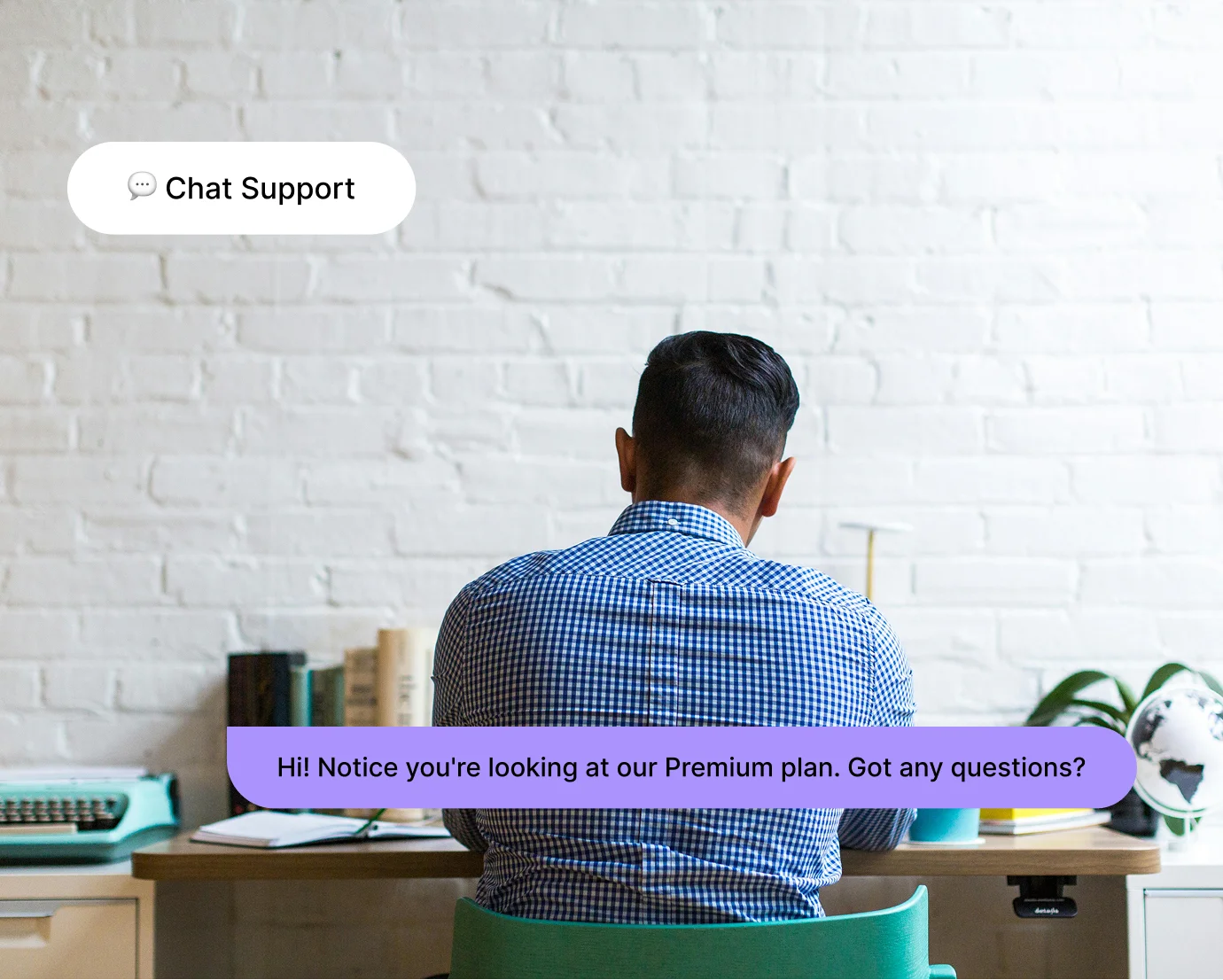
Live chat lets you step in when someone needs help. Whether they’re hesitating on a pricing page or stuck in a product flow, you can guide them immediately. No friction, no delay. Multichannel support starts here.
Be available 24/7 with a support chatbot
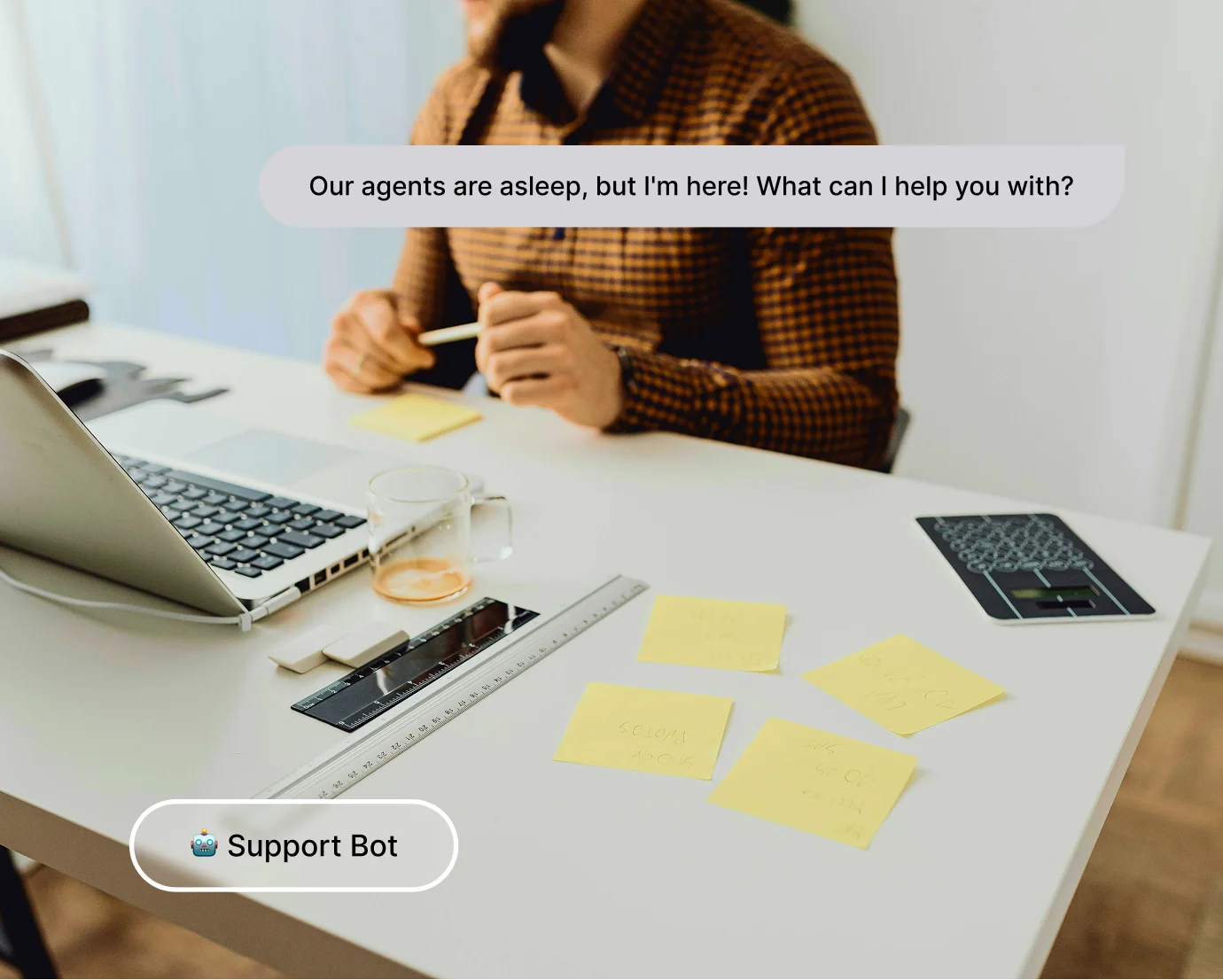
A support chatbot keeps conversations going when your team is offline. Handle simple questions, collect essential information, and prepare the handover for agents. AI-powered support makes round-the-clock customer assistance possible.
Combine automation with human expertise
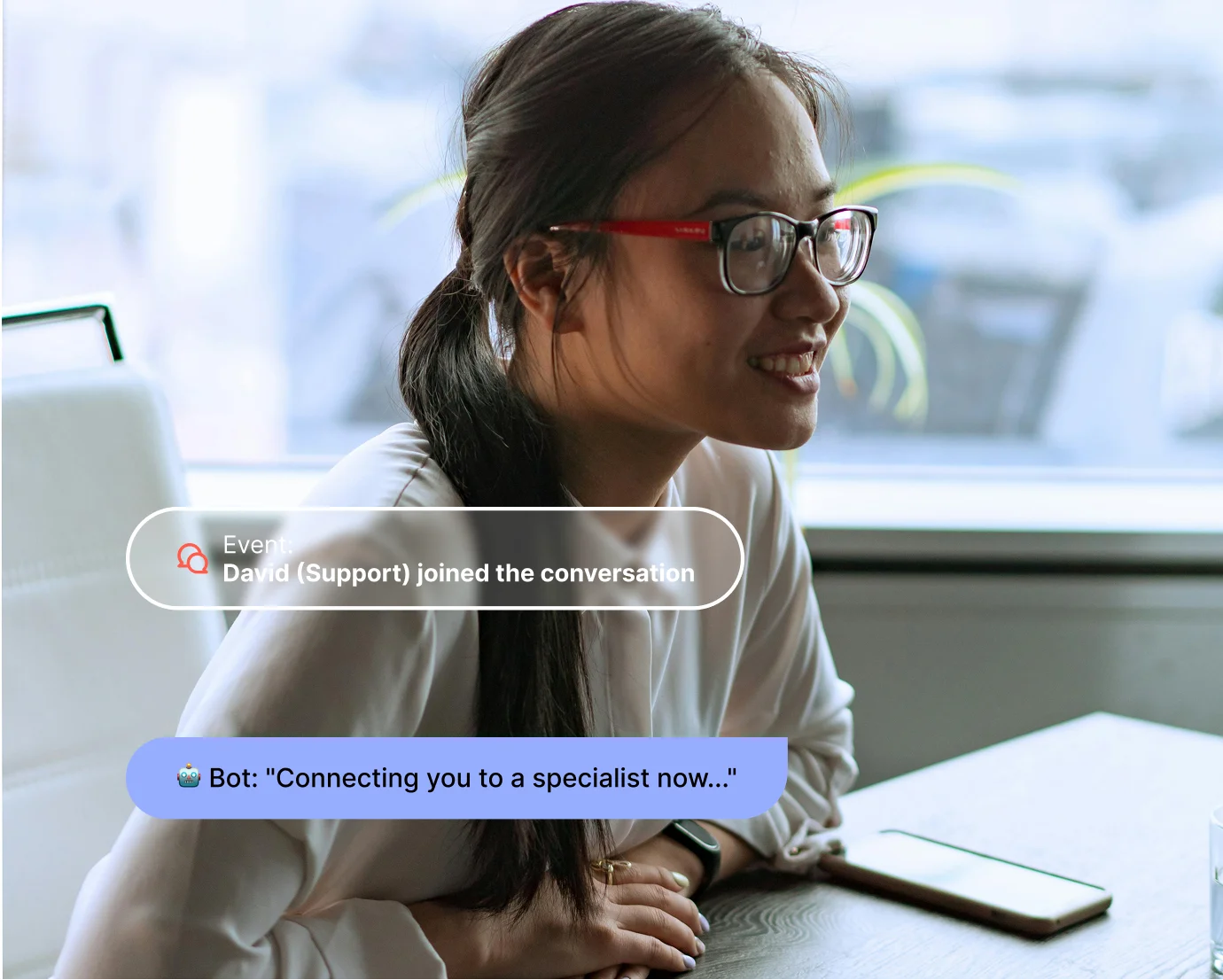
Start with automation and switch to a human agent when needed. Efficiency and empathy work together for a smooth customer experience. Omnichannel support means every channel (chat, email, messenger) connects to the same profile.
Organize, track, and resolve support requests
Ticketing system and ticket management
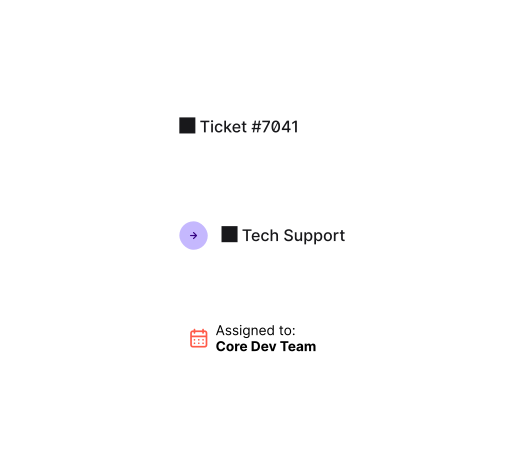
Turn incoming questions into structured tickets: easy to categorize, assign, and manage. Ticket management scales as volume grows. Set ticket prioritization rules so urgent issues surface first. Request tracking keeps every case visible.
Helpdesk workflow and SLA management
Create a clean, predictable support process with shared inboxes, status updates, and automated actions. Define SLA management rules for response and resolution times. Your team moves from one task to the next without confusion.
Internal collaboration
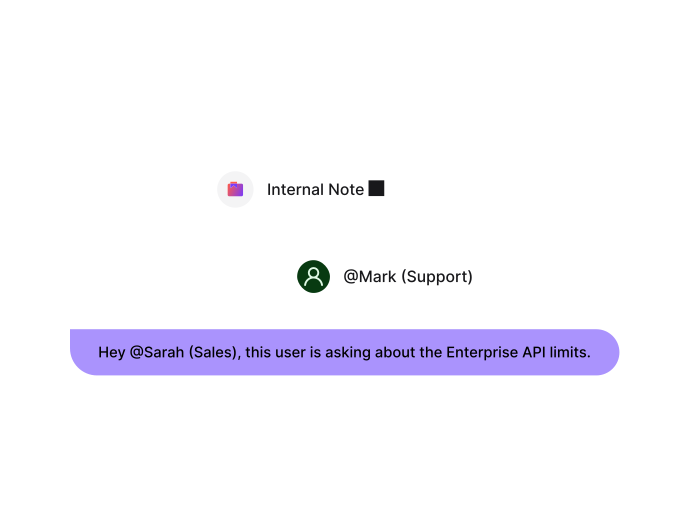
Mention teammates, share internal notes, and keep everyone aligned within the same thread. Support-sales collaboration means anyone involved in a case can access the same conversation history and customer data.
Build a complete support ecosystem
Help center and knowledge base
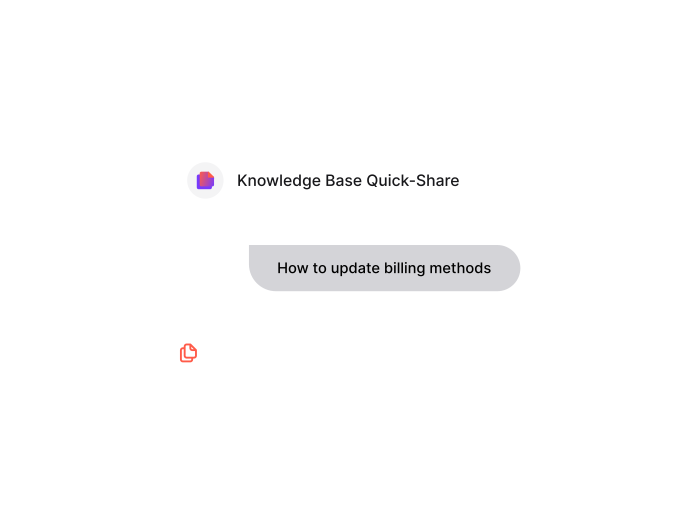
Create a full help center with articles, dynamic FAQs, and step-by-step guides. Customers find answers instantly - reducing ticket volume. Agents share relevant articles during conversations. Proactive support starts with accessible resources.
Meetings and live support sessions
Book and manage support meetings directly from Positive User. Share a calendar link, let customers pick a time, and get automatic reminders. Complex issues get the attention they deserve through dedicated, scheduled support. Email support and chat handle the rest.
Trusted by fast-growing teams
You may be interested by these features
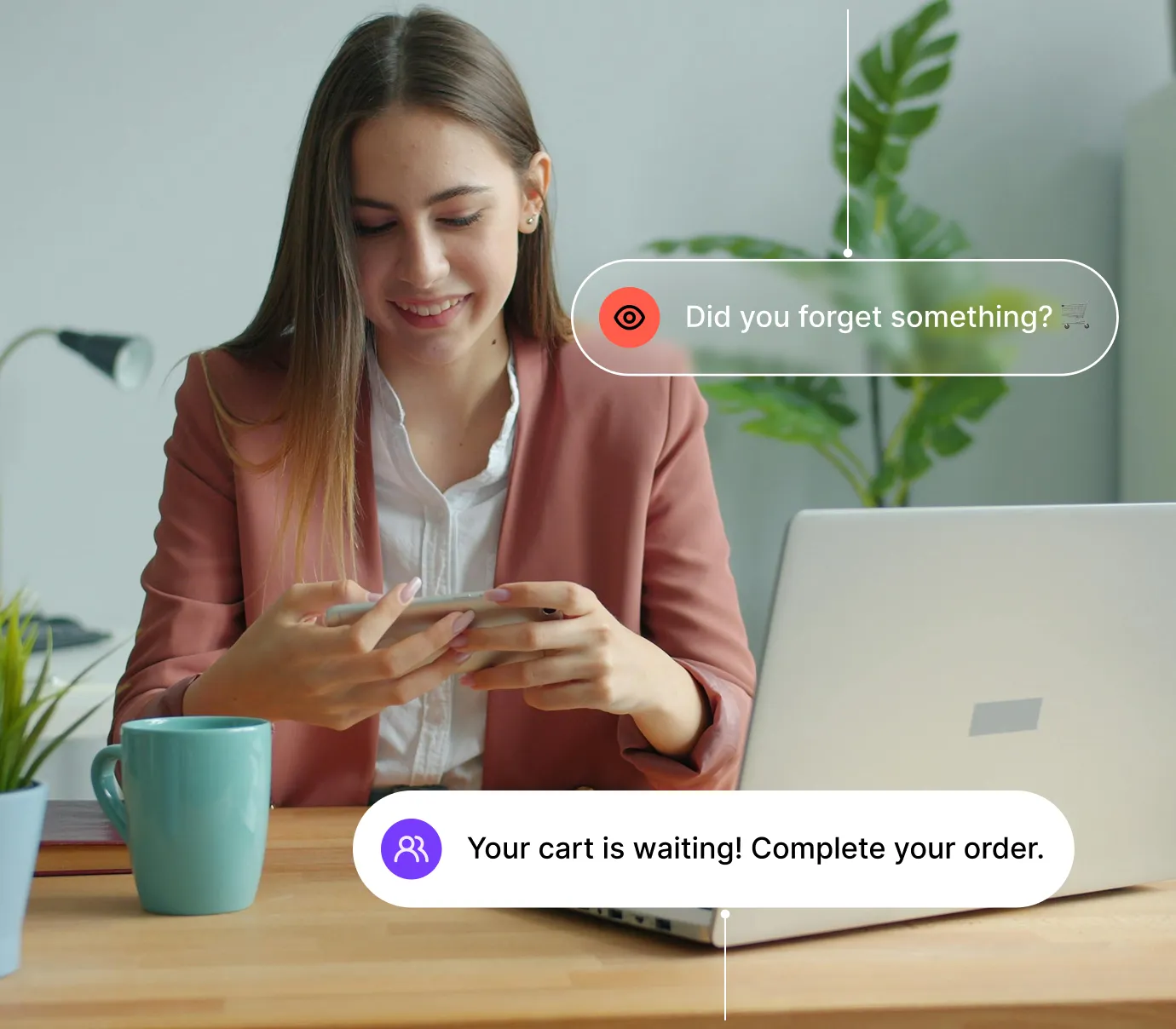
Automation
Turn repetitive tasks into efficient workflows
Campaigns
Reach your audience everywhere with multichannel campaigns

Studio
Personalize your messages on every channel

Data
Make informed decisions based on reliable data
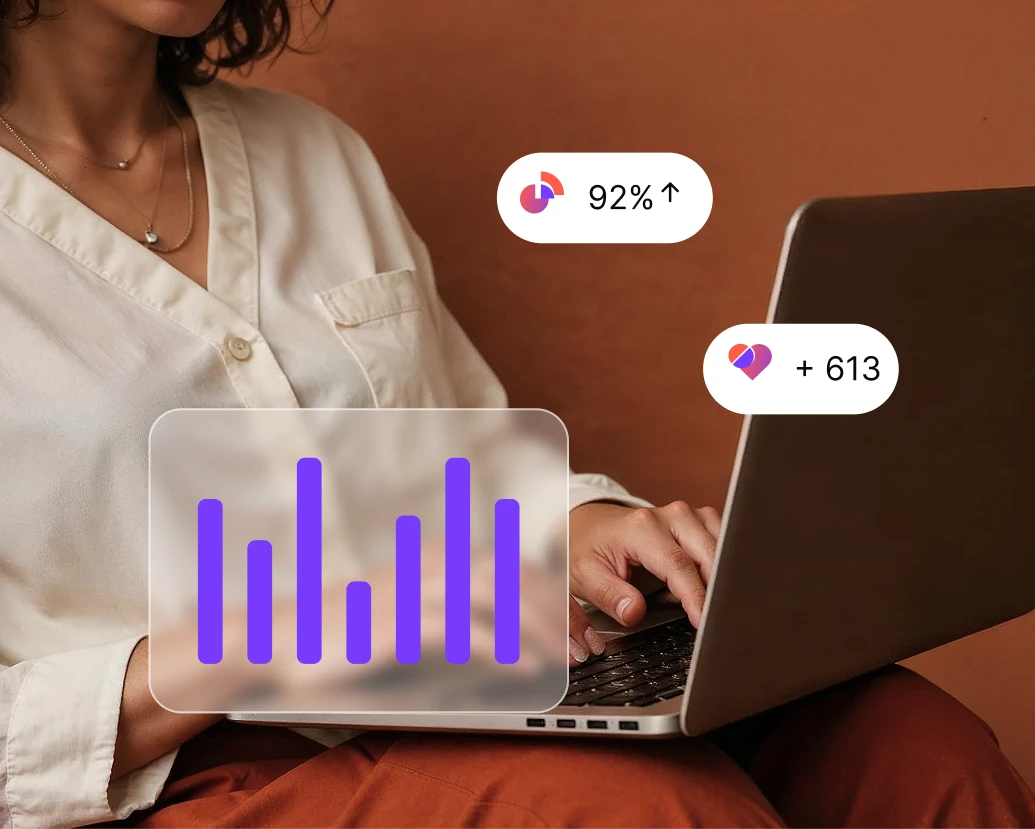
Analytics
Measure your results and track engagement in real time
Contacts
Store, organize, and understand each contact

Website Experience
Turn every visit into engagement with personalized journeys

Loyalty
Build lasting relationships with your customers
Sales
Turn strangers into loyal customers
User AI
Turn ideas into ready-to-run workflows with AI
Deliver support your customers will remember
From quick answers to complex issues, Positive User helps your team handle every request with clarity and a personal touch. Centralize communication, reduce response times, and build lasting trust.

Frequently Asked Questions
What is the Customer Service add-on in Positive User?
It’s a complete customer service software that brings helpdesk, ticketing system, live chat, knowledge base, and meetings into one platform. Your team manages all customer support from a single interface.
Can I manage live chat and email together?
Yes. Live chat, email support, and other channels all appear in the same view. Each interaction links to the customer profile automatically. Your team always has full context: previous conversations, actions, and purchases.
How does the add-on reduce support workload?
Service automation handles repetitive tasks: tagging, assigning, confirmations, and satisfaction scores. AI-powered support answers common questions instantly. Your team focuses on complex issues instead of routine steps.
Is 24/7 support possible with Positive User?
Yes. Automated chat flows and AI-powered assistance provide round-the-clock support. Simple questions are handled immediately. Complex cases queue for human follow-up during working hours.
How does the add-on improve collaboration between teams?
All customer interactions (support, sales, and marketing) live in one system. Support-sales collaboration means anyone involved in a ticket accesses the same conversation history and data. No silos.
Can I measure customer satisfaction?
Yes. Trigger satisfaction surveys automatically, analyze responses, and track NPS scores. User feedback insights show where customers struggle and where your team excels. Support reporting tracks it all.
Does the add-on include a knowledge base?
Yes. Create a full help center with articles, FAQs, and guides. Self-service support lets customers find answers instantly. Agents share relevant resources during conversations.
How does ticket prioritization work?
Define rules based on urgency, customer tier, or request type. Ticket prioritization ensures critical issues surface first. Combined with SLA management, your team meets response time commitments consistently.
Is customer data secure?
Yes. Positive User applies strict security standards: encrypted communication and GDPR compliance. Access controls ensure only authorized team members view sensitive information.
How quickly can we start?
Most teams are up and running in days. Ready-made workflows, onboarding guides, and built-in best practices get you handling conversations and tracking performance right away. Fast resolution from day one.