











Never miss a meeting. Never miss an opportunity.
No more email ping-pong to find a time that works. Create a personalized booking link, sync with your calendar, and let prospects schedule meetings on your terms. Set it once, book meetings without friction.

Trusted by +15,000 marketing teams




Take control of your sales calendar
Positive User Meetings is built for sales teams who value their time. Stop coordinating schedules across time zones while deals slip away. Focus on closing, not on finding a slot.

Custom booking links
Create a personalized meeting link and share it anywhere: in emails, on your website, or in your email signature. Prospects pick a time, and the meeting is booked. One link, unlimited bookings.

Calendar sync in real time
Connect Google Calendar or Outlook and keep your availability updated automatically. When you block time in your calendar, those slots disappear from your booking page instantly.
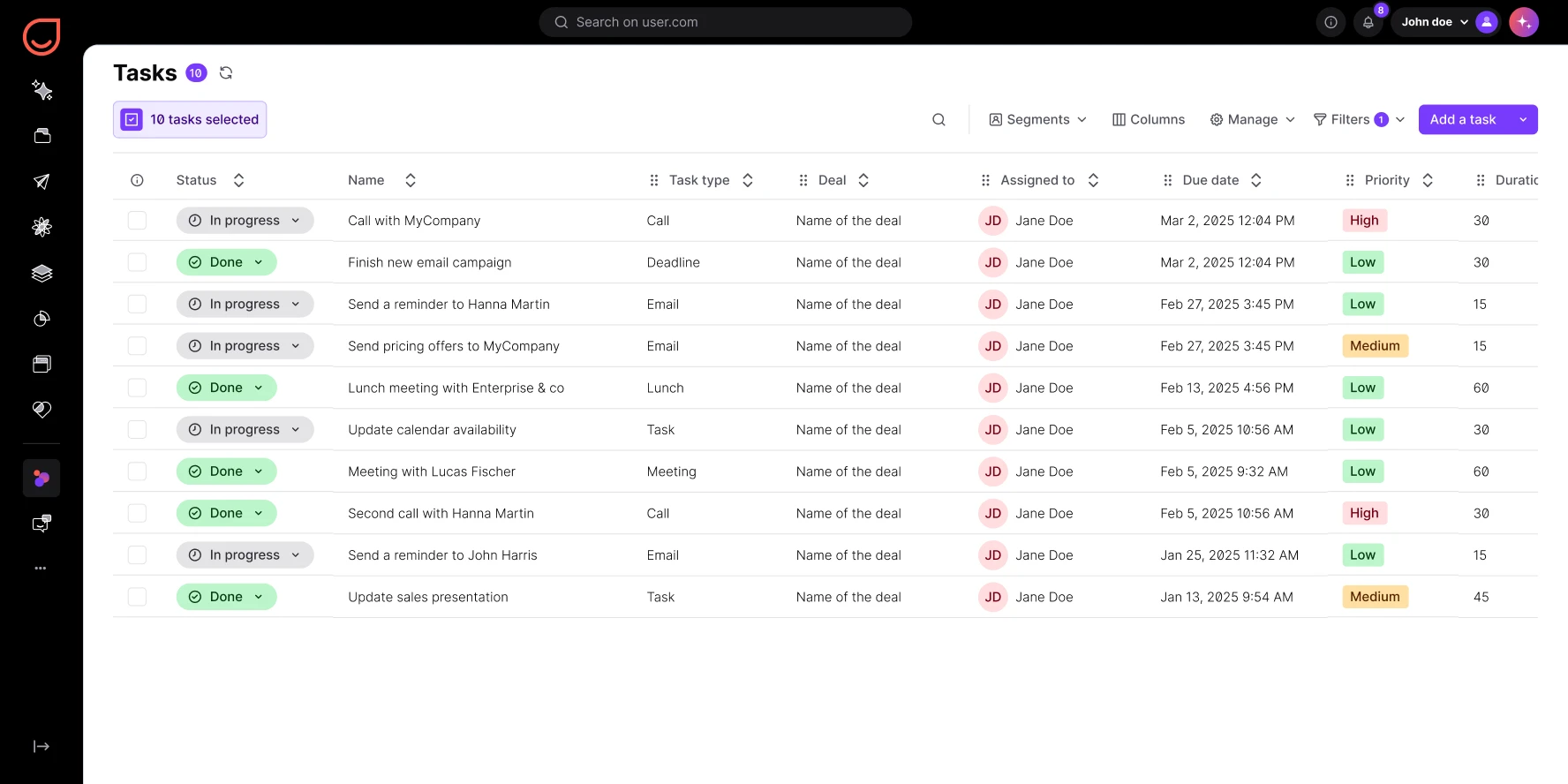
Automatic task creation in your CRM
Every time someone books a meeting, Positive User creates a task linked to their contact profile. The meeting appears alongside deals, conversations, and activity history. Nothing falls through.
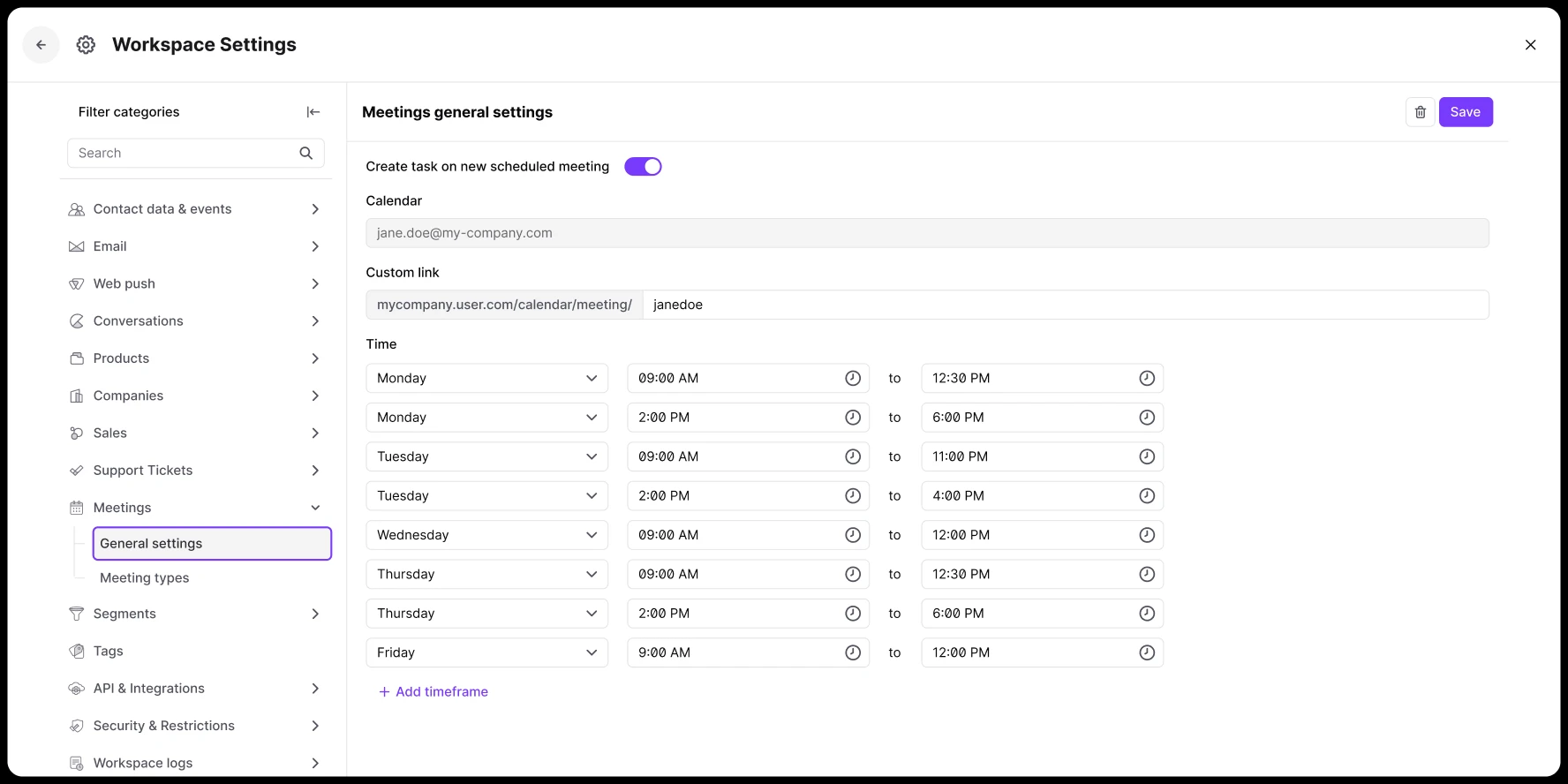
Control your availability
Set your working hours and choose which days you’re available. Define your timezone. Prospects see available times converted to their local timezone automatically. No confusion, no back-and-forth.
to fill your calendar with qualified meetings

Build your sales pipeline from every booking
Every meeting is connected to the contact’s profile, company data, and open deals. Walk into every call with full context. Booking feeds your pipeline automatically.

Give prospects a branded booking experience
Customize your booking page with a welcome message and preferred meeting hours. Make every interaction feel professional. Share your link in cold emails, landing pages, or chat conversations.
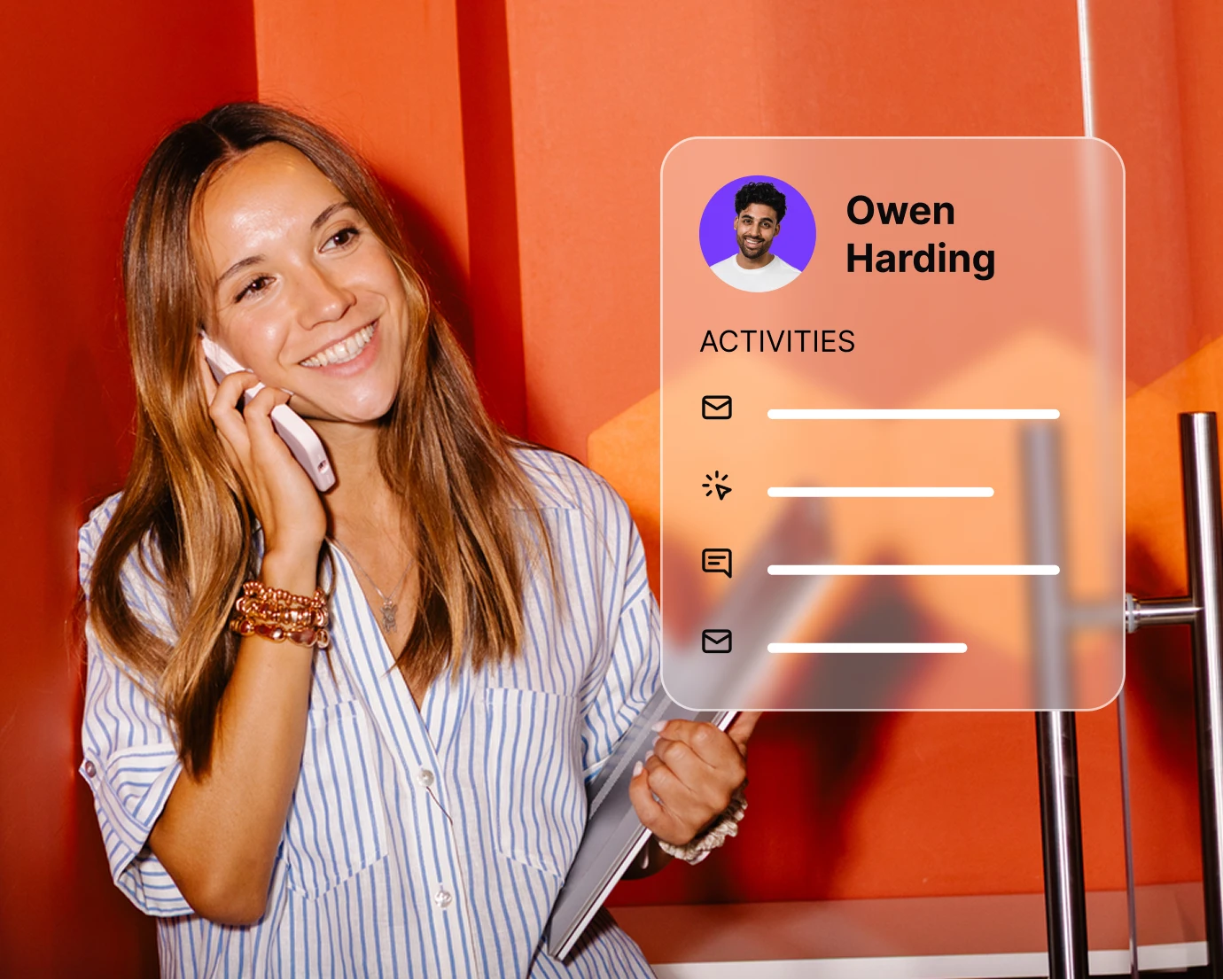
See the full picture before every call
View the contact’s activity history, recent website visits, and open deals before the meeting starts. Full CRM context in the sidebar. Preparation that takes seconds.
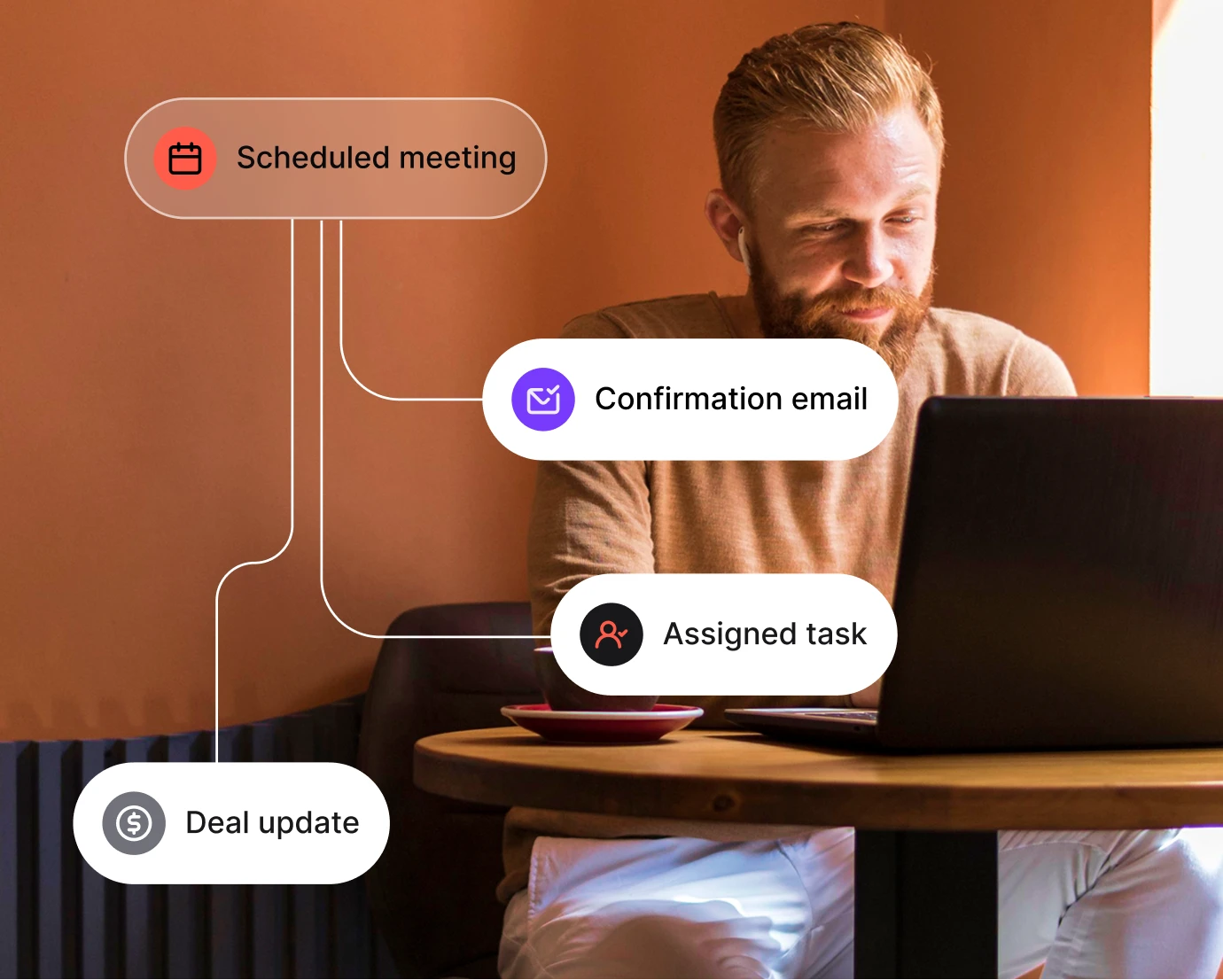
Automate follow-ups after every meeting
Trigger automated workflows after a meeting is booked or completed. Send confirmation emails, assign tasks, or move deals to the next pipeline stage. Meeting logistics on autopilot.
Launch proven workflows in minutes
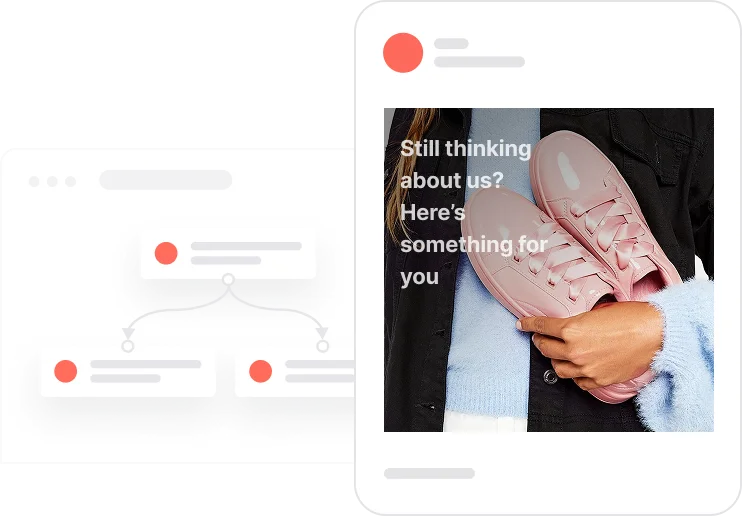
Reactivate quiet leads

Celebrate first purchase anniversaries
.webp)
Celebrate usage milestones

Send birthday discounts

Recover abandoned carts
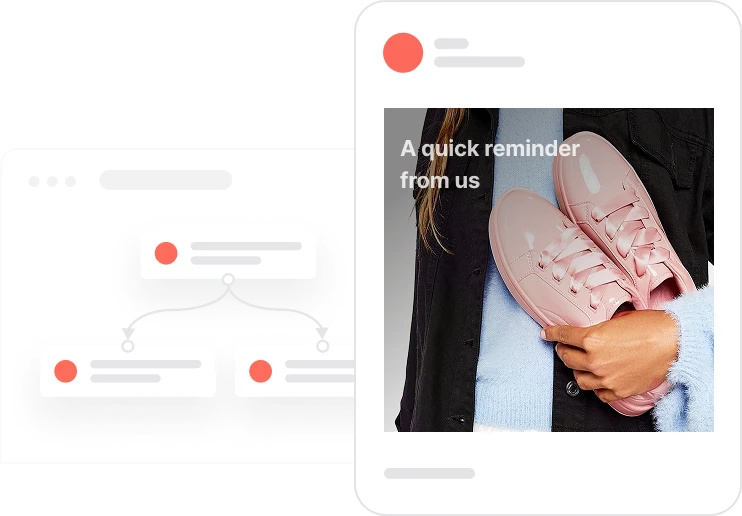
Automate repeat purchases
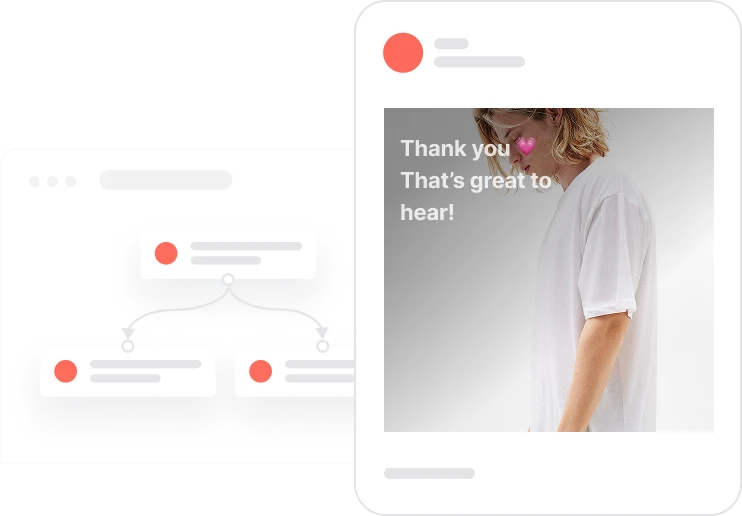
Build trust with customer reviews
Trusted by fast-growing teams
Stop chasing prospects. Start closing deals.
Positive User Meetings turns scheduling friction into booking momentum. One link is all it takes to fill your calendar with qualified opportunities.

Frequently Asked Questions
Which calendar platforms does Meetings sync with?
Positive User Meetings syncs with Google Calendar and Outlook Calendar. The integration is two-way. Availability stays updated in real time. Booked meetings appear directly in your connected calendar.
Can I customize my booking link?
Yes. You get a personalized booking URL that you can customize with a welcome message and specific working hours. Control which days prospects can book.
What happens when someone books a meeting?
Three things happen automatically. The meeting appears in your connected calendar. A task is created in Positive User. The meeting is linked to the contact’s profile for full context.
Can I set different availability for different days?
Yes. Enable or disable specific days of the week. Set custom start and end times for each day. Morning meetings on Mondays, afternoon slots on Fridays. Your rules.
How do I prevent back-to-back meetings?
Set your working hours start and end times to create natural buffers. Any time you block in Google Calendar or Outlook becomes unavailable on your booking page automatically.
Can multiple team members use Meetings?
Yes. Each team member gets their own booking link with their own calendar sync and availability settings. Share links individually or route prospects to specific reps.
Where can I share my booking link?
Anywhere you interact with prospects. Cold emails, landing pages, email signatures, chat conversations, pricing pages, or social media. One link works everywhere.
Does the system handle time zones automatically?
Yes. Set your timezone in the settings. Prospects see available times converted to their local timezone. No confusion about whose time zone applies.
Can I see who booked a meeting before it happens?
Yes. A task is created and linked to the contact profile. See their full activity history, recent website visits, and open deals before the call starts.
Is Meetings included in the Sales add-on?
Yes. Meetings is part of the Sales add-on, alongside Conversations, Deals, Pipeline management and Tasks. Calendar integration is enabled through Google Calendar or Outlook.