











Centralize your knowledge base and deliver instant answers
Create a self-service portal that empowers your customers and your team. Store all your product documentation, help articles, and customer documentation in one accessible platform. Reduce repetitive support requests and deliver answers 24/7. Online support that scales without hiring.
Trusted by +15,000 marketing teams




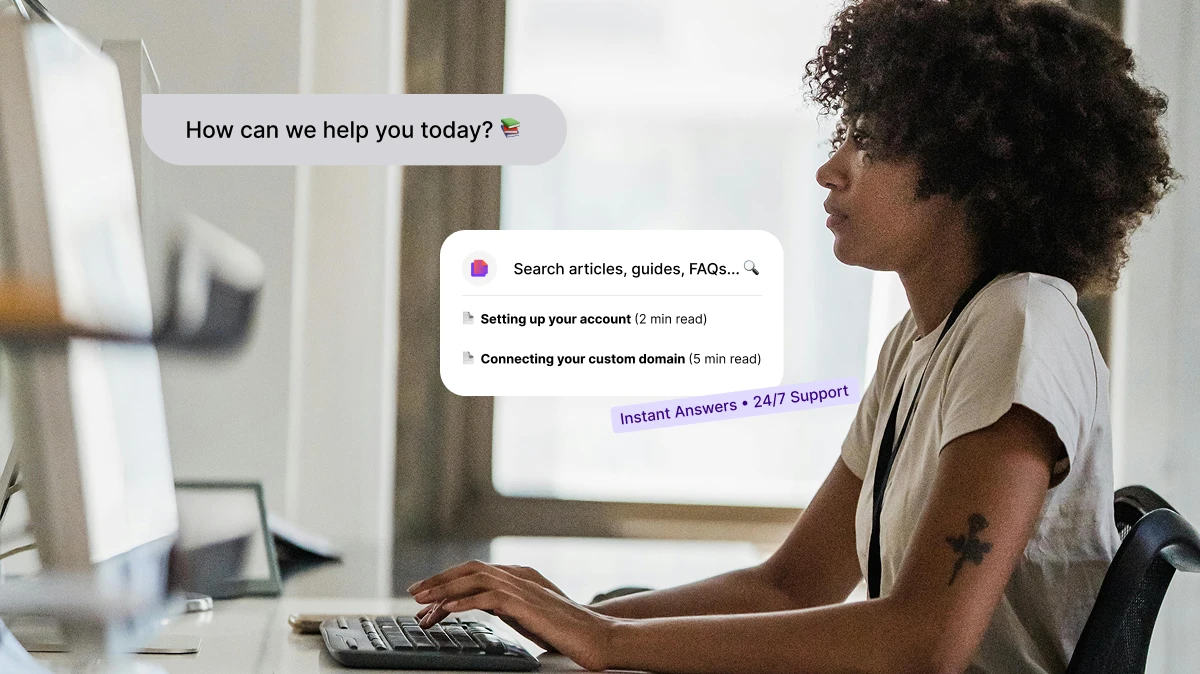
Give your customers the answers they need, instantly
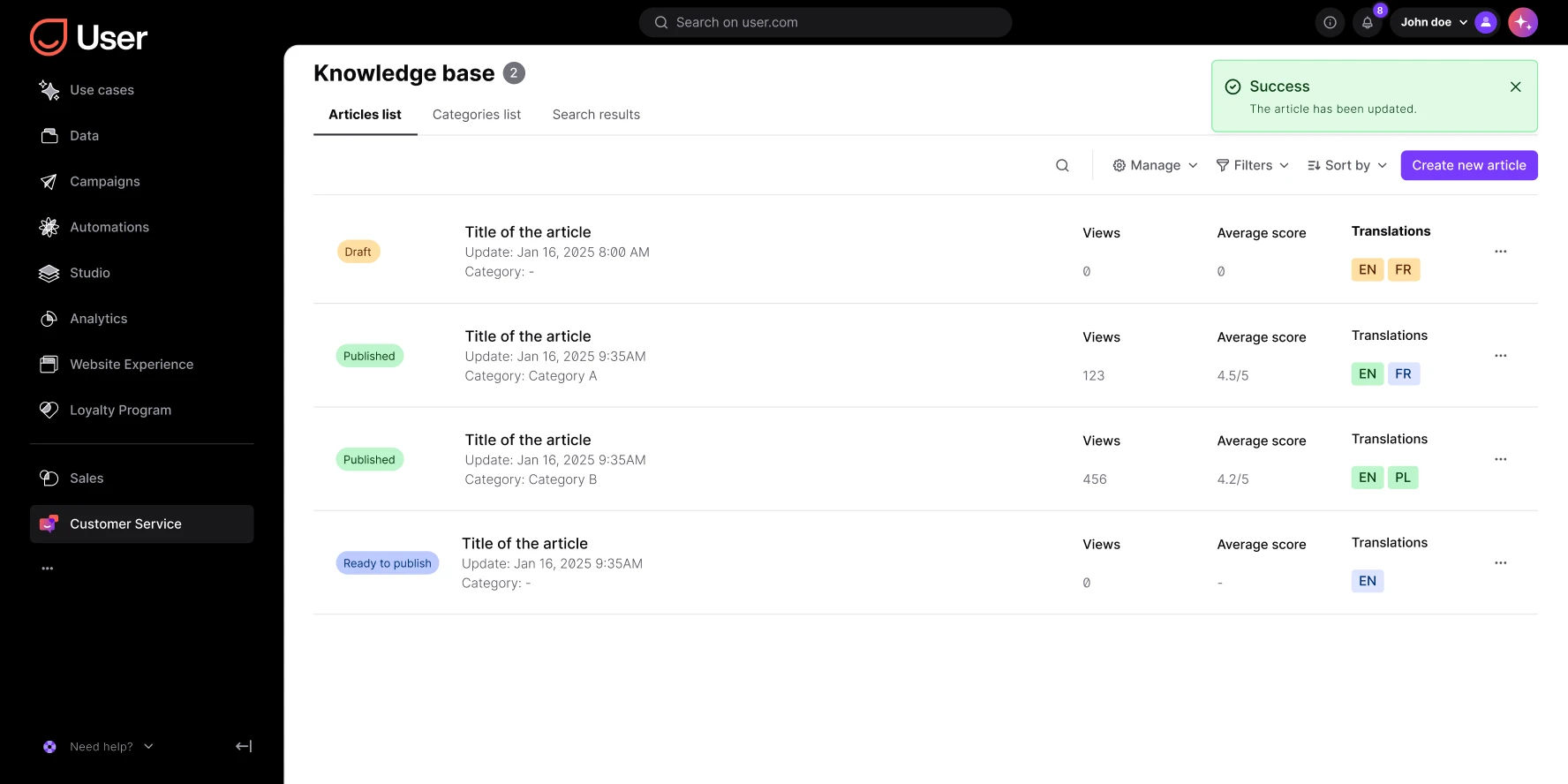
Positive User’s Knowledge Base lets you organize all your support center documentation in one central, searchable space. Provide customers with clear self-service resources. Give your team the tools to respond faster and more accurately.
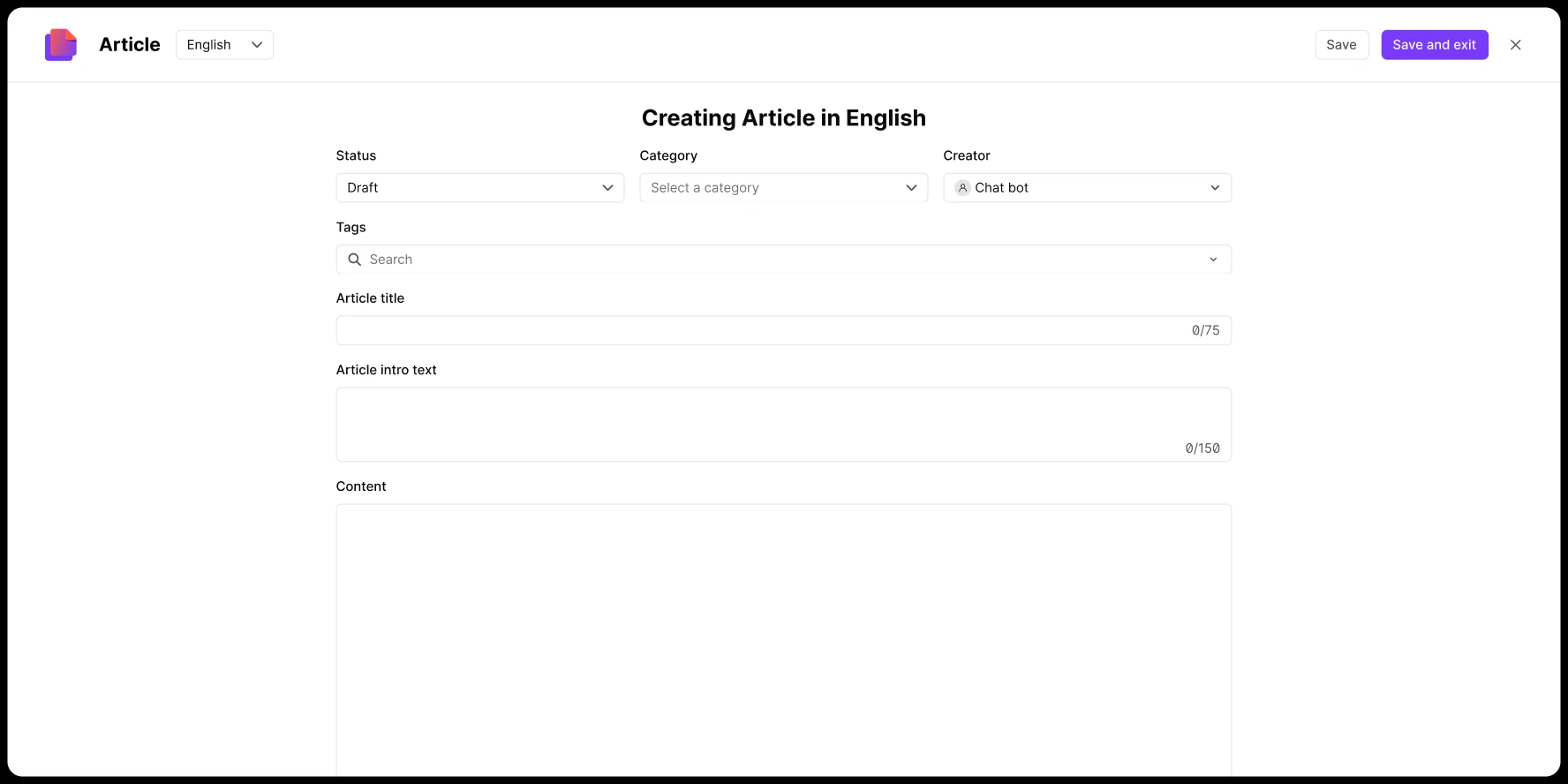
Give instant answers with help articles
Offer quick access to FAQ articles, tutorials, and user guides that address your customers’ most common questions. Reduce support workload and response times. Problem resolution starts before a ticket is opened.
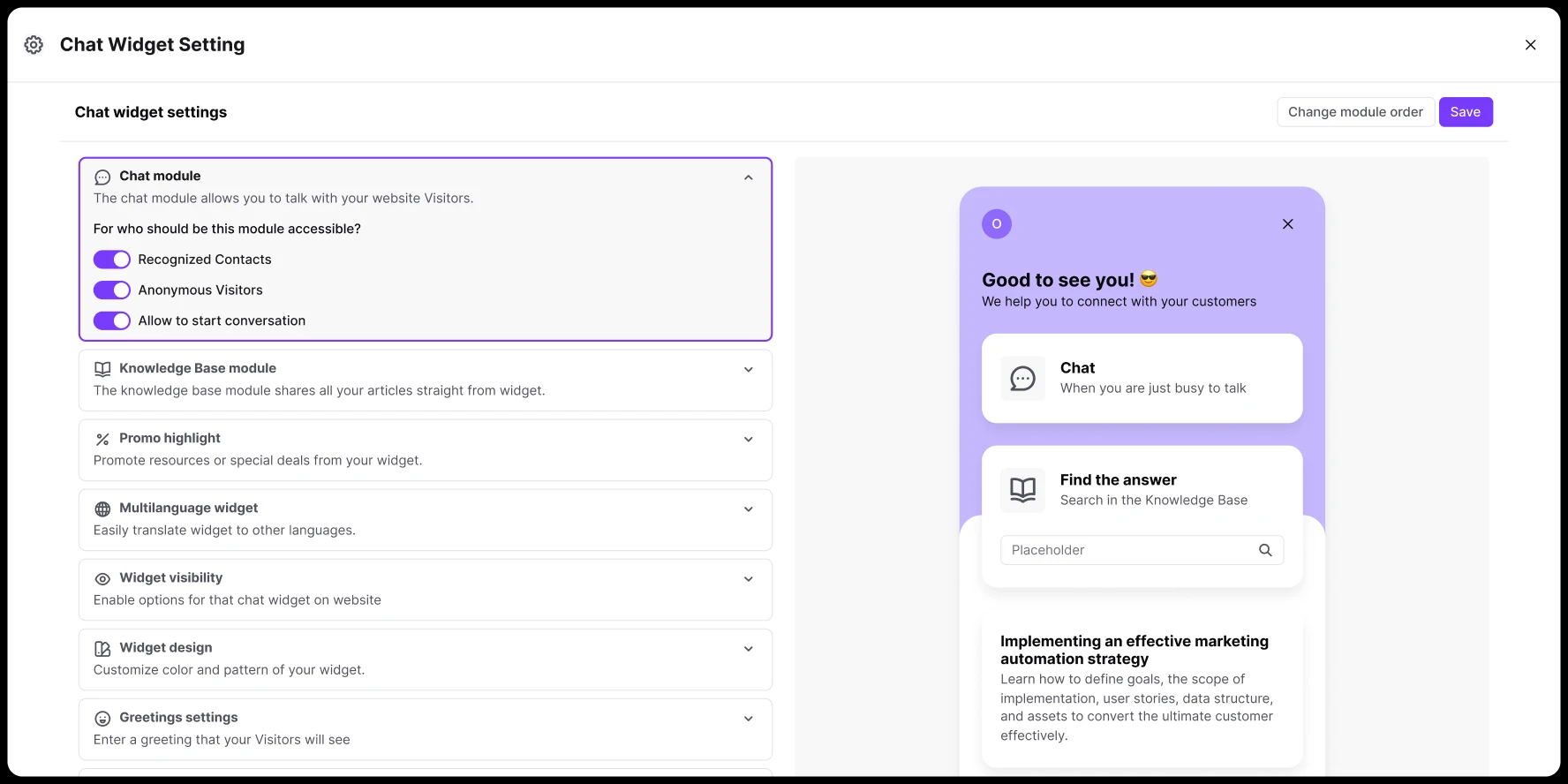
Integrated with chat solutions
Combine live support with help articles. Your team shares Knowledge Base content directly from the chat panel. Accurate informative content delivered in seconds. Automated support meets human expertise.
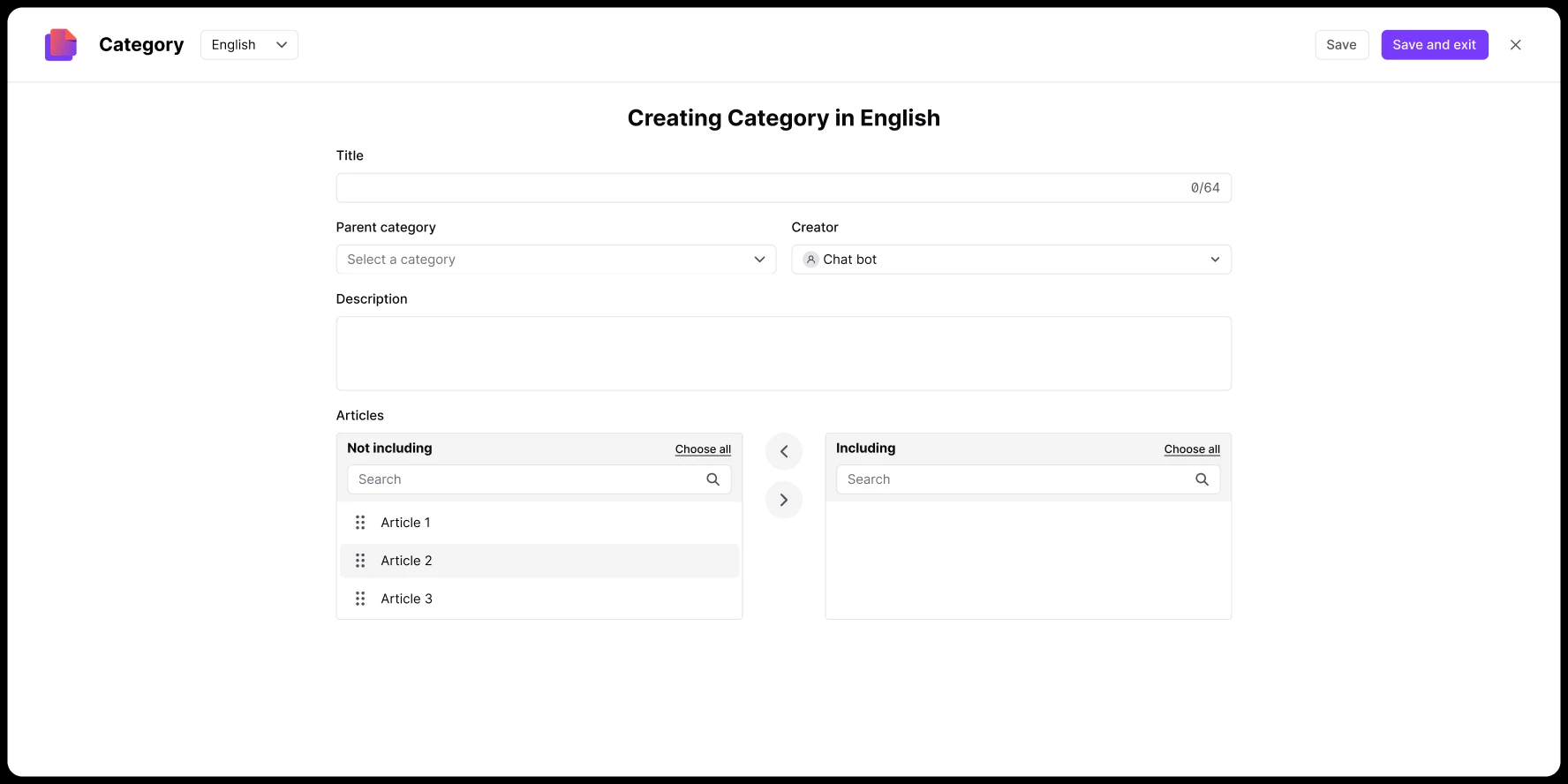
Multi-language support
Publish articles in multiple languages with a few clicks. Provide a consistent, localized experience for your global audience. B2B resources and customer training materials in every language your team needs.
Search insights and analytics
Monitor what customers search for most to identify content gaps. Understand intent and continuously improve your digital support resources. Knowledge base search data drives smarter knowledge management.
Knowledge base in action
Provide real-time answers from your support team
Integrate your Knowledge Base with LiveChat so agents can suggest help articles directly in the conversation. Faster resolutions, fewer escalations. Online help that works alongside your support team.

Build a complete self-service experience
Let customers find answers independently through a client portal that’s intuitive, searchable, and always up to date. Self-service portal reduces ticket volume. Smart FAQ and explanatory articles available 24/7.

Trigger article suggestions from your automations
Connect KB articles to your automation workflows. Send relevant help articles after onboarding, ticket resolution, or purchase. Automated support that delivers the right content at the right moment.

Track article performance and improve
Monitor article views, knowledge base search queries, and engagement analytics. Identify content gaps and refine your knowledge management strategy. Customer support optimization backed by data.
Launch proven workflows in minutes
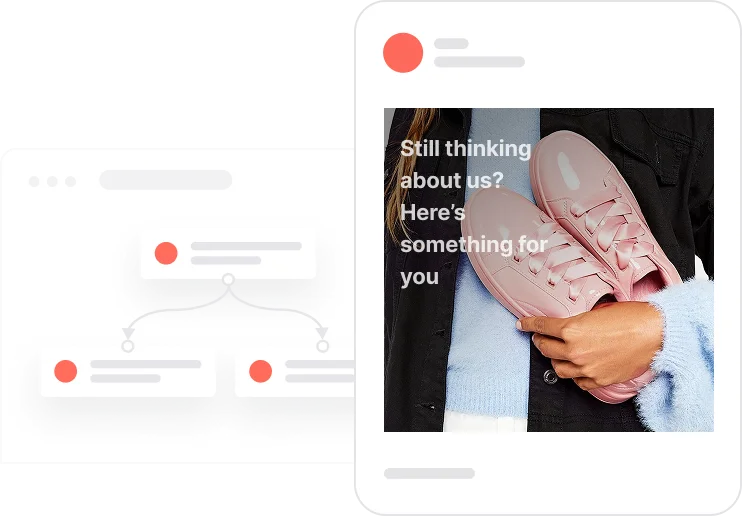
Reactivate quiet leads

Celebrate first purchase anniversaries
.webp)
Celebrate usage milestones

Send birthday discounts

Recover abandoned carts
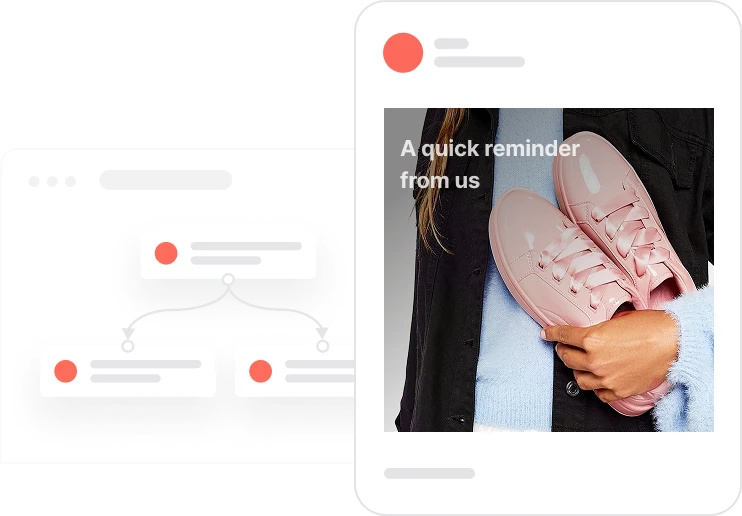
Automate repeat purchases
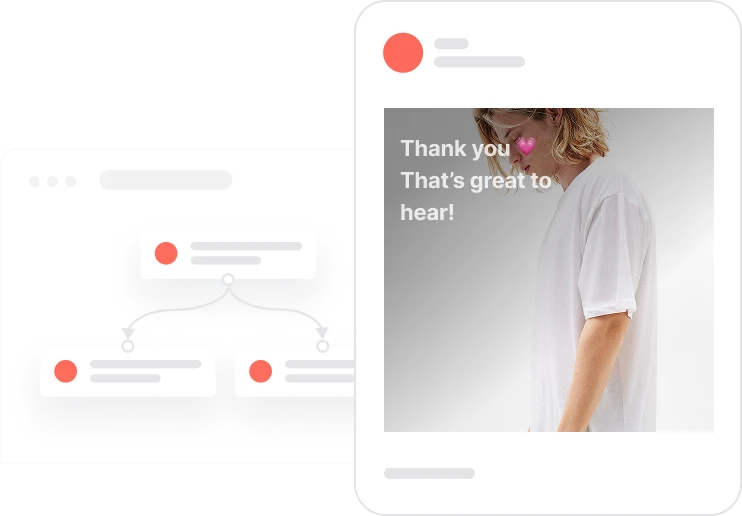
Build trust with customer reviews
Trusted by fast-growing teams
Empower customers and reduce support costs
With a centralized knowledge base, you give customers and employees the resources they need. Streamline information sharing and automate repetitive support tasks. Ensure every visitor has access to the right help articles at the right time. Customer support optimization that scales.

Frequently Asked Questions
What is the Knowledge Base in Positive User?
It’s a digital support platform where you create, organize, and publish help articles, FAQs, and user guides. Available for both customers and internal teams. A document repository for all your product documentation.
Can I connect the Knowledge Base with live chat?
Yes. Agents share articles directly from the chat panel. Customers get accurate answers instantly without switching tools. Online help integrated with your support center.
How does a Knowledge Base improve customer support?
It reduces repetitive questions, speeds up response time, and enables self-service support. Your team focuses on complex issues. Problem resolution happens before a ticket is created.
Can I translate articles into different languages?
Yes. The multi-language feature lets you manage multiple localized versions of each article. B2B FAQ and customer training materials in every language your audience needs.
Does Positive User provide analytics for the Knowledge Base?
Yes. Track search queries, article views, and feedback to understand what content your customers find most valuable. Knowledge base search insights drive better content decisions.
Is it possible to control access levels?
Yes. Manage permissions to decide which articles are public, private, or internal-only. Internal documentation and customer-facing content coexist in one platform.
Can I customize the Knowledge Base design?
Yes. The visual editor allows full customization of layout, style, and branding without coding. Your client portal looks and feels like your brand.
Does the Knowledge Base integrate with other Positive User features?
Yes. It connects with Chat, Automation, and Analytics to create a unified support ecosystem. Multichannel support from one platform.
Can I use the Knowledge Base for internal documentation?
Yes. Many teams use it as a central knowledge management repository for training materials, internal policies, and technical articles. Educational content and internal documentation in one place.
Is the Knowledge Base GDPR-compliant?
Yes. All data and interactions within Positive User’s Knowledge Base are fully GDPR and CCPA-compliant.