











Make your website feel personal for every single visitor
Stop showing the same static page to everyone. Use Custom Widgets to swap content, rearrange menus, and inject personalized elements based on who is viewing your site. No developer required for every campaign.

Trusted by +15,000 marketing teams




Adapt your website content in real-time
Positive User helps you automate the hard part of personalization. Create behavior-based modifications to your site structure without needing a developer to build a new page for every campaign.

Dynamic content injection
Change specific parts of your website instantly. Swap a hero image, replace a text block, or inject a banner. Custom Widgets replace or inject HTML code into existing page elements using CSS class targeting. Match the content to each visitor's profile.
Smart menu reordering
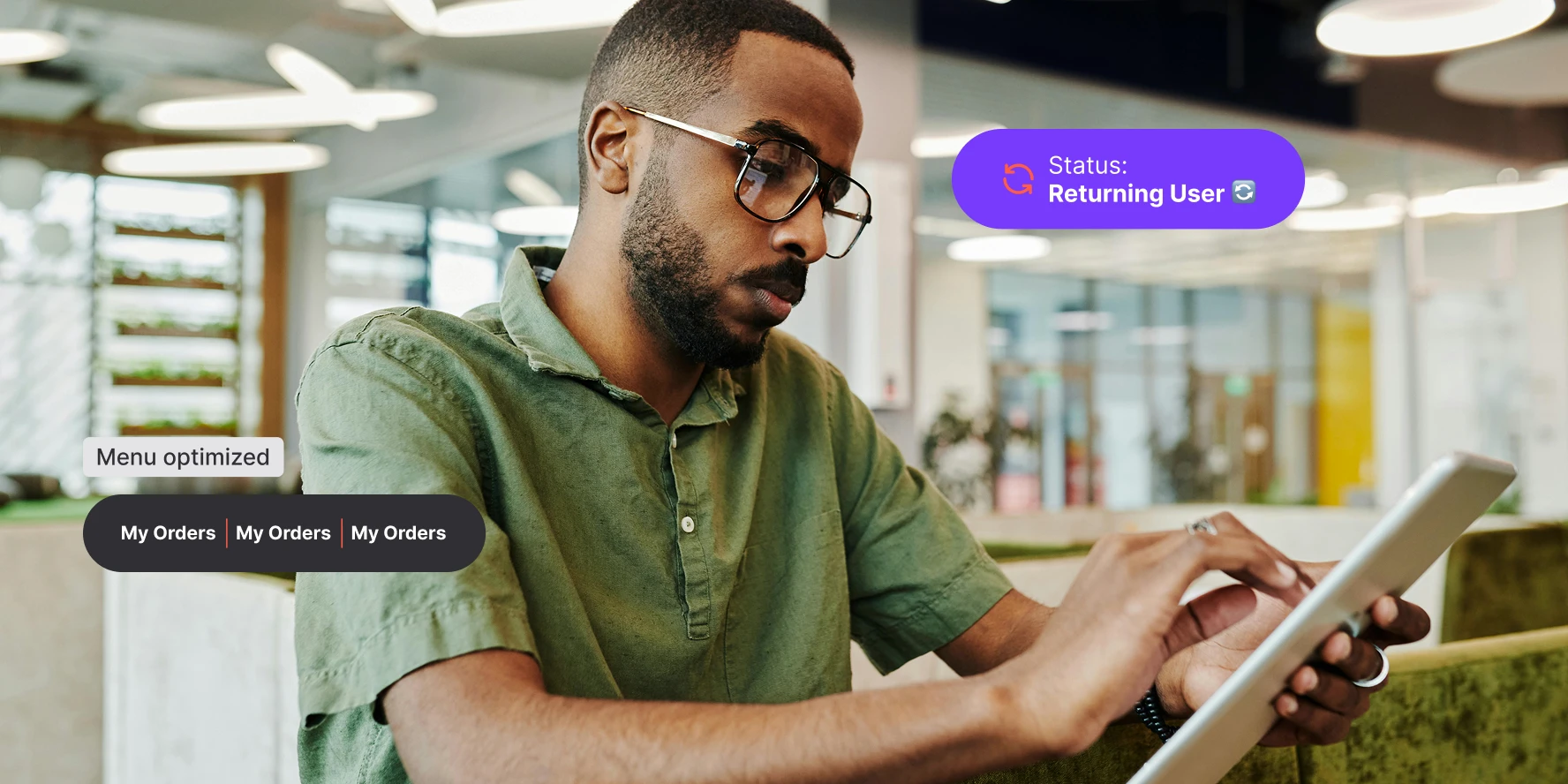
Streamline the visitor journey. Rearrange your navigation menu automatically. Place “Log In” first for returning customers. Highlight “Register” for first-time visitors. The menu adapts to who is browsing.

Targeted experience control
Define exactly who sees what. Use segmentation to trigger Custom Widgets based on attributes like location, purchase history, or lifecycle stage. Conditions run through the no-code automation builder.
Built-in performance tracking
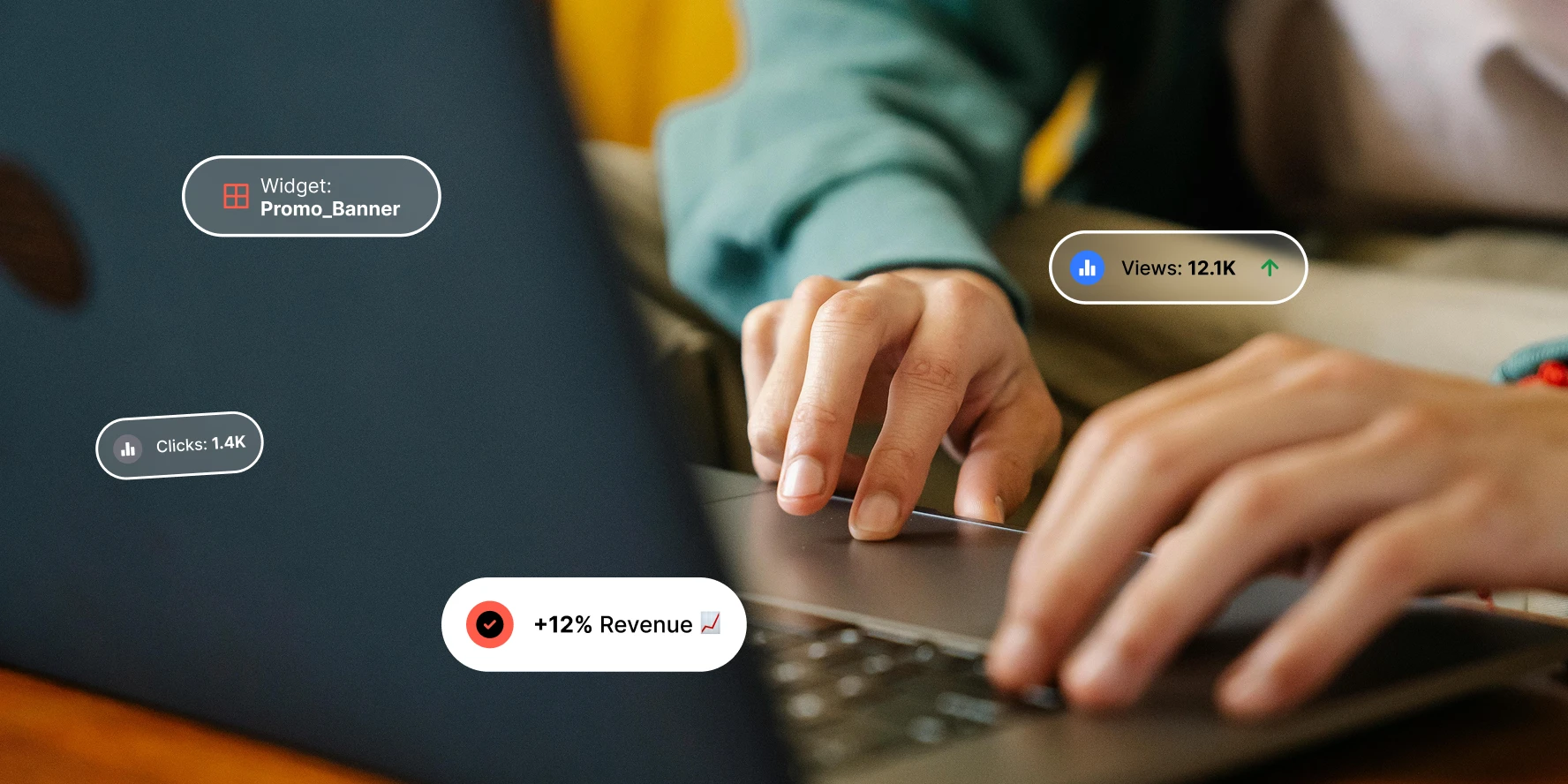
Don’t change content blindly. Measure the impact. The Custom Widget module includes ready-made statistics. Track views and clicks on your personalized elements. See what drives conversions.
Custom widgets in action
Simplify onboarding for new visitors
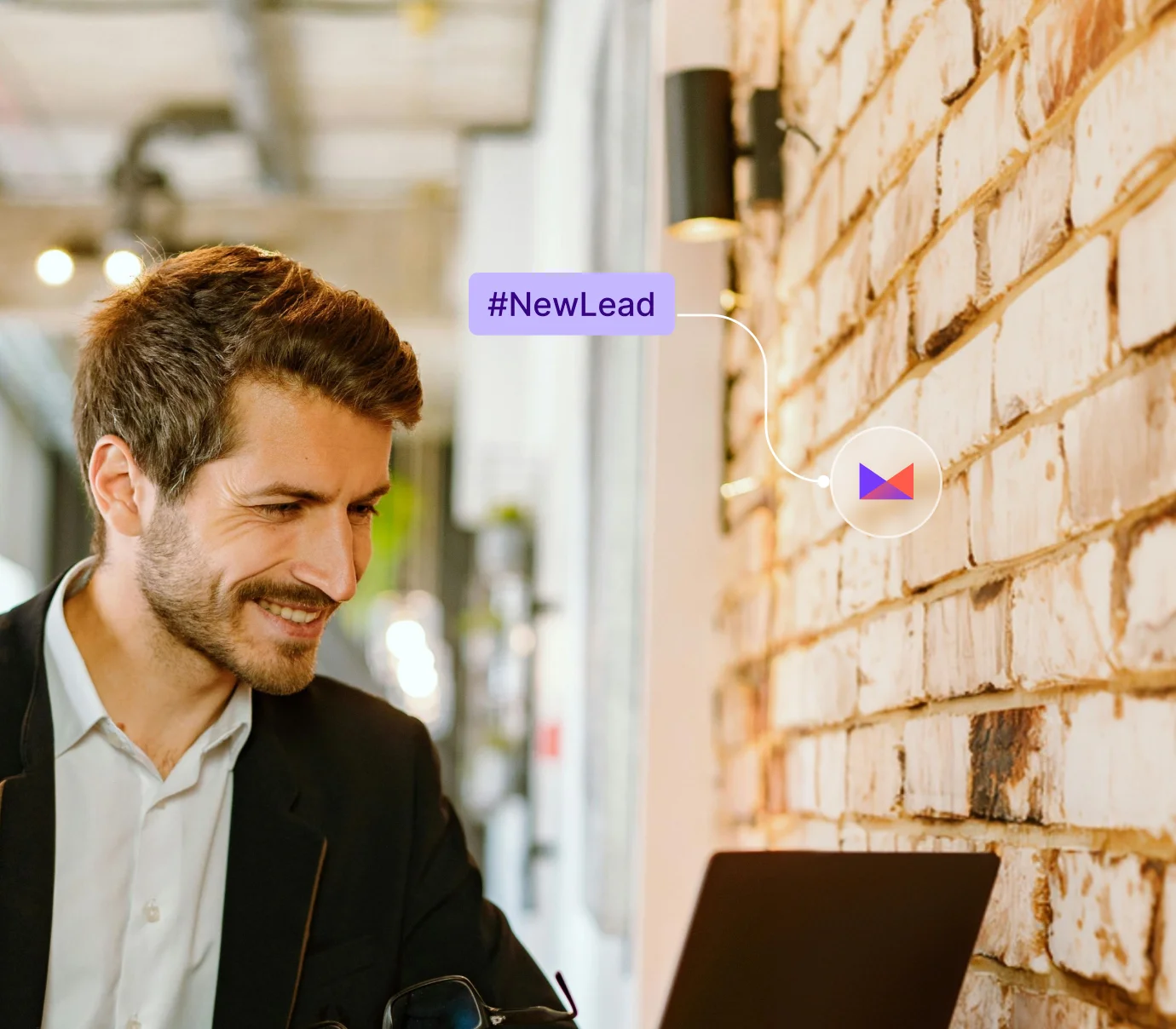
Swap out complex content for introductory messages when a visitor is identified as a first-time lead. Guide them to the right action from their first visit.
Localize content automatically
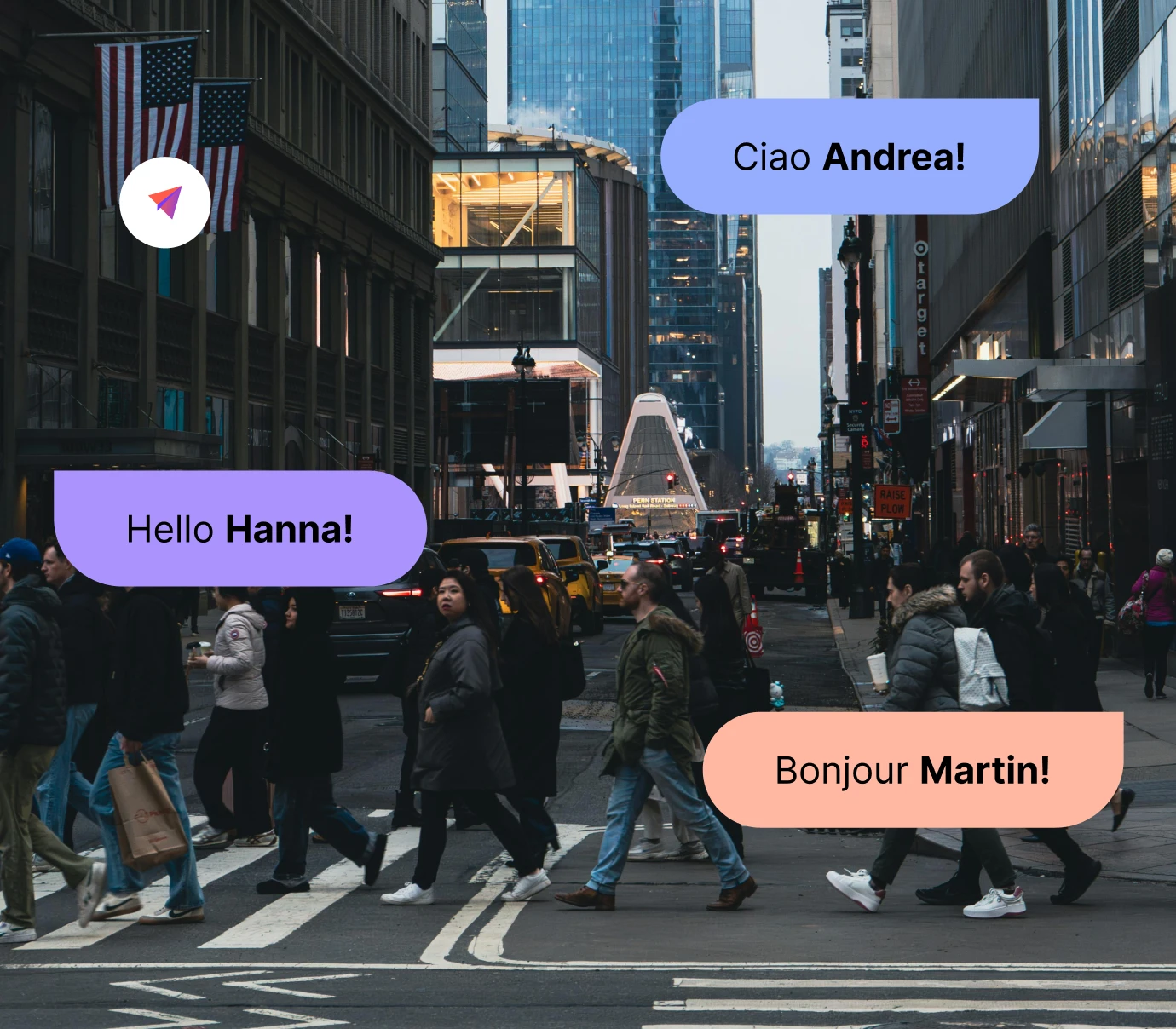
Detect a visitor’s country attribute and swap specific text blocks or banners to their local language. A Custom Widget handles the swap. No separate language page needed.
Differentiate customers from leads
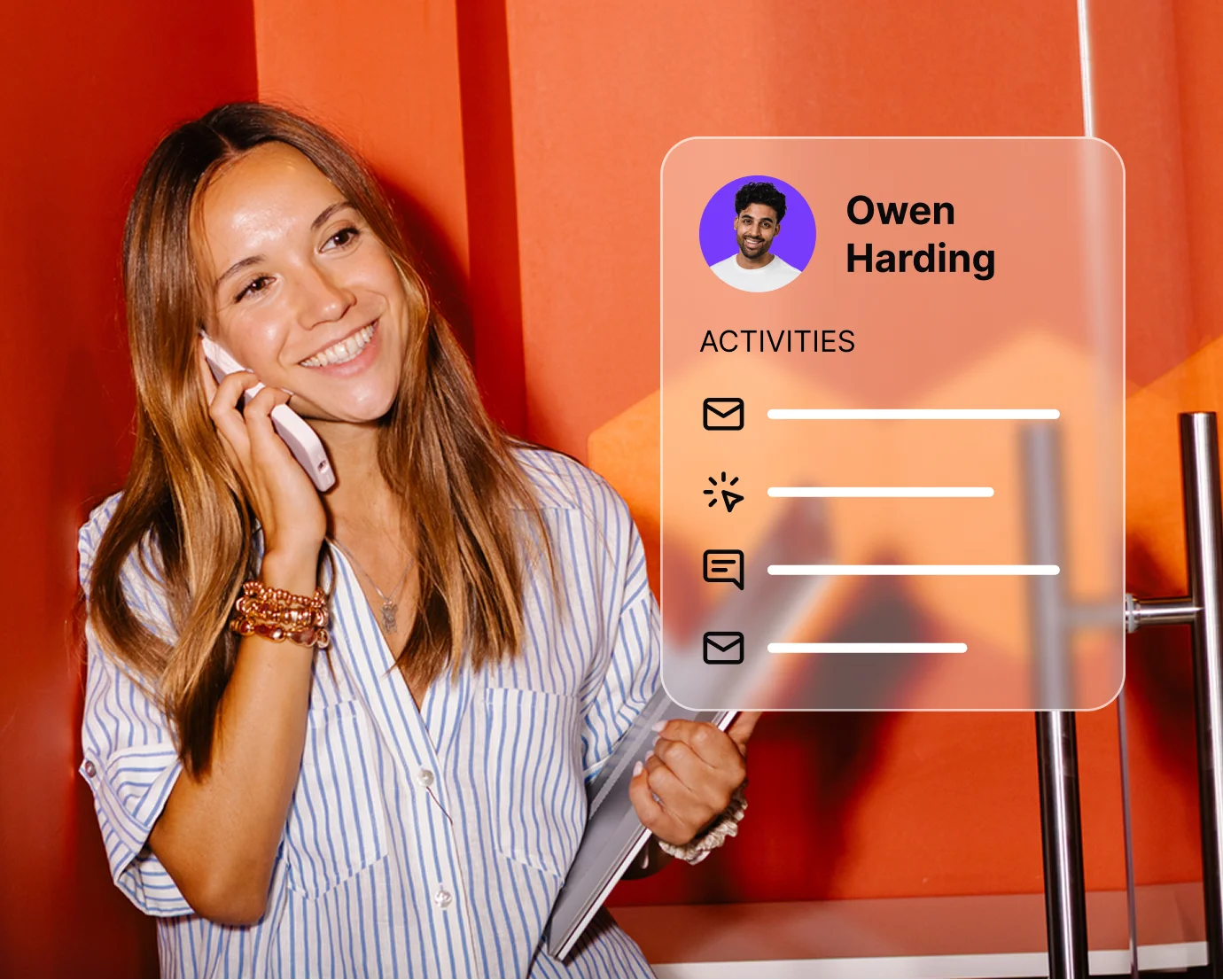
Replace the standard “Pricing” link with “Support” or “My Account” for contacts who are already logged in. Treat known customers like VIPs. Known contacts see a different site.

Personalize merchandising by segment
Show relevant products based on contact attributes. If a visitor has the attribute “Category: Women,” replace the featured homepage collection accordingly. Dynamic merchandising without code.
Reveal exclusive content for subscribers
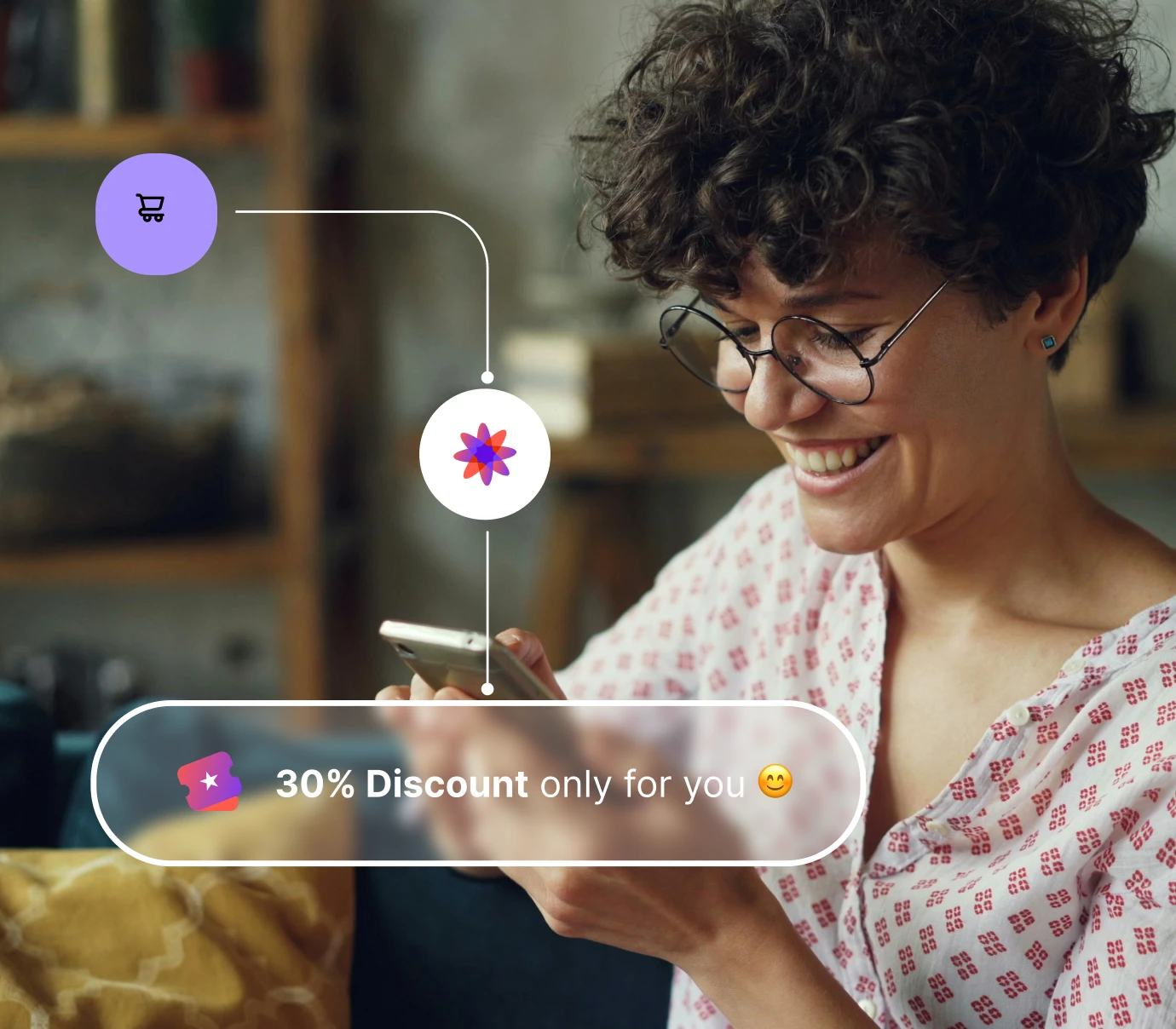
Inject a download button or discount code visible only to newsletter subscribers. Gate or reveal content based on subscription status. Reward engaged contacts.
Launch proven workflows in minutes
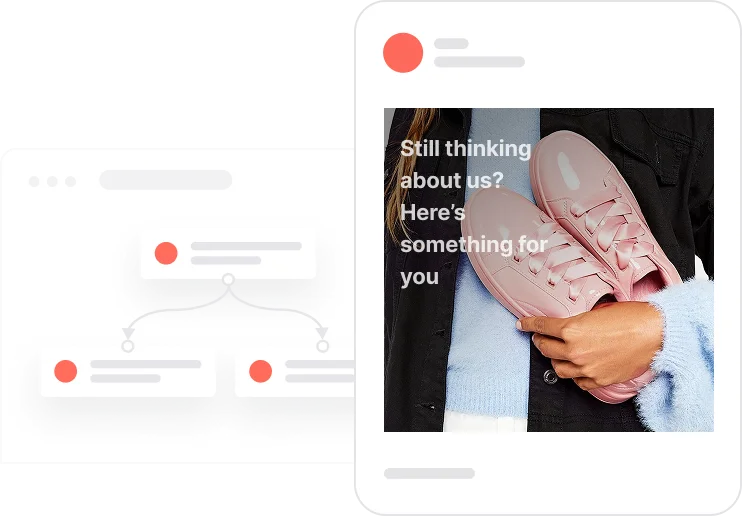
Reactivate quiet leads

Celebrate first purchase anniversaries
.webp)
Celebrate usage milestones

Send birthday discounts

Recover abandoned carts
Automate repeat purchases
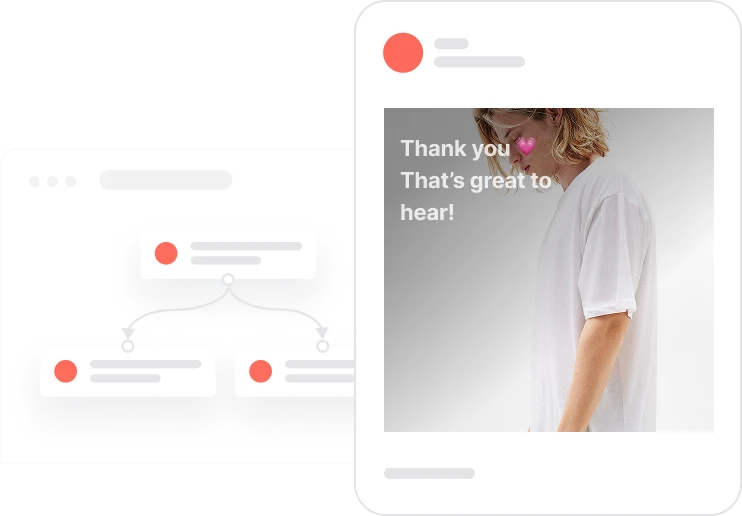
Build trust with customer reviews
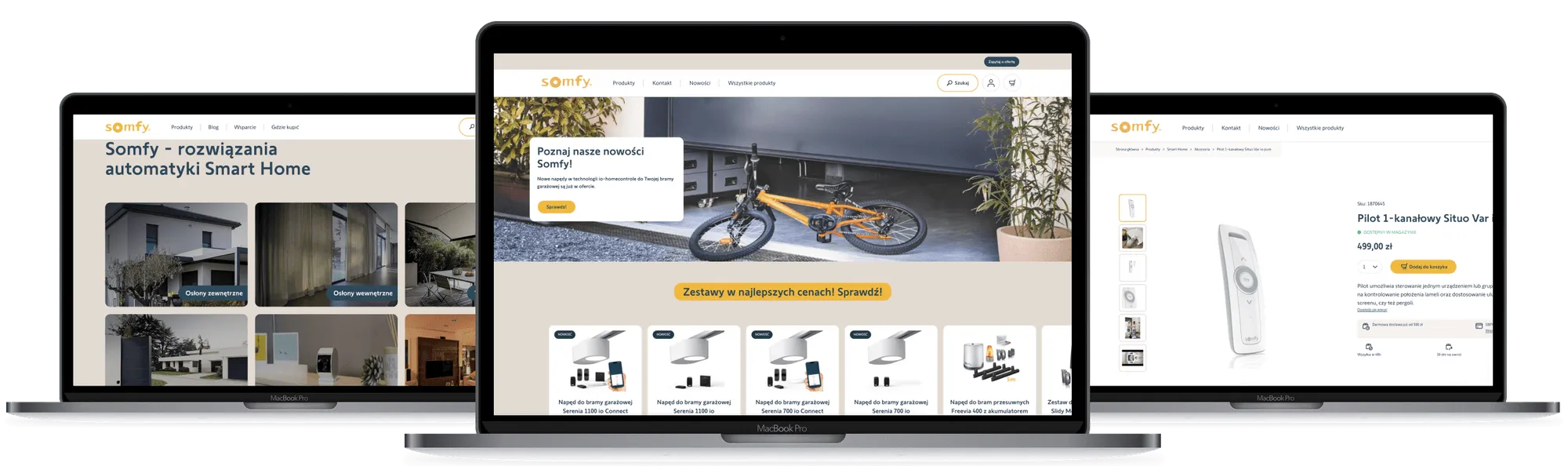
Trusted by fast-growing teams
Move beyond generic web experiences
Positive User’s Custom Widgets let you design real-time, behavior-based website changes. Swap content, inject banners, and reorder elements for each visitor. Personalization that feels helpful, not intrusive.

Frequently Asked Questions
What is a Custom Widget in Positive User?
A Custom Widget (formerly HTML Block) lets you inject or replace a snippet of HTML code on your live website. It modifies parts of your site for specific visitors without permanently changing the source code.
Do I need coding skills to use Custom Widgets?
You need basic HTML knowledge to define the snippet you want to display. The logic (who sees it and when) is handled through the no-code automation builder.
How does the system know which part of the page to change?
Custom Widgets target specific elements using CSS classes (div elements). Tell Positive User which class to look for, and the script handles the replacement.
Can I use this to change my website navigation?
Yes. A popular use case is reordering menu items. Swap the positions of “Order” and “Home” buttons based on whether a visitor is ready to buy.
What is the difference between Custom Widgets and Send Code?
Custom Widgets are designed for content swaps and replacing existing elements via CSS classes. “Send Code” is for complex JavaScript executions. For visual content changes, Custom Widgets are safer and easier.
Does this slow down my website?
Minimally. Content is swapped via the Positive User script, which loads asynchronously. Designed to be lightweight, it won’t negatively impact your Core Web Vitals.
Can I A/B test different content versions?
Yes. Use automations to split traffic. Show Version A to 50% of visitors and Version B to the other 50%. Track which one gets more clicks.
Can I target visitors based on their device?
Yes. Use “Device” or “Screen width” attributes in your automation filters. Display different Custom Widgets for desktop versus mobile visitors.
Can I show different content to anonymous visitors?
Yes. Set a filter for “Email has no value” to target only new, anonymous visitors with introductory content or lead magnets.
How do I track if people click on my Custom Widget?
The module includes built-in analytics. View reports inside Positive User to see how many times a widget was viewed and clicked.