











All your customer conversations in one unified inbox
Stop switching tabs and start connecting. Manage email, live chat, Facebook Messenger, and mobile app messages from a single shared interface. Whether you’re closing deals or solving support tickets, give your team the context to respond faster.
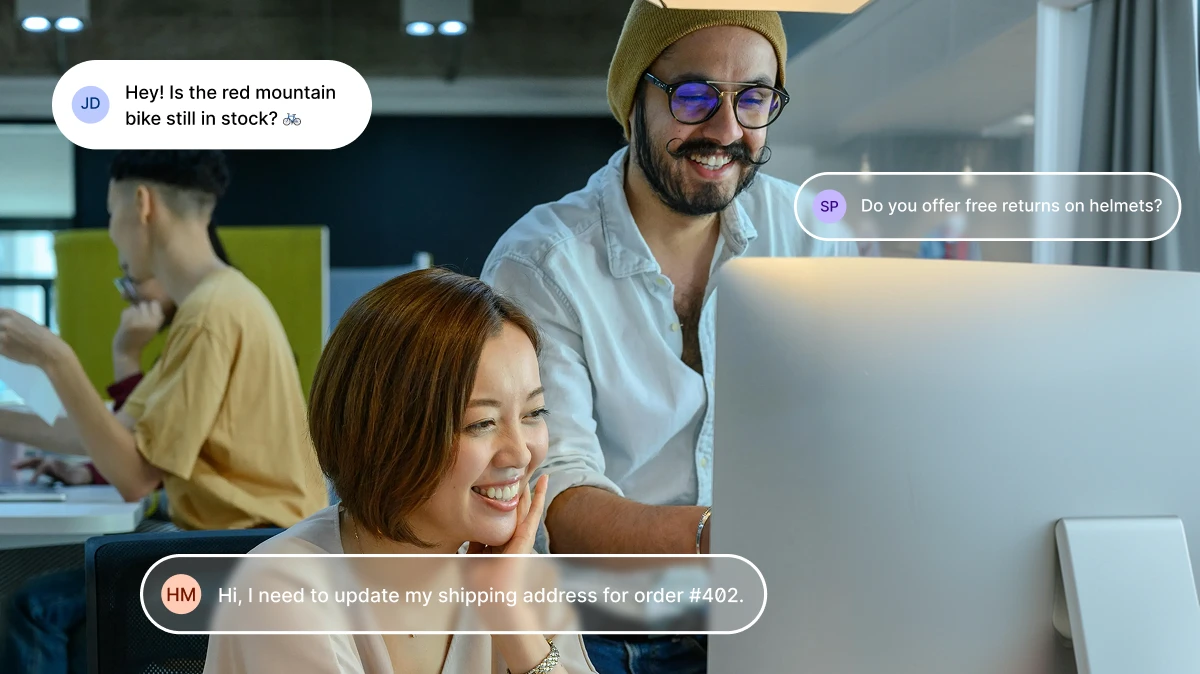
Trusted by +15,000 marketing teams




Bring clarity and speed to every interaction
Positive User Conversations is built for teams who care about people, not tickets. Centralize every channel so your team can focus on the connection, not the tool.
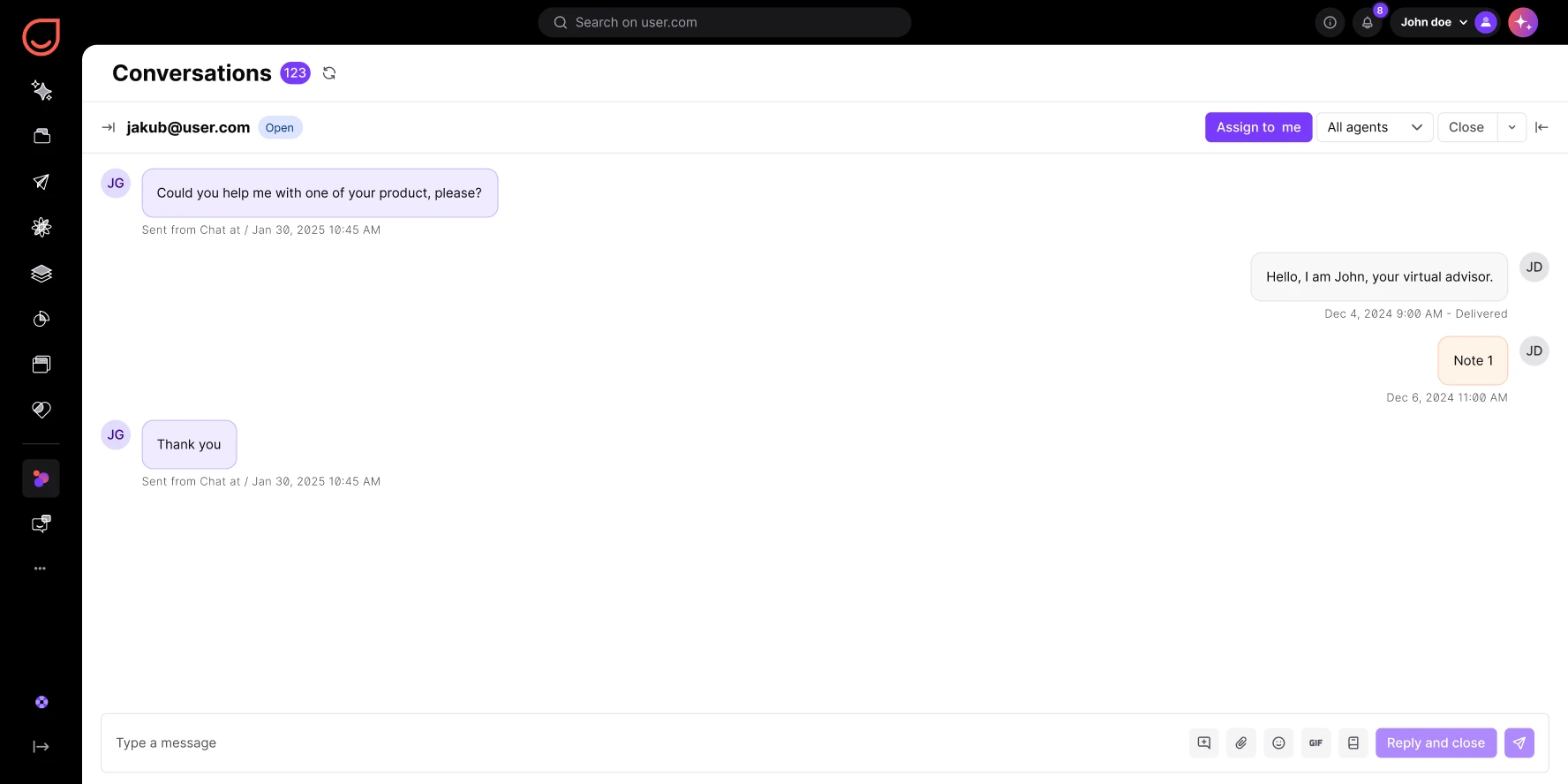
Unified omnichannel hub
Centralize every incoming interaction. Website chat, email (Gmail/IMAP), Facebook Messenger, and mobile app messages flow into one streamlined view. No scattered messages, no missed replies.
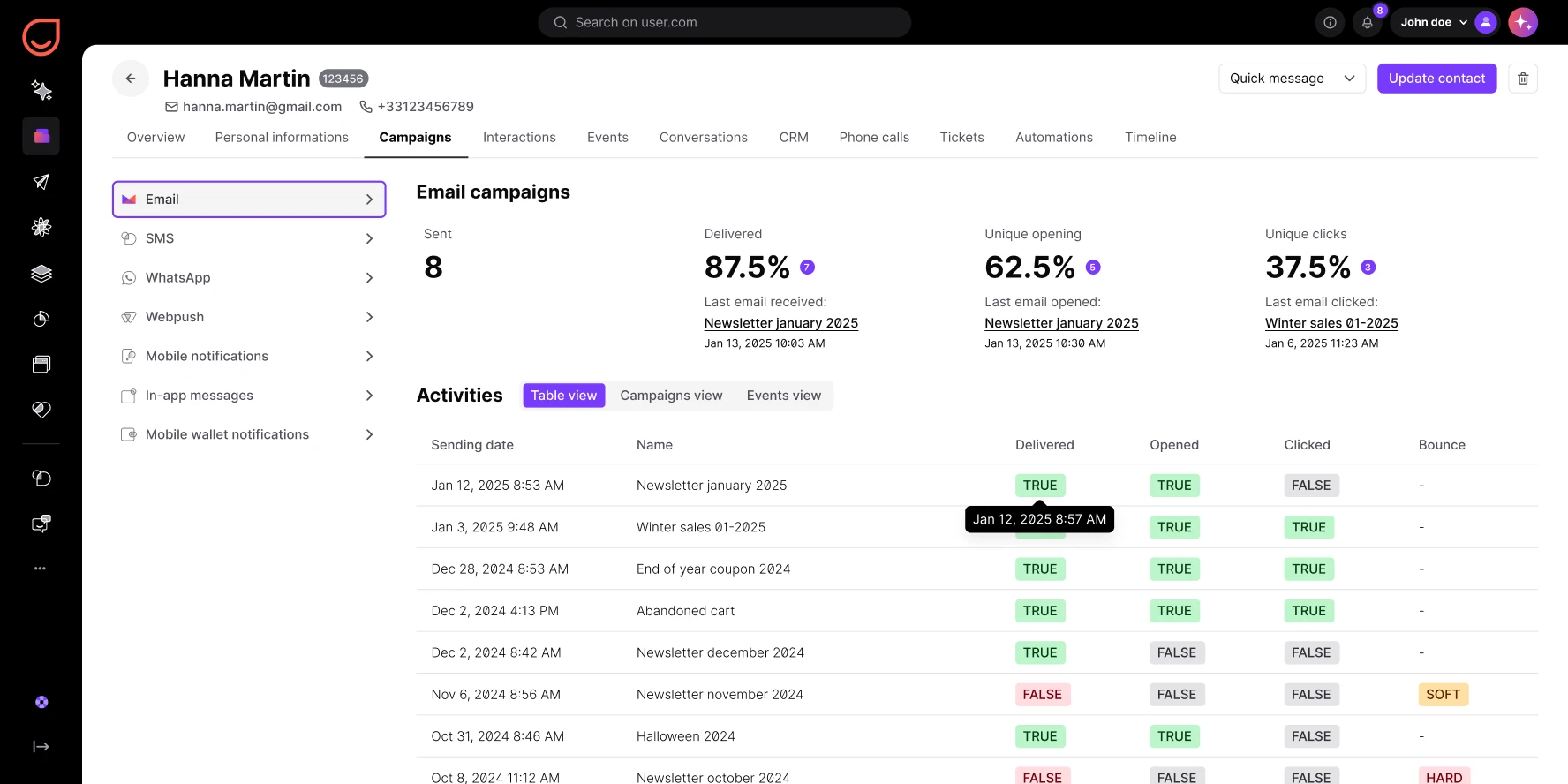
Contextual contact profiles
The moment you open a conversation, the full contact profile appears in the sidebar. Company data, recent activity, and past communication history. Your team never has to ask “Who is this?”
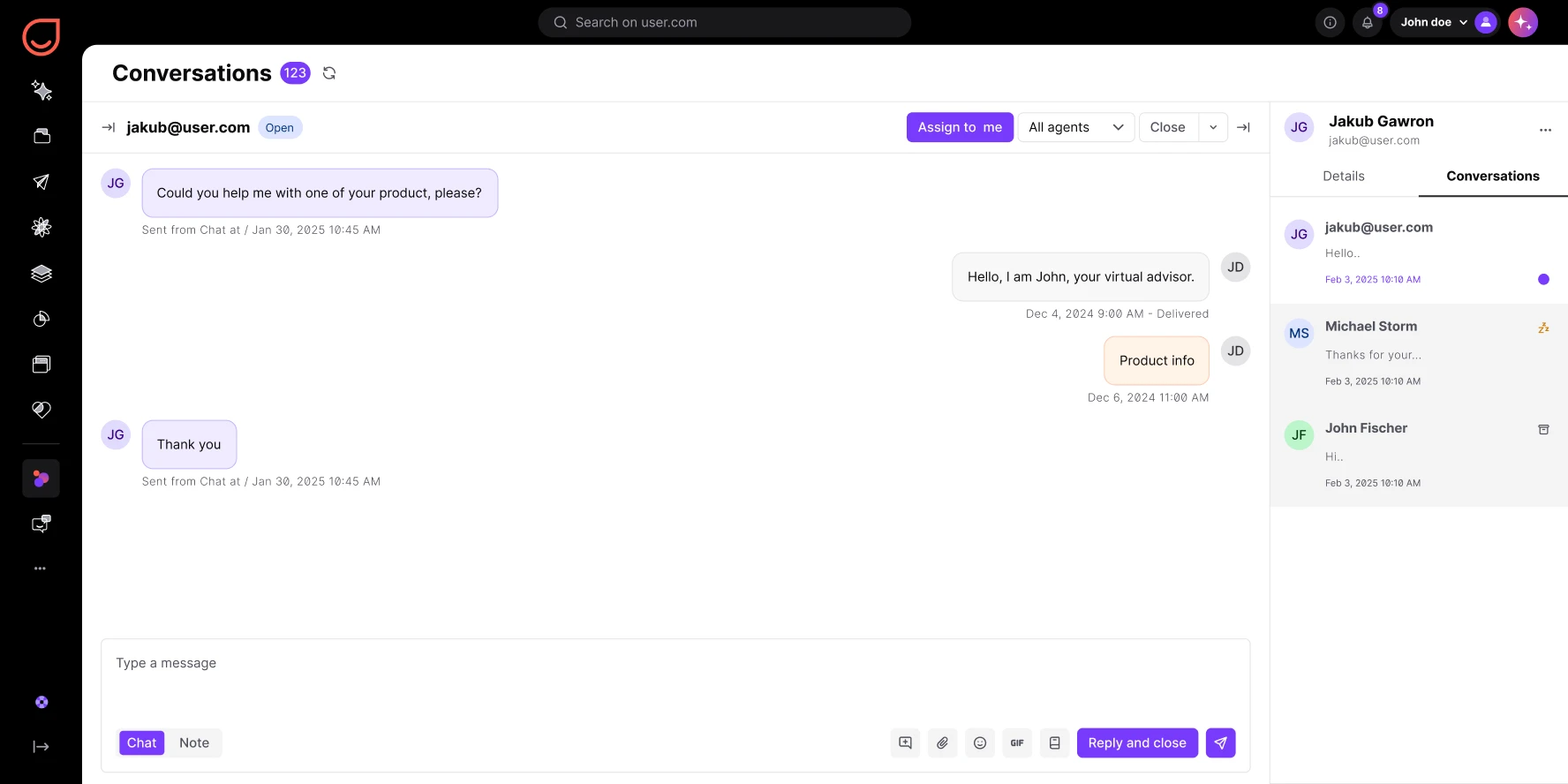
Seamless team collaboration
Assign conversations to specific agents. Use internal notes to discuss solutions privately. See who is viewing a message in real time to avoid double replies. Work together without stepping on toes.
Smart automation and filtering
Automatically route messages based on channels, tag VIPs, or set statuses. Use channel-based filtering to prioritize your view. Focus on the most urgent conversations first.
from first touch to final resolution
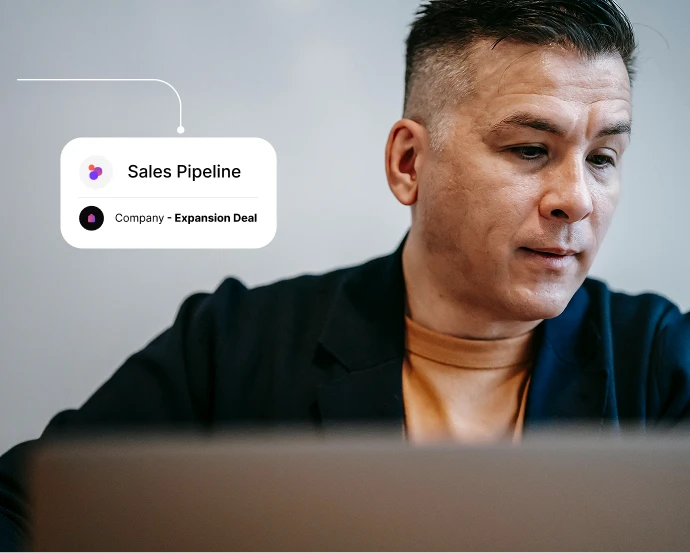
Close deals faster from one inbox
Manage every sales conversation without switching tools. See the full contact profile, past interactions, and deal context while you reply. Move from first touch to closed deal in one view.

Resolve support tickets in full context
Give your support team the history they need. Every past conversation, page view, and ticket appears in the sidebar. Faster resolution, fewer repeated questions, happier customers.
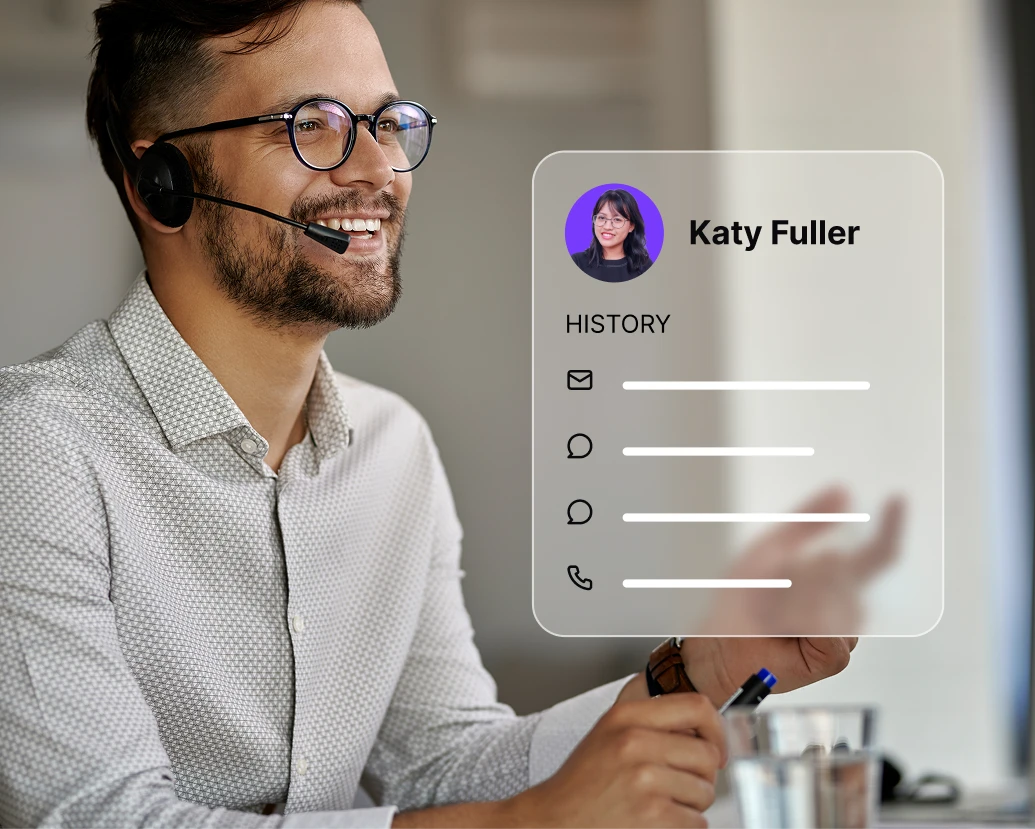
See every detail before you reply
Stop asking basic questions. Every customer detail appears in the sidebar: company info, recent activity, past conversations. Full context before every response, across every channel.

Prioritize contacts, not channels
Filter your inbox by customer segments like “VIPs” or “New Trials.” Your team answers the most valuable contacts first. Smart prioritization across chat, email, and Messenger.
Launch proven workflows in minutes
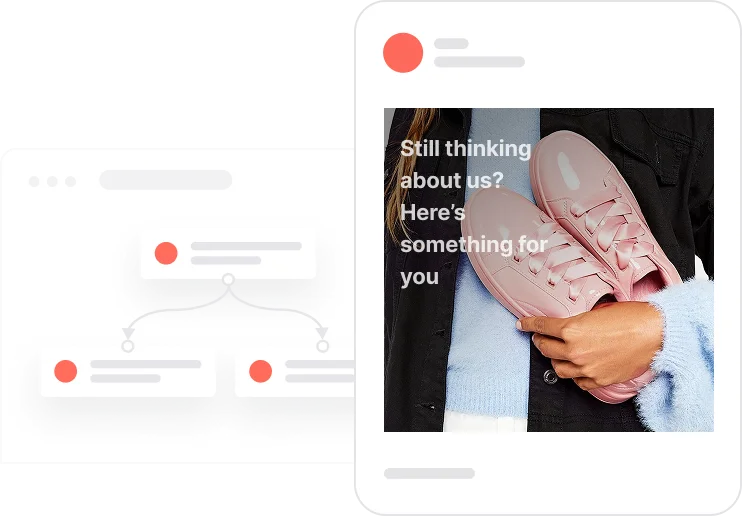
Reactivate quiet leads

Celebrate first purchase anniversaries
.webp)
Celebrate usage milestones

Send birthday discounts

Recover abandoned carts
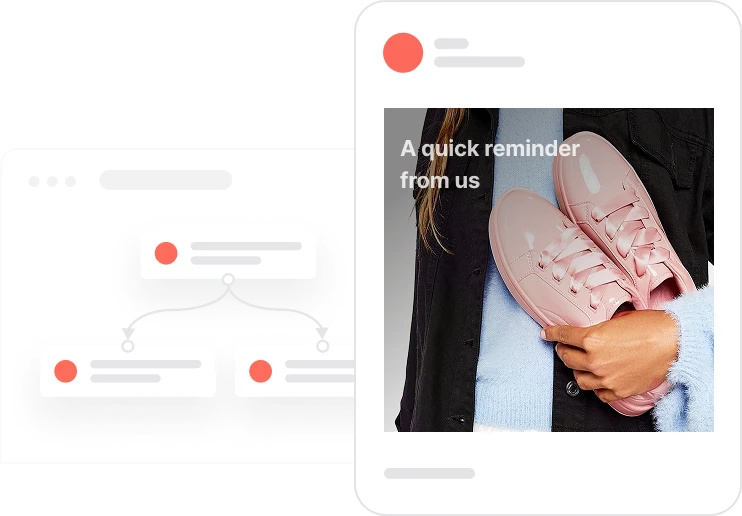
Automate repeat purchases
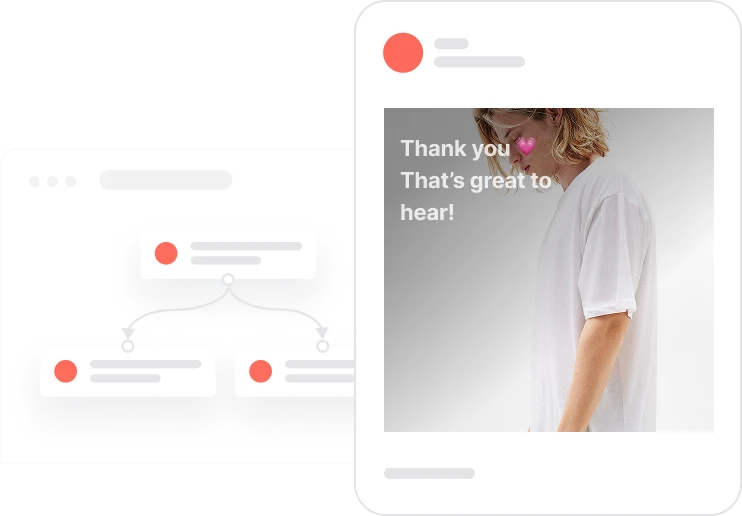
Build trust with customer reviews
Trusted by fast-growing teams
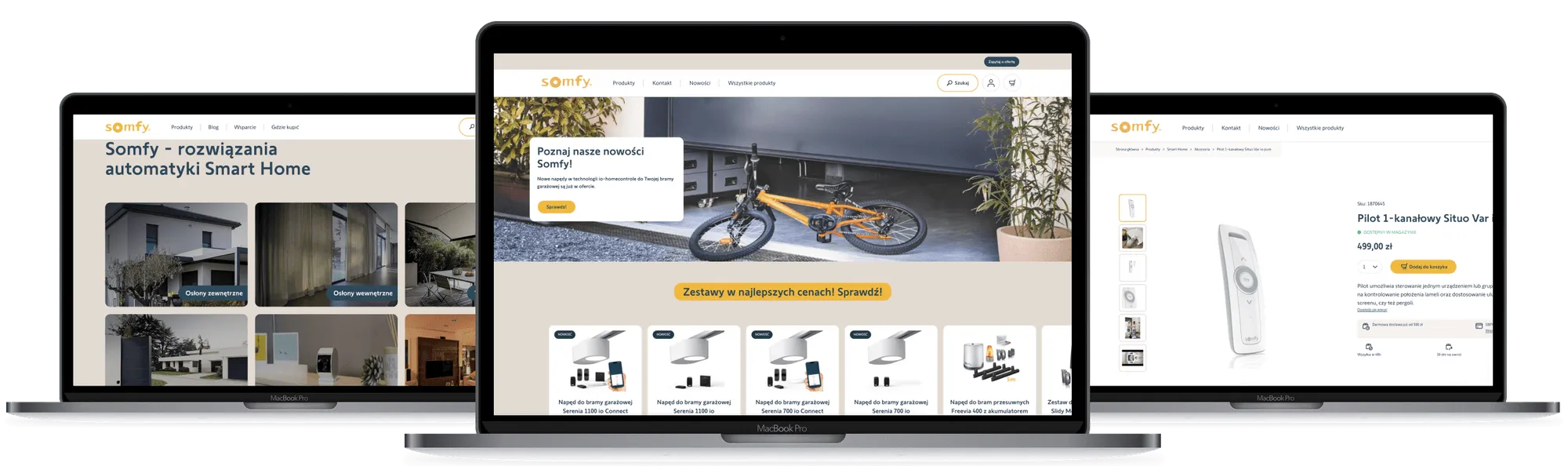
Move beyond simple ticketing
Positive User Conversations feature helps you build relationships. Combine the speed of live chat with the depth of a CRM. Every channel, every context, one inbox.

Frequently Asked Questions
What channels can I connect to Conversations?
Centralize messages from Live Chat, Email (Gmail/Outlook/IMAP), Facebook Messenger, Mobile App (SDK), and API-triggered messages. All channels in one shared inbox.
Can multiple agents work in the same inbox?
Yes. Conversations is designed for teams. See if another agent is viewing a chat, leave internal notes, and reassign conversations instantly. No double replies.
What is the difference between Conversations and the old Inbox?
Conversations is the evolution of the Inbox feature. It includes a refreshed design, better channel filtering, and social media integrations. Same core purpose, better experience.
Can I see the customer’s history while chatting?
Yes. The sidebar displays the full contact profile: details, past events, page views, and previous conversations. Full context without leaving the chat.
How does the email integration work?
Connect your email provider via IMAP/SMTP or Google integration. Emails appear in the conversation feed like chat messages. Replies are sent as emails to the customer.
Can I automate replies?
Yes. Use the Automation module to send auto-replies or route messages with chatbot flows. Apply rules based on behavior, time of day, or message content.
Can I filter conversations by specific criteria?
Yes. Filter by assignee, status (Open/Closed/Snoozed), or communication channel. Show only Messenger chats, only emails, or all channels at once.
Can I attach files and use templates?
Yes. The message editor supports file attachments, emojis, saved snippets (canned responses), and direct links to Knowledge Base articles. Everything in one composer.
How do I prioritize urgent messages?
Sort conversations by “Newest,” “Longest waiting,” or filter by custom segments (like “VIP contacts”). Urgent matters surface first.
Is Conversations GDPR-compliant?
Yes. Positive User ensures all conversation data is processed securely. Consent tracking and data handling comply with GDPR standards.