











Design and automate customer journeys that convert
Positive User's Journey Builder is a visual, drag-and-drop marketing scenario builder for creating automated customer journeys. Map every interaction, trigger personalized multichannel messages, and optimize the entire customer experience. Design complex workflows and deliver automated engagement at scale.

Trusted by +15,000 marketing teams




Turn your strategy into smart, automated workflows.
The Journey Builder connects channels, behaviors, and goals. From onboarding to retention, build multichannel scenarios that adapt to each customer's journey. Visualize your marketing automations in one clear workspace. Test your logic and fine-tune campaigns in real time, without code.
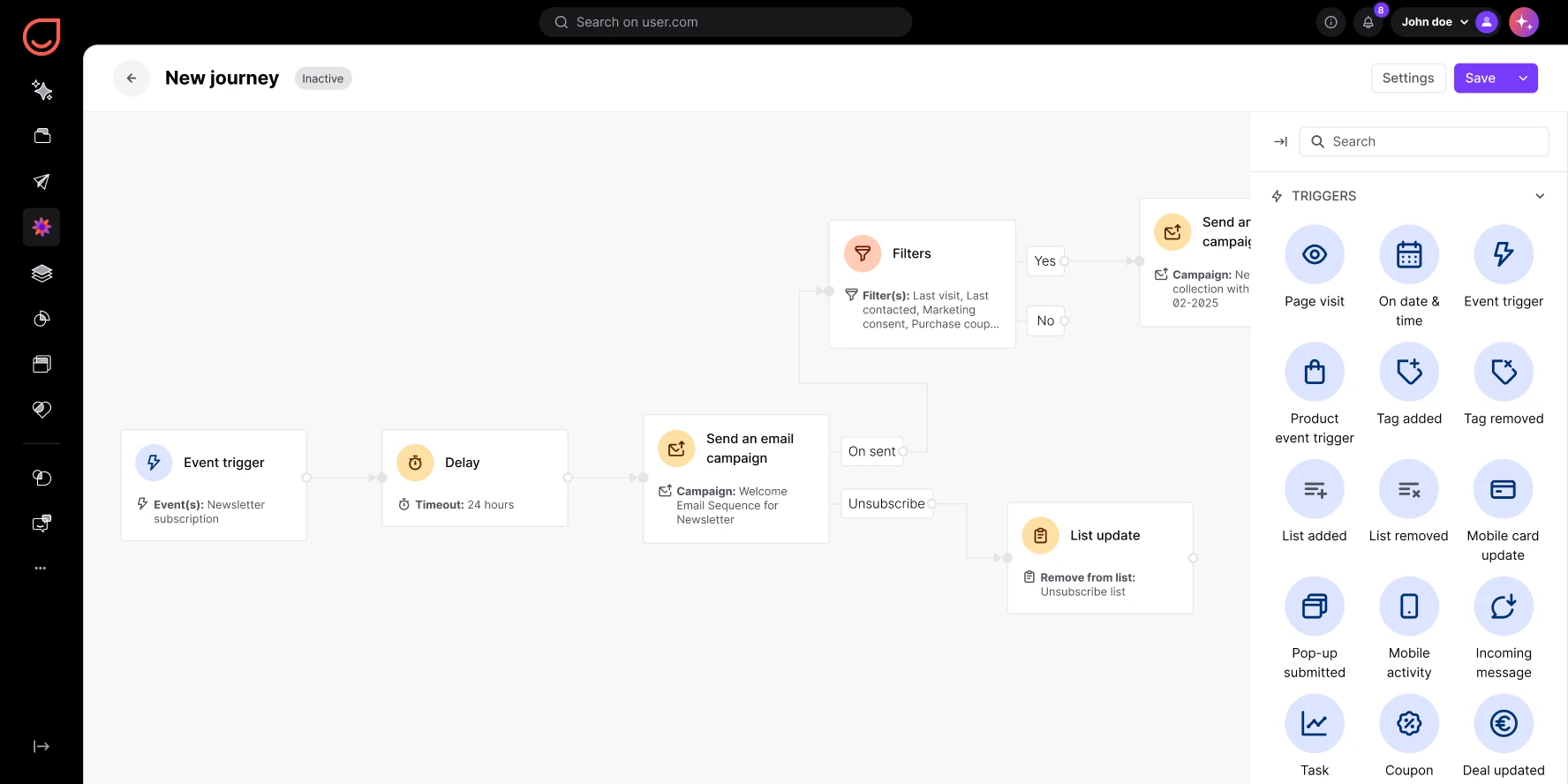
Visual journey design
See your strategy come to life with a drag-and-drop journey editor. Add marketing triggers, conditions, and actions. Design clear, powerful maps with full journey visualization of every step.
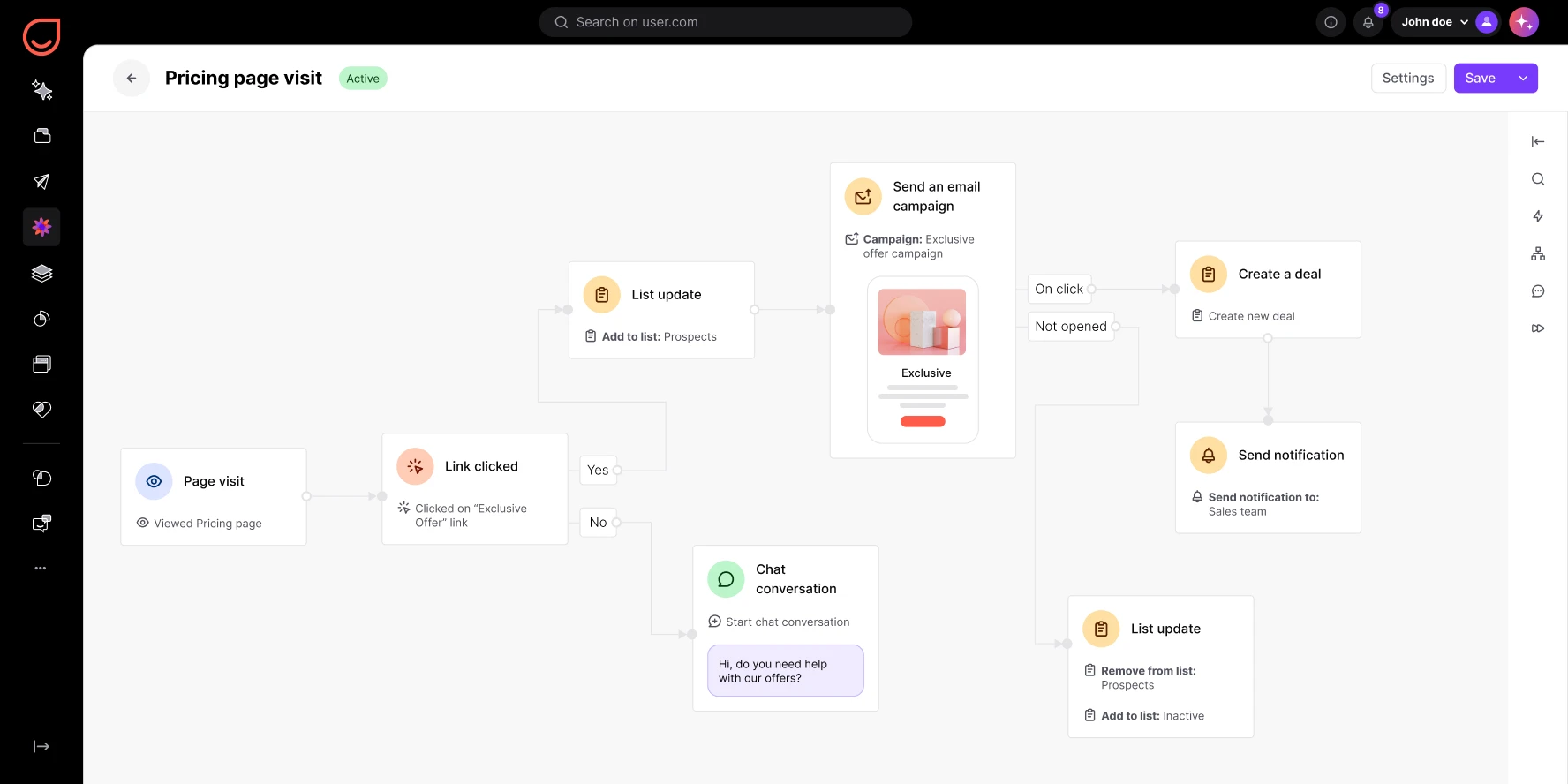
Intelligent workflows
Use behavior-based targeting and conditional logic to automate responses. When contacts click, buy, or sign up, the right message is delivered automatically. Conditional messaging adapts to each contact's path through the funnel.
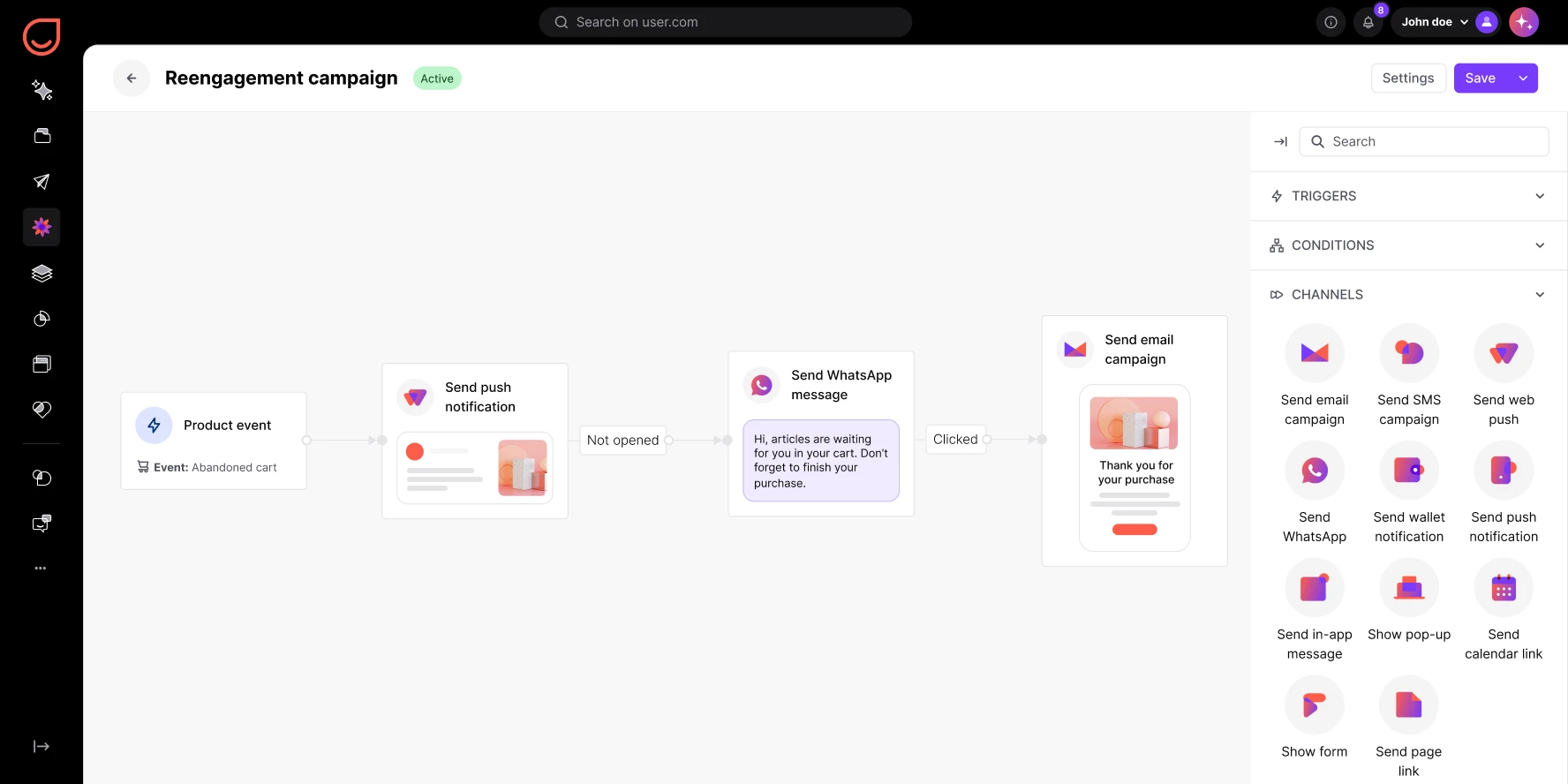
Multichannel engagement
Combine email, chat, SMS, push notifications, and WhatsApp into one seamless customer journey. Engagement scenarios keep messaging consistent across every channel. One builder, every touchpoint.
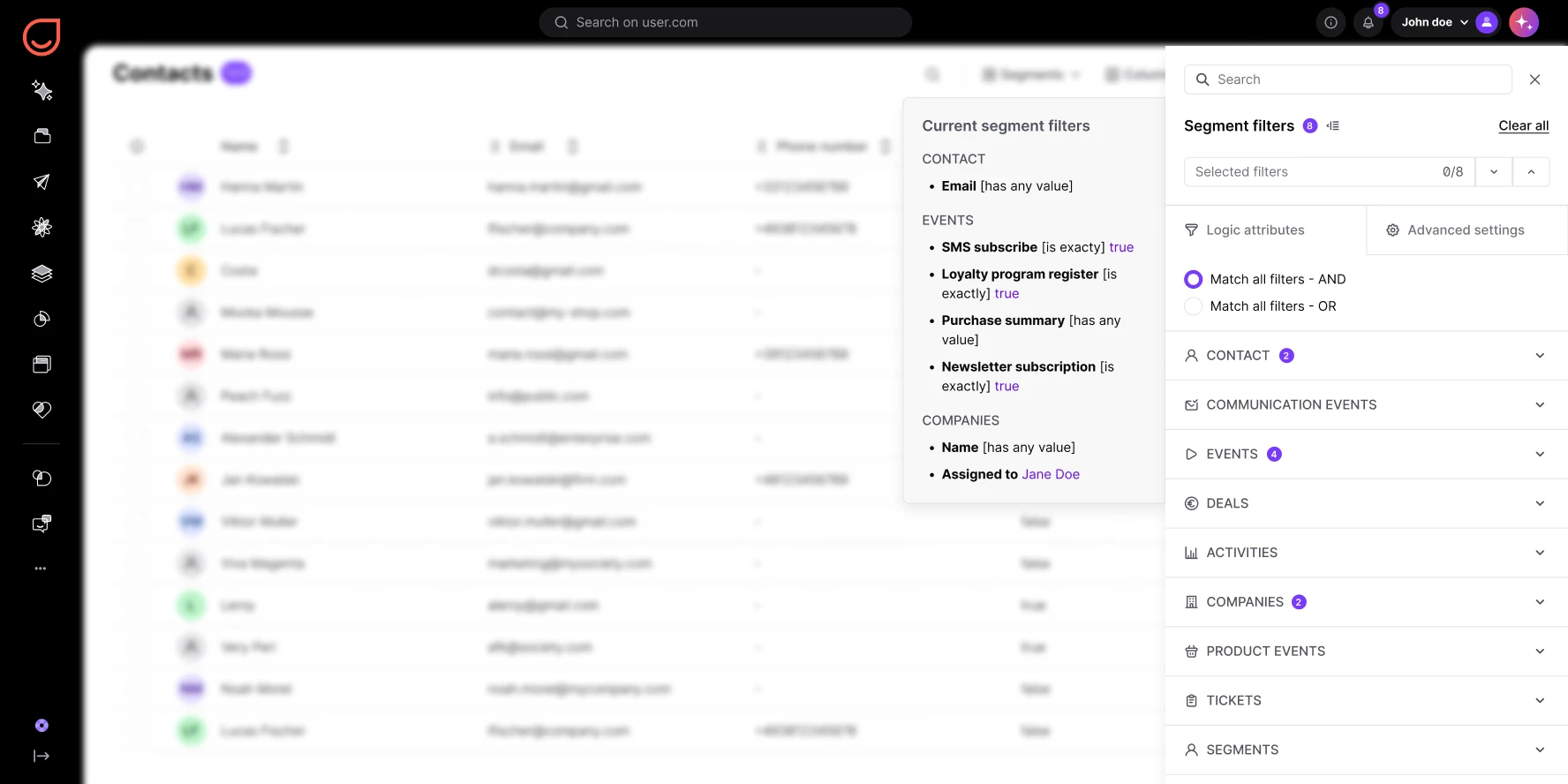
Dynamic segmentation and personalization
Target each step based on real-time data, contact attributes, and engagement history. Dynamic segmentation powers truly personalized customer experiences. Journey personalization makes every message feel relevant.
Journey Builder in action
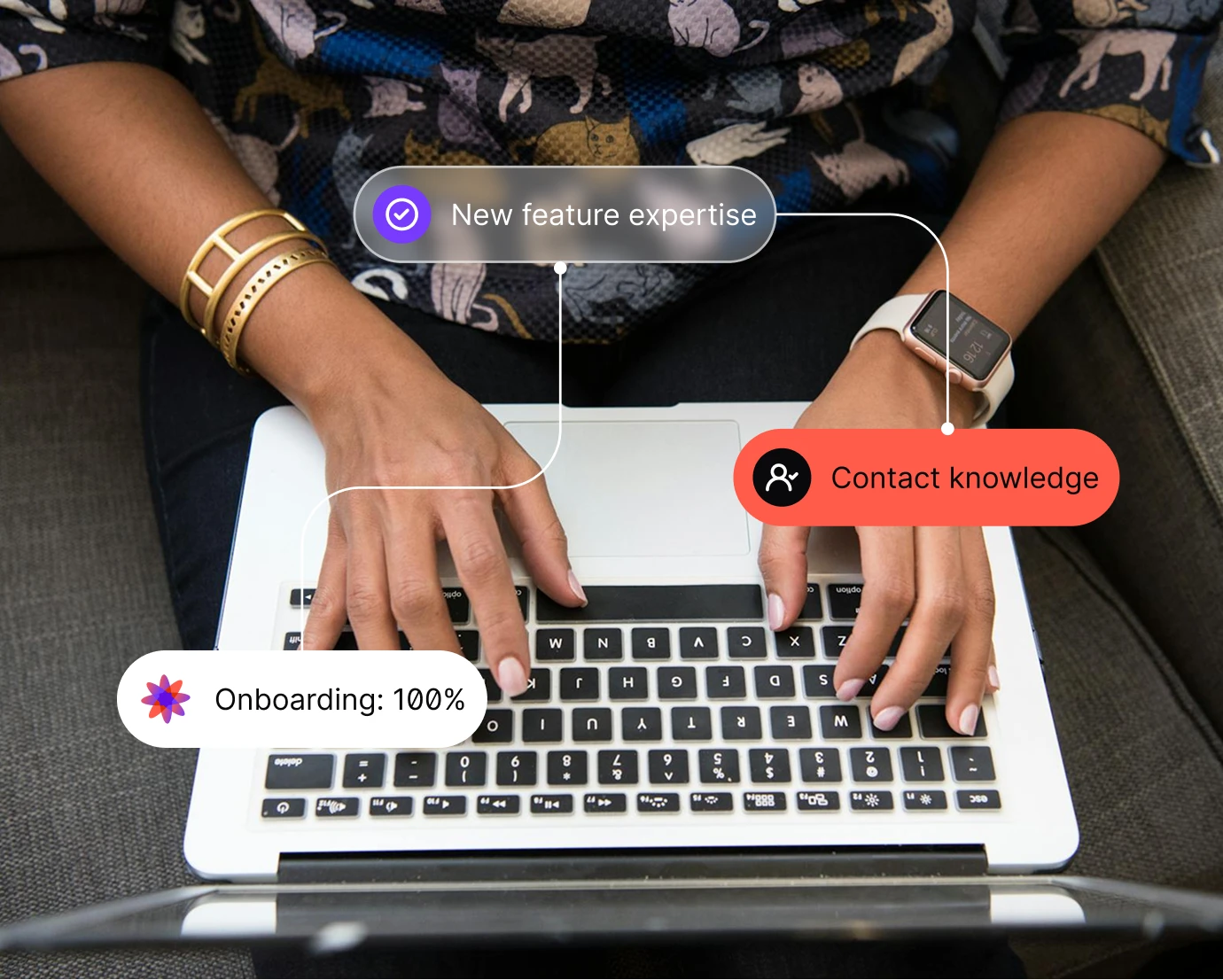
Welcome and onboarding journeys
Make every first impression count. Create automated onboarding flows that introduce your product, share key features, and guide new contacts toward success. Automated nurturing starts from day one.
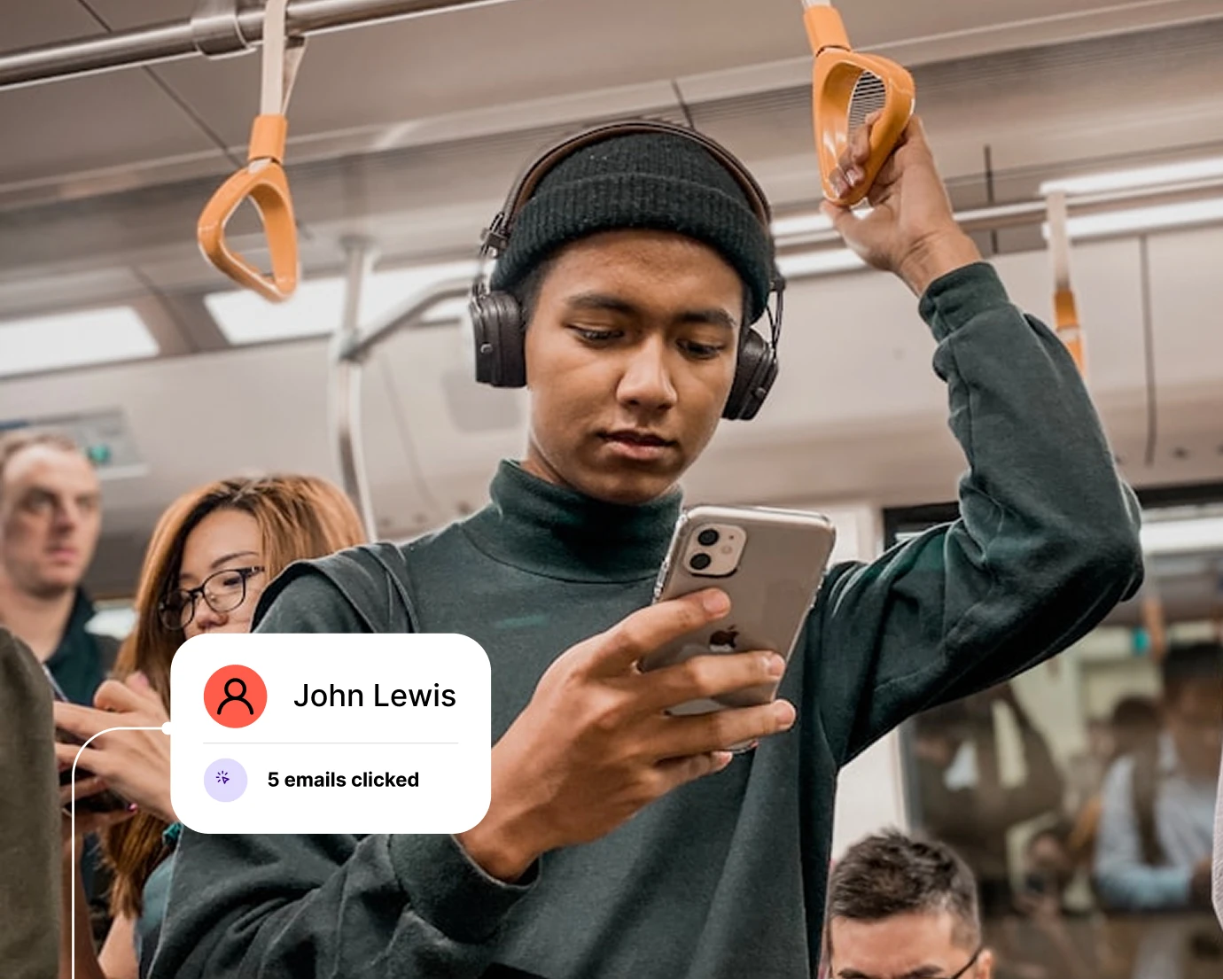
Lead nurturing workflows
Turn cold leads into engaged customers with nurturing sequences that adapt to behavior. Downloads, email clicks, and page visits shape each contact's path. Workflow creation made visual.
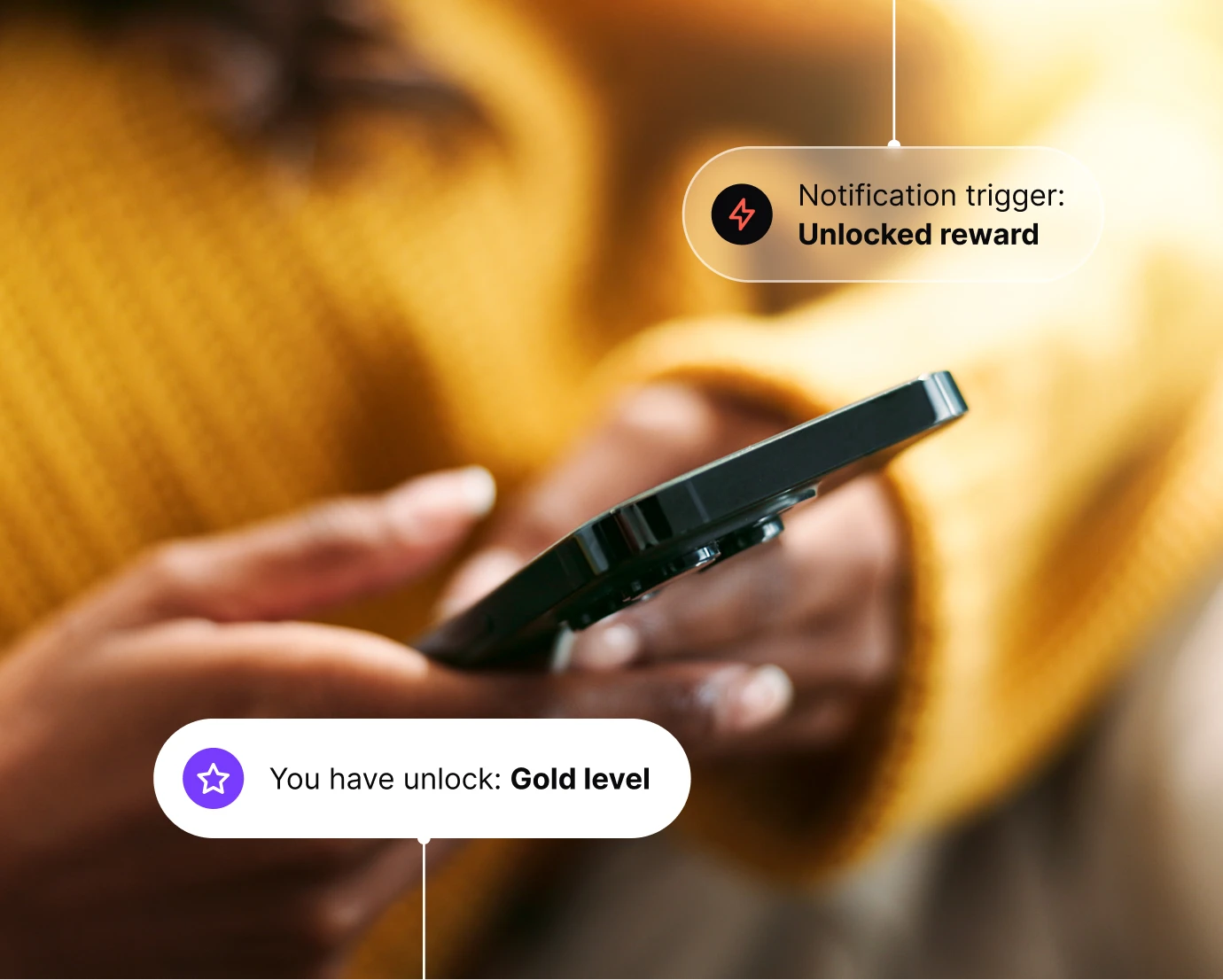
Behavior-based engagement
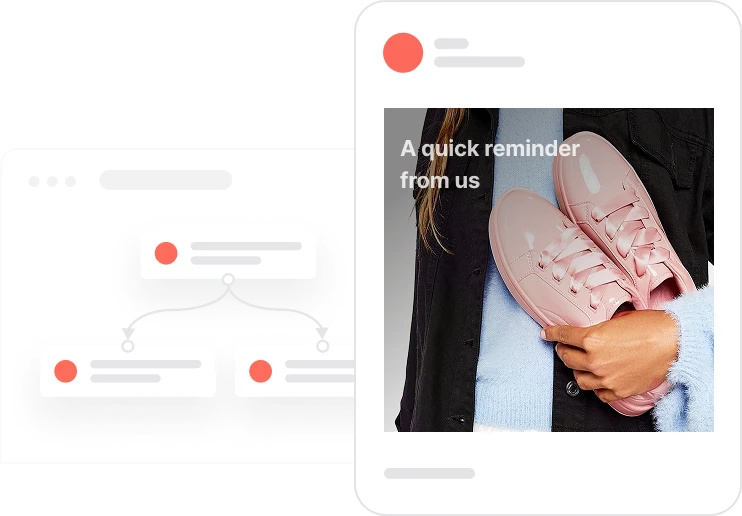
React instantly to customer actions. Send a reminder, unlock a reward, or trigger a personal message when engagement drops. Marketing triggers power every reaction.
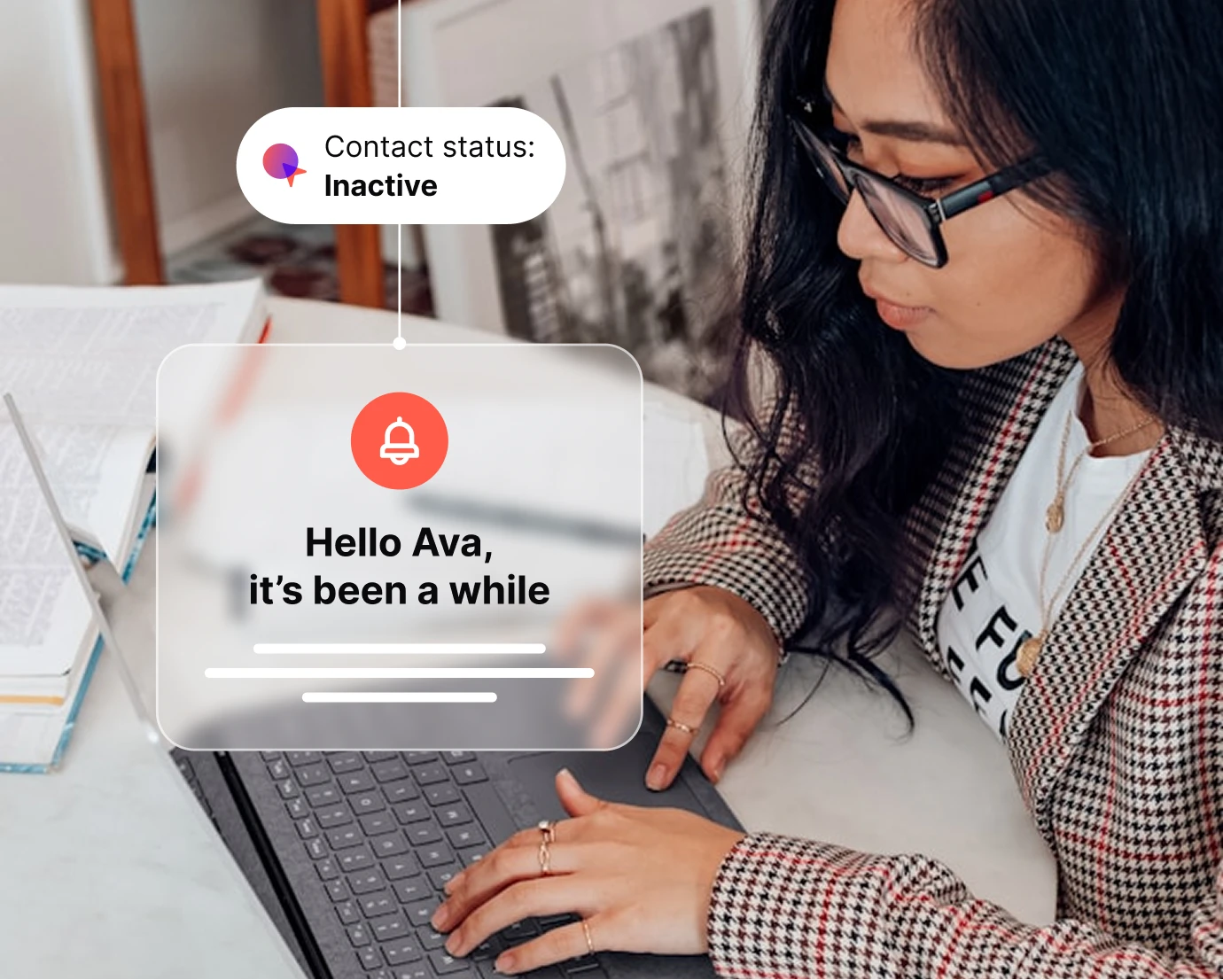
Reactivation and retention campaigns
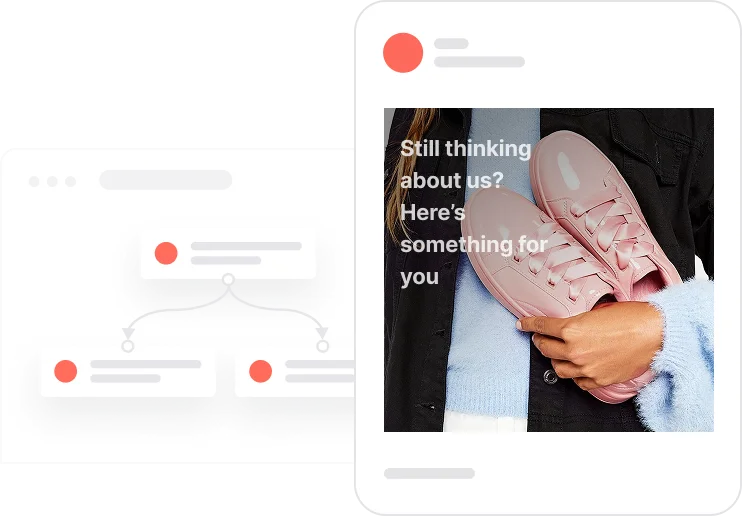
Win back inactive contacts with automated re-engagement journeys. Send dynamic offers or targeted content based on inactivity duration. Journey optimization keeps your audience active.
Post-purchase journeys
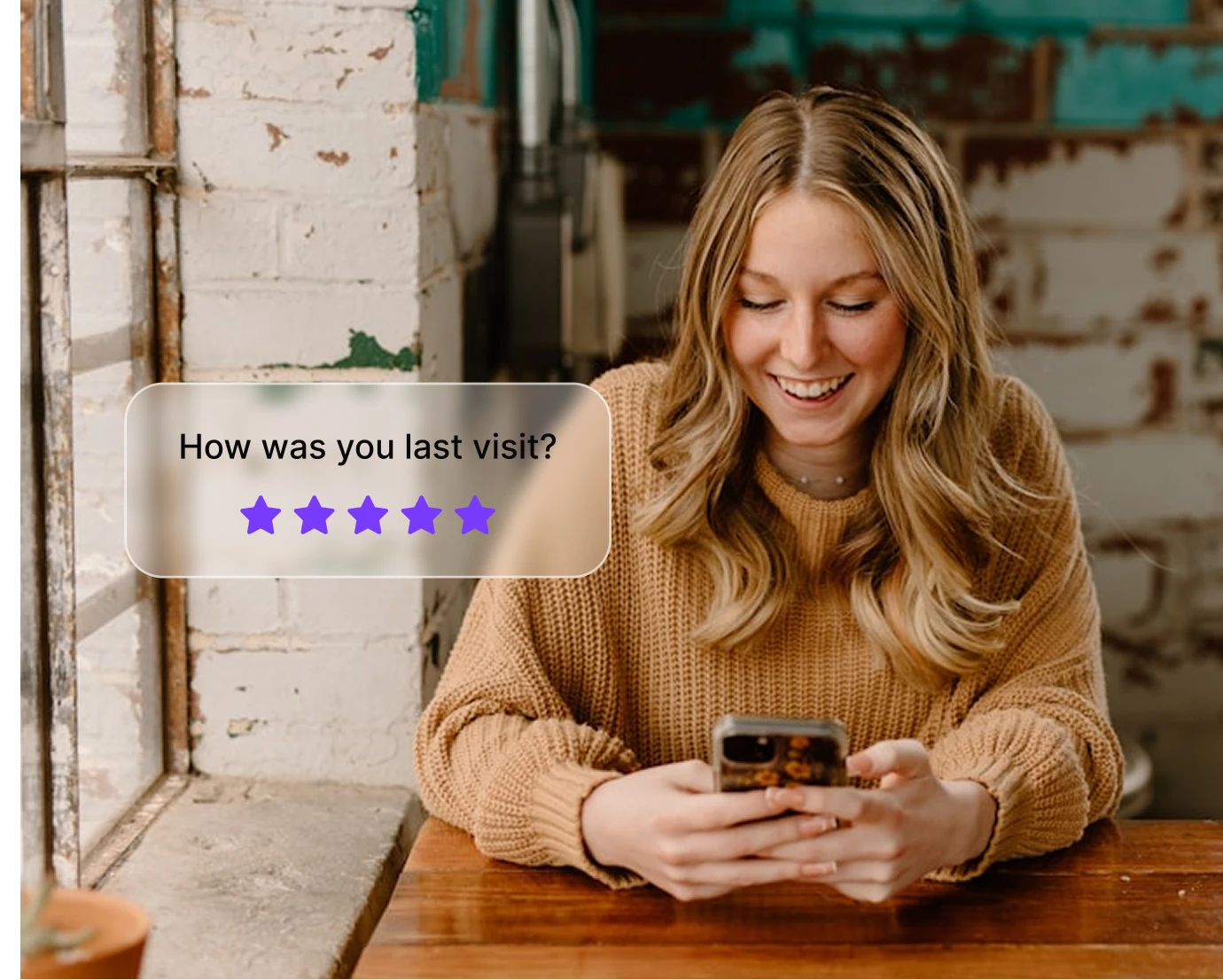
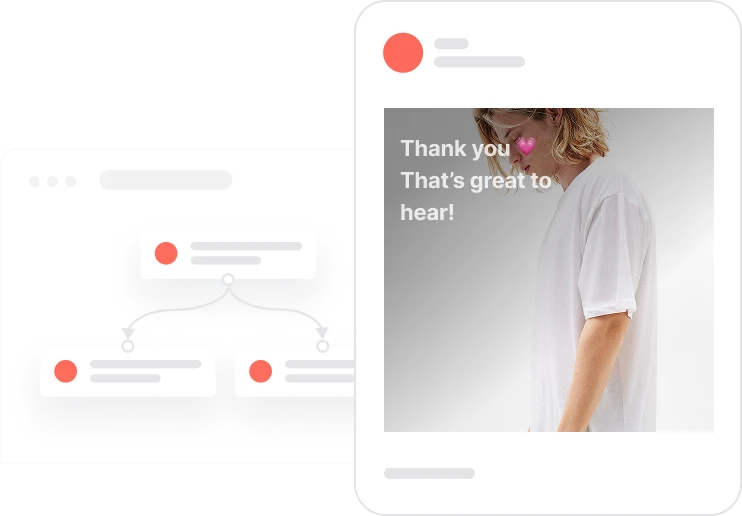
Keep customers coming back. Thank buyers, recommend products, and collect feedback through automated post-purchase workflows. Automated conversion extends beyond the first sale.
Launch proven workflows in minutes
Reactivate quiet leads

Celebrate first purchase anniversaries
.webp)
Celebrate usage milestones

Send birthday discounts

Recover abandoned carts
Automate repeat purchases
Build trust with customer reviews
Trusted by fast-growing teams
Build journeys that evolve with your customers
Every action becomes an opportunity. Design personalized customer journeys that adjust to contact behavior, test new ideas, and optimize in real time. See your conversion funnel visually and improve your automated campaigns for maximum performance.

Frequently Asked Questions
What is the Journey Builder in Positive User?
It's a visual marketing automation tool for designing automated customer journeys. Connect triggers, actions, and messages across channels with a drag-and-drop journey editor. Customer journey mapping in one workspace.
How is it different from standard automation?
The Journey Builder focuses on the bigger picture. It maps and visualizes the full customer journey, not single workflows. Journey visualization shows every path, branch, and outcome.
Can I use it for onboarding, nurturing, and retention?
Yes. Create multichannel journeys for every stage, from acquisition to retention and reactivation. Marketing journeys adapt to each lifecycle phase.
How do journeys personalize the experience?
They use dynamic segmentation and real-time contacts data to adapt messages. Journey personalization matches content to each person's context and behavior.
What kind of triggers can I use?
Start journeys based on contacts' actions, time delays, page visits, email interactions, or any tracked event. Marketing triggers define your journey steps.
Can I combine multiple channels in one journey?
Yes. Mix email, chat, push, WhatsApp, and SMS in a single automated scenario. Multichannel scenarios keep every channel in sync.
How do I track journey performance?
Monitor engagement, conversions, and path completion with real-time tracking and journey analytics. Journey optimization is built on live data.
Is the Journey Builder easy for non-technical teams?
Yes. The drag-and-drop journey editor is fully visual. Build and test campaigns without developers. Automated campaign design requires no code.
Can I use A/B testing inside journeys?
Yes. Test branches, timing, or message types to optimize performance. B2B marketing automation and B2C scenarios both benefit from built-in testing.
Is journey data secure and GDPR-compliant?
Yes. All customer interactions and data flows are processed securely and fully GDPR-compliant.