











Start automations exactly when they matter most
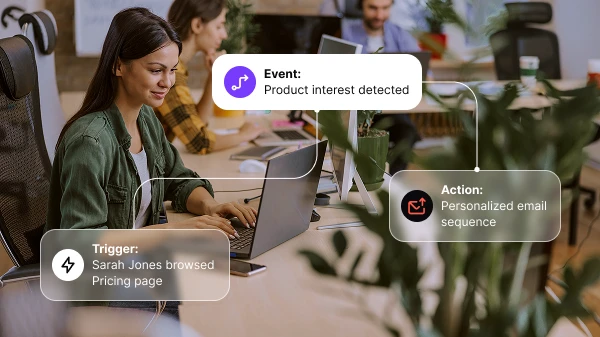
Every great customer journey begins with the right timing. Positive User’s Triggers & Events let you launch automated workflows, send personalized notifications, and track every action in real time. Turn behavioral events into actionable insights. Ensure your automation always starts when customer engagement is highest.
Trusted by +15,000 marketing teams




Turn contact actions into instant marketing reactions
Triggers start your automation flows. Events capture every contact action that sets them in motion. Together, they form the foundation of behavior-based automation. React in real time to what visitors, leads, and customers do. Create conditional actions, personalized journeys, and dynamic segmentation that align with your customers’ behavior.
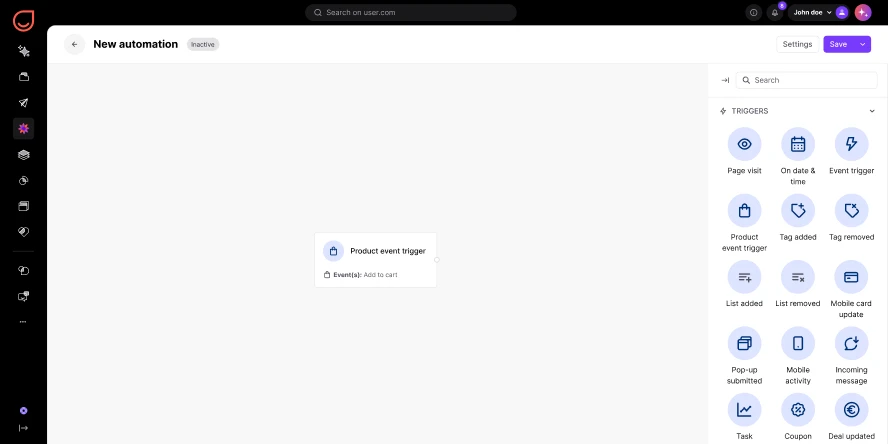
25+ automation triggers
Start automated workflows with over 25 built-in automated triggers. From email opens and form submissions to cart updates and product purchases. Email events, CRM events, and application events all serve as starting points.
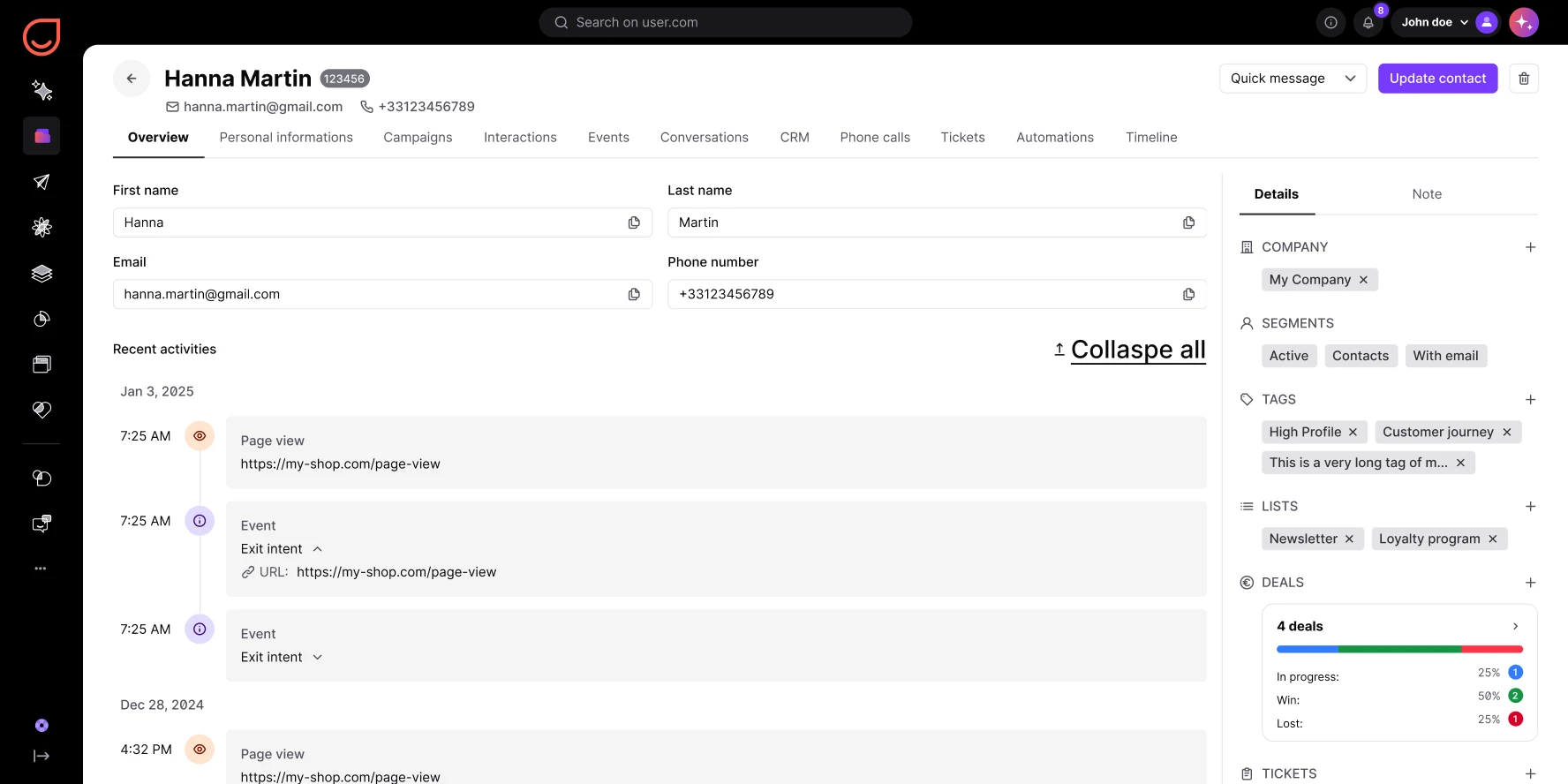
Real-time event tracking
Monitor and record behavioral events in real time. Clicks, registrations, payments, page visits. Turn every action into a valuable signal that improves personalization. Interaction tracking and conversion tracking feed into every contact profile.
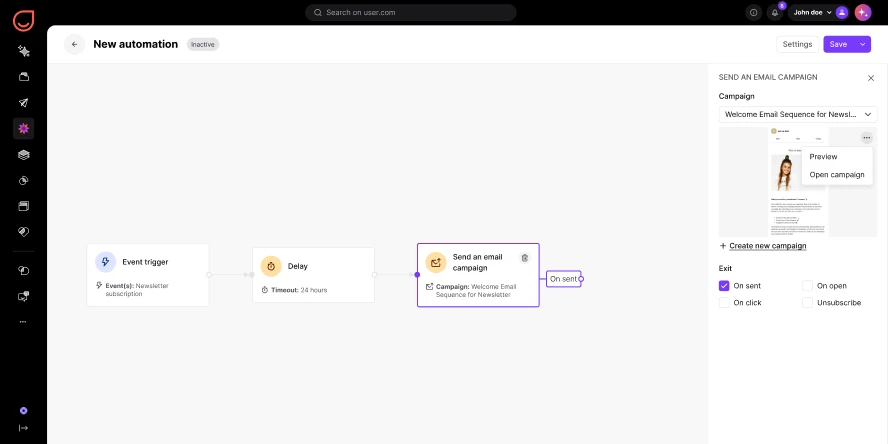
Conditional actions and logic
Define rules and conditions to launch marketing triggers only when specific behaviors or attributes are met. Conditional marketing actions keep your communication relevant. No message fires without the right context.
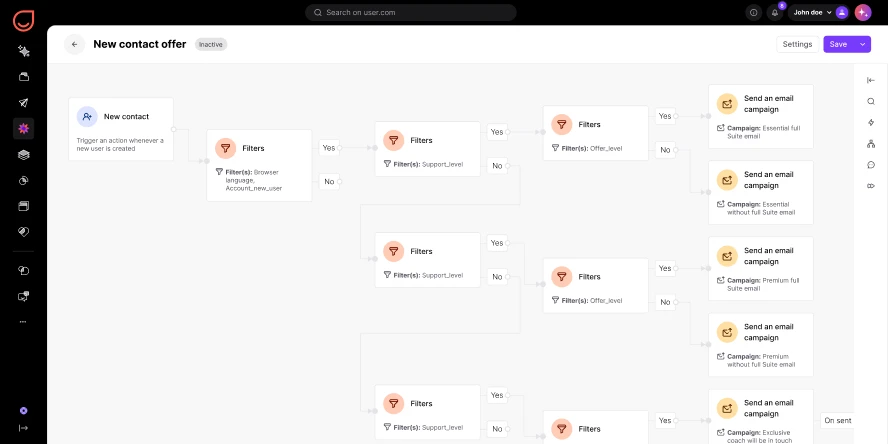
Unlimited flexibility
Combine multiple triggers, connect them to various workflow automations, and build advanced multichannel triggers scenarios. Automated marketing orchestration that matches your business perfectly.
Triggers & Events in action
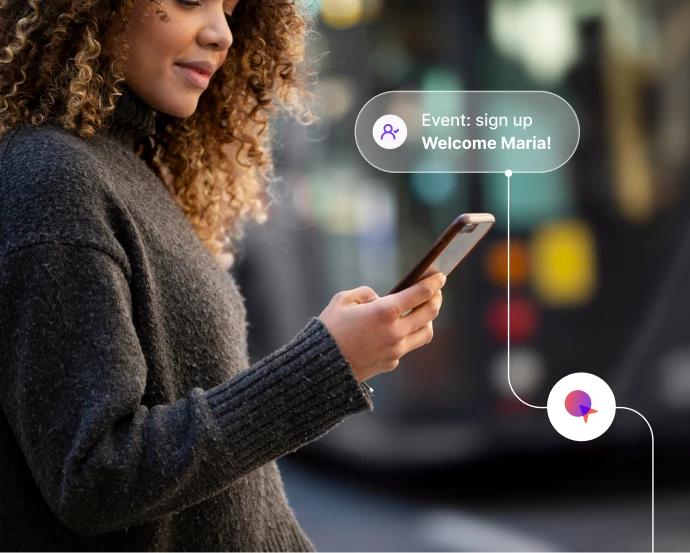
Launch behavior-based campaigns
Send personalized messages when contacts take specific actions: signing up, downloading a file, or completing a purchase. Triggered campaigns start from real behavior-based actions, not schedules.
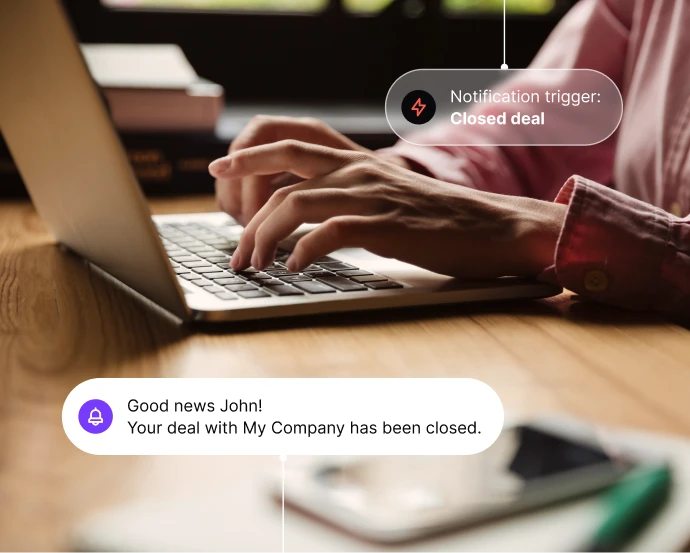
Send real-time alerts to your team
Trigger automated notifications instantly when a key event occurs. A trial ending, a deal closing, a lead scoring threshold reached. Real-time alerts keep your team responsive.

Sync CRM events with automated follow-ups
Connect CRM events like deal creation or contact updates to trigger follow-ups and keep your team aligned. Lead tracking and pipeline changes feed directly into your automated scenarios.
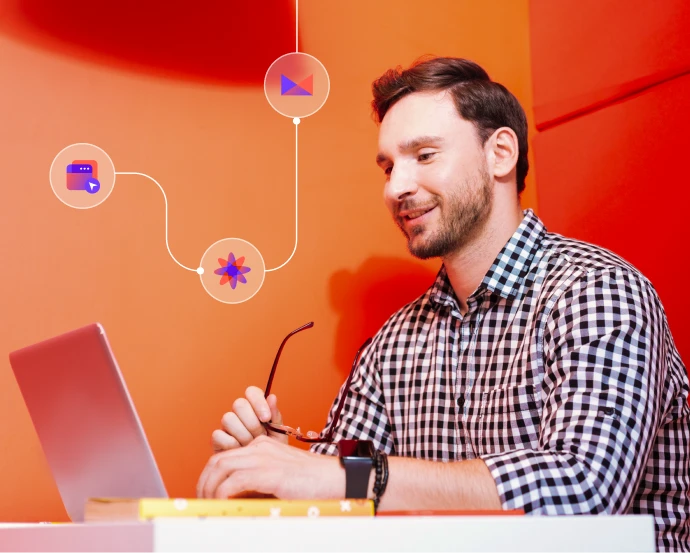
Track website and app engagement
Use website events and application events to understand visitor behavior. Start personalized engagement workflows automatically. Event tracking powers every automation.

Re-engage contacts with dynamic sequences
Combine event triggers with segmentation filters to re-engage contacts who abandon carts, cancel subscriptions, or go inactive. Event-based marketing meets dynamic segmentation for precise reactivation.
Launch proven workflows in minutes
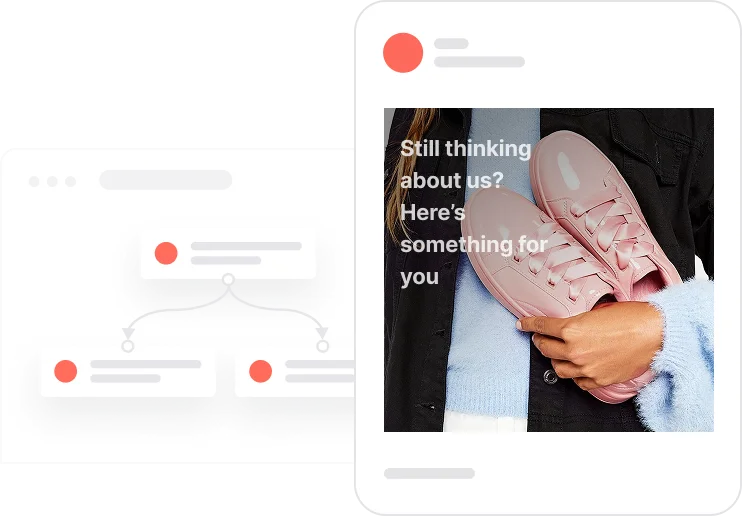
Reactivate quiet leads

Celebrate first purchase anniversaries
.webp)
Celebrate usage milestones

Send birthday discounts

Recover abandoned carts
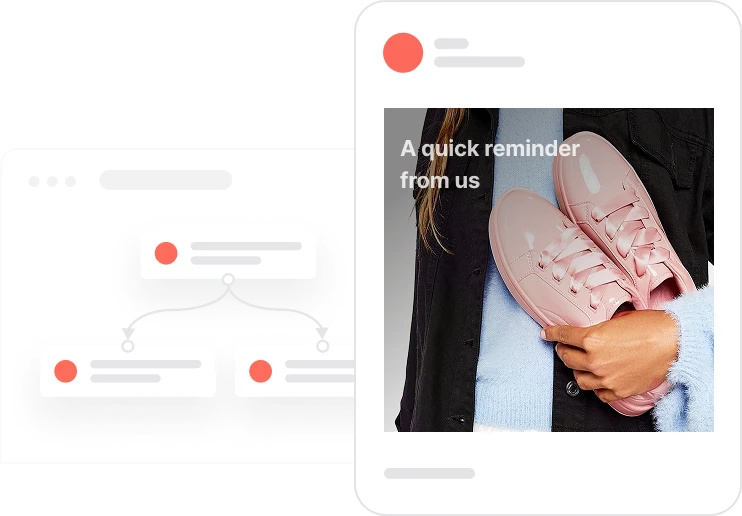
Automate repeat purchases
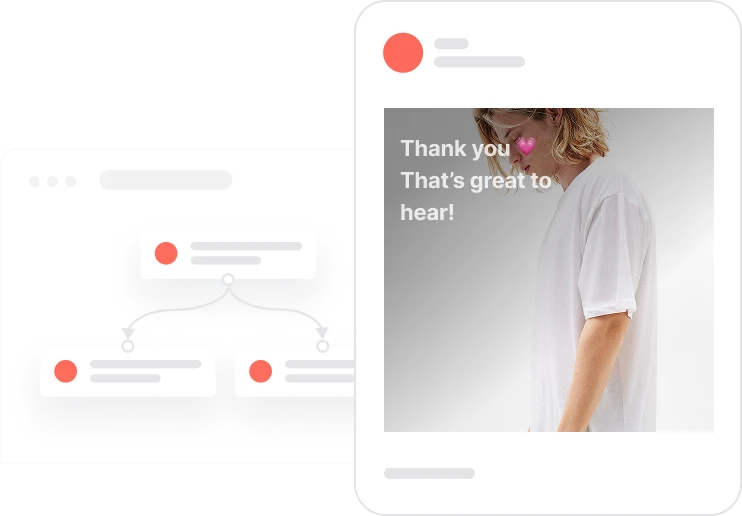
Build trust with customer reviews
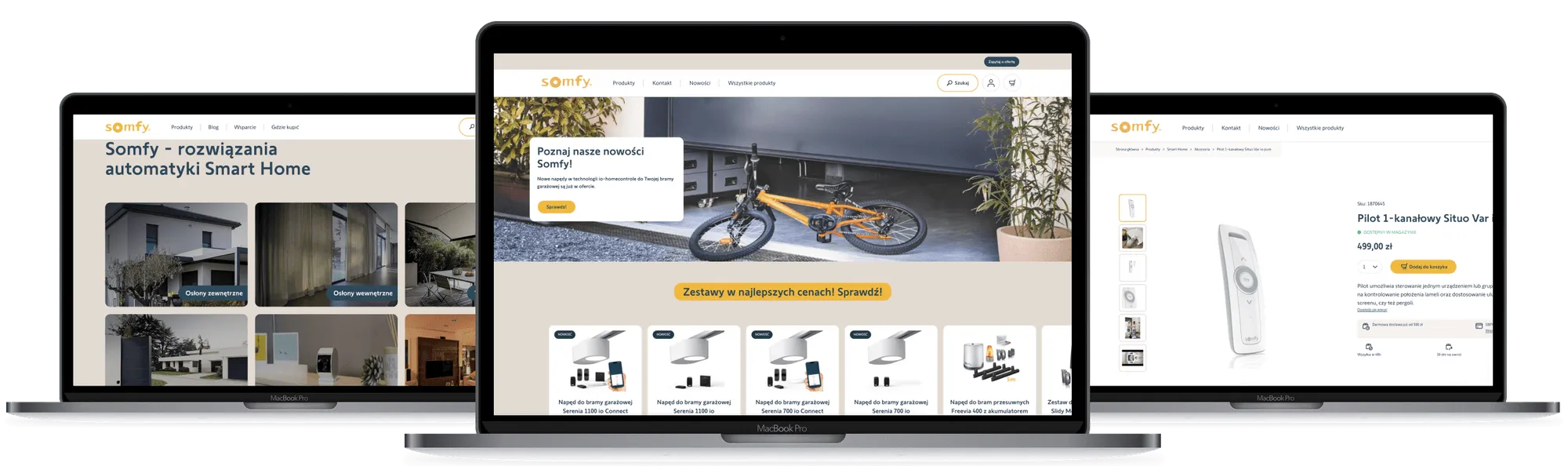
Trusted by fast-growing teams
Automate smarter with behavior-based triggers
Triggers & Events make automation more responsive by reacting to what contacts do. From real-time alerts to multichannel triggers, every campaign becomes precise, personal, and timely. Track key conversion events and create automated workflows that improve customer engagement at every step.

Frequently Asked Questions
What are Triggers in Positive User?
Triggers are starting points for automated workflows. They define the specific conditions or actions that launch a campaign automatically. Over 25 built-in automated triggers are available.
What are Events?
Events represent what contacts do: clicks, logins, purchases, or form submissions. They’re tracked through your website or app. Behavioral events capture every meaningful action.
How do Triggers and Events work together?
Events record the action. Triggers respond to it by launching automated workflows or messages in real time. Event-based marketing connects behavior to response instantly.
How many types of triggers are available?
Positive User offers more than 25 built-in triggers. This includes Event Trigger, Product Event Trigger, and CRM Event Trigger. B2B automation and e-commerce triggers are both covered.
Can I combine multiple triggers in one automation?
Yes. Chain triggers together to launch one flow through multiple conditions or behaviors. Automated scenarios adapt to complex customer journeys.
How do I track events on my website or app?
Install a simple tracking code, use API calls, or integrate via Google Tag Manager. Event tracking sends data to Positive User automatically. Website events and application events are captured in real time.
What kind of actions can be automated?
Emails, messages, CRM updates, lead scoring, notifications, and more. Each is triggered by specific behavioral events. Automated actions cover every channel.
Can I personalize messages with event attributes?
Yes. Add event attributes like product name or price to make messages more relevant. Personalized notifications feel contextual because they draw from real customer behavior.
How can I monitor trigger activity?
Use real-time analytics and activity logs to see which triggers fire most often. Interaction tracking and performance data help you optimize your workflows.
Is all event data GDPR-compliant?
Yes. All event tracking and customer data are processed securely. Full compliance with GDPR and CCPA.